The honest bit
You’ve got bookings in a spreadsheet. They need to come across to Doris.
There’s no magic import. It’s a one-time manual job, and it does take a bit of time.
One thing takes a good chunk out of it: anything that repeats goes in once as a recurring series, not date by date. A weekly class that runs all term is a single job, not twelve.
Do it once. Then you’re done.
Two ways to do it
Option A - Admin does it
One person goes through the existing diary and enters everything directly. Focused work. Gets done in an afternoon.
Option B - Phased rollout
Add members a few at a time. Ask each person to enter their own existing bookings. Slower, but nobody gets lost.
Option A - One person, one sitting
An admin opens the old diary, works through it room by room, and enters everything into Doris.
Quick to coordinate. No confusion about who’s done what.
Good for smaller organisations or tightly managed diaries.
Option B - Bring people in gradually
Add members a few at a time. Each one gets their welcome email straight away (unless you hold it), so they can sign in and enter their own bookings.
Admins can watch, help, and catch anything that doesn’t look right before the next group arrives.
Good for larger teams or anyone who wants a gentler rollout.
Easier on a bigger screen
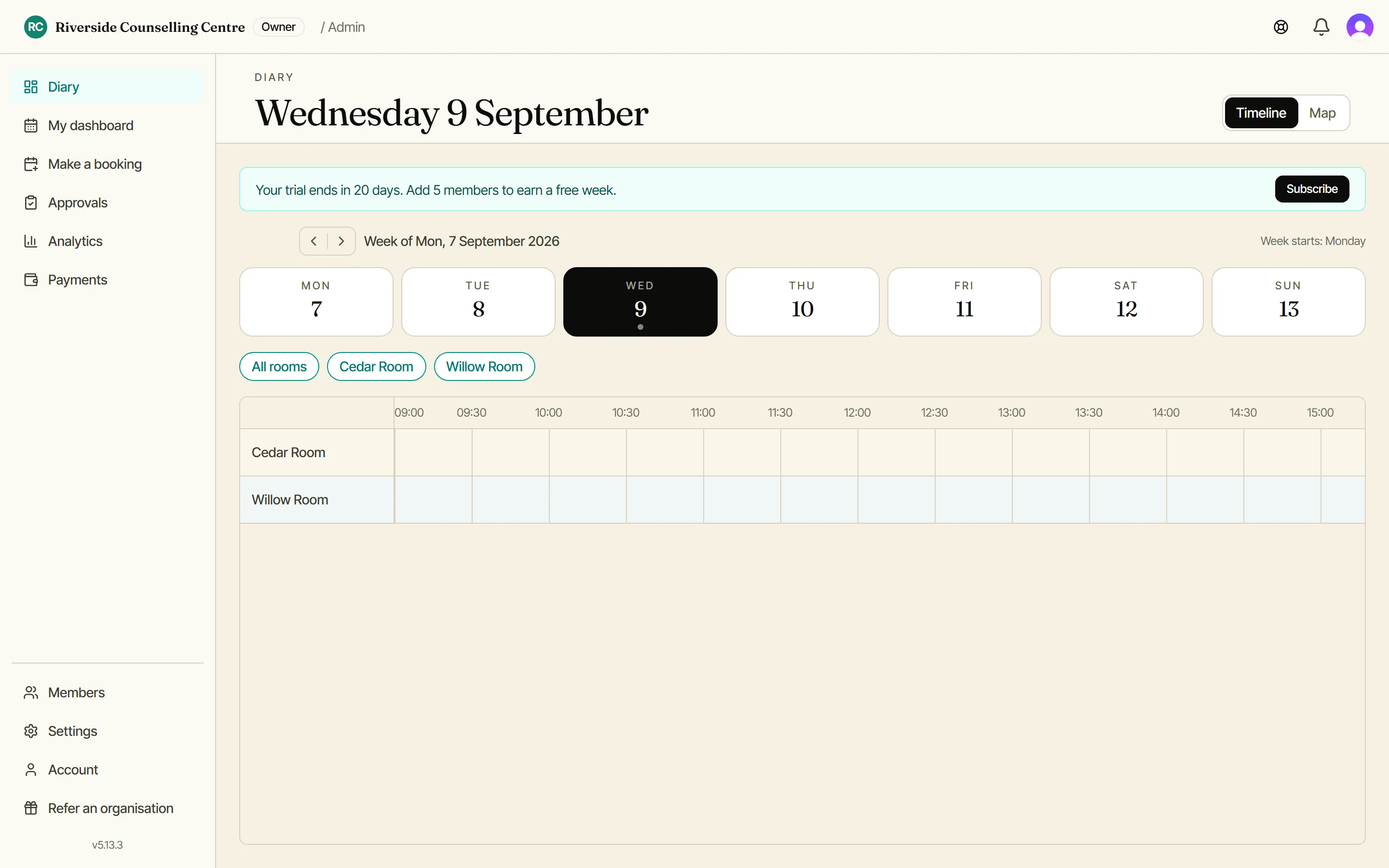
You can do this on your phone, but the desktop view shows your whole week across all rooms at once. For bulk entry, that’s a much easier working surface.
You only do this once
After the initial transfer, Doris takes over.
New bookings go straight in. Conflicts get caught automatically. The spreadsheet quietly retires.
Next up: how to make a booking.