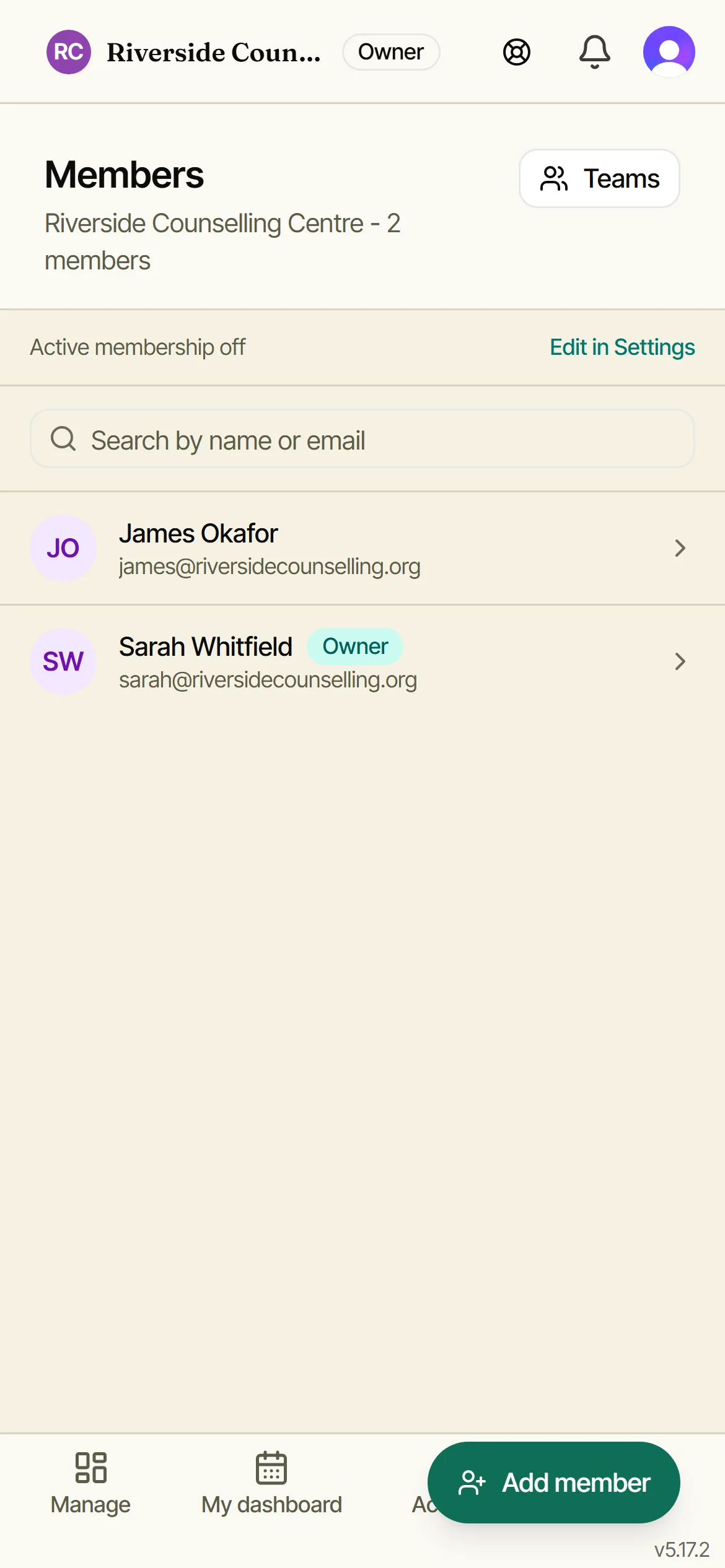
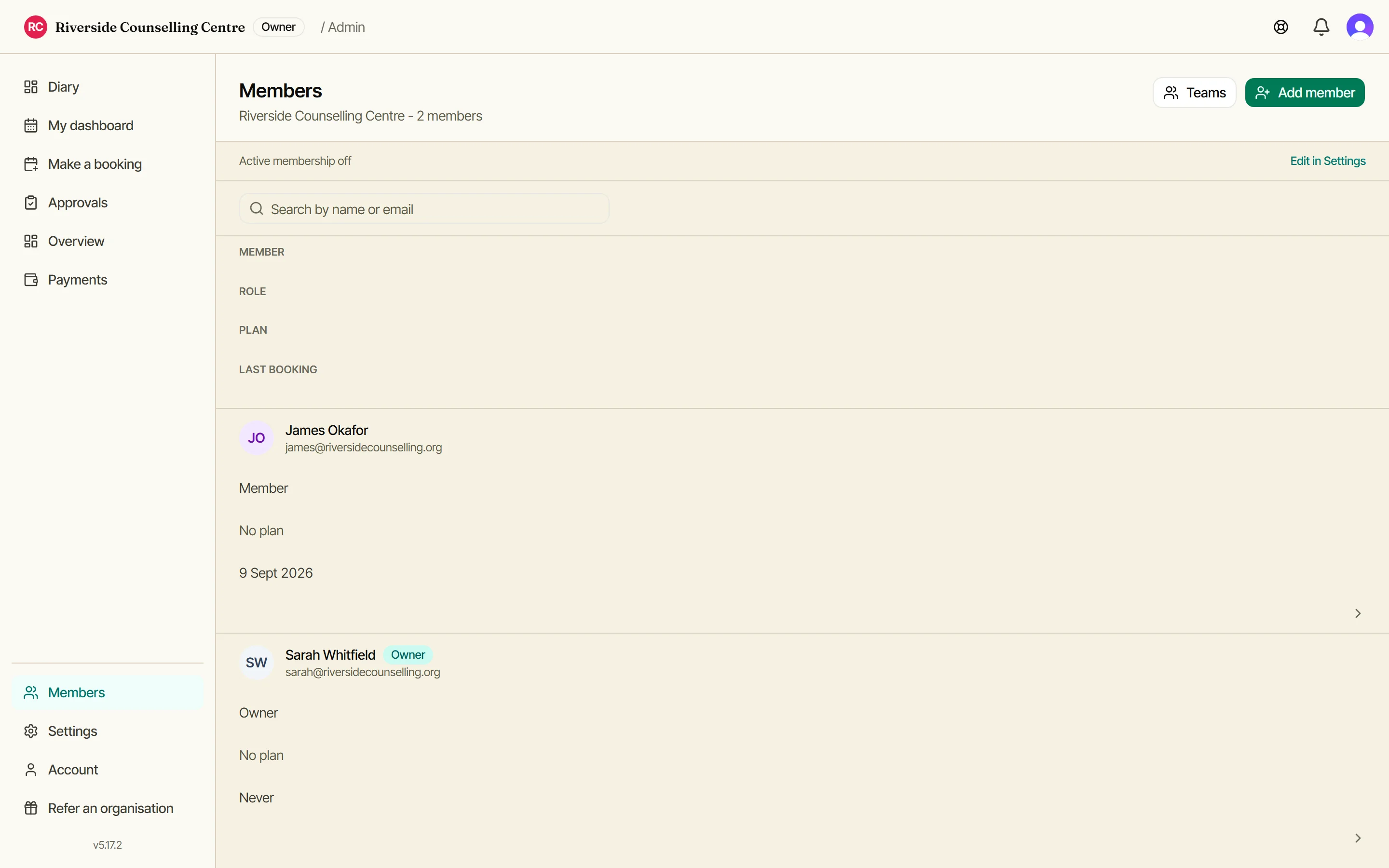
Your members list
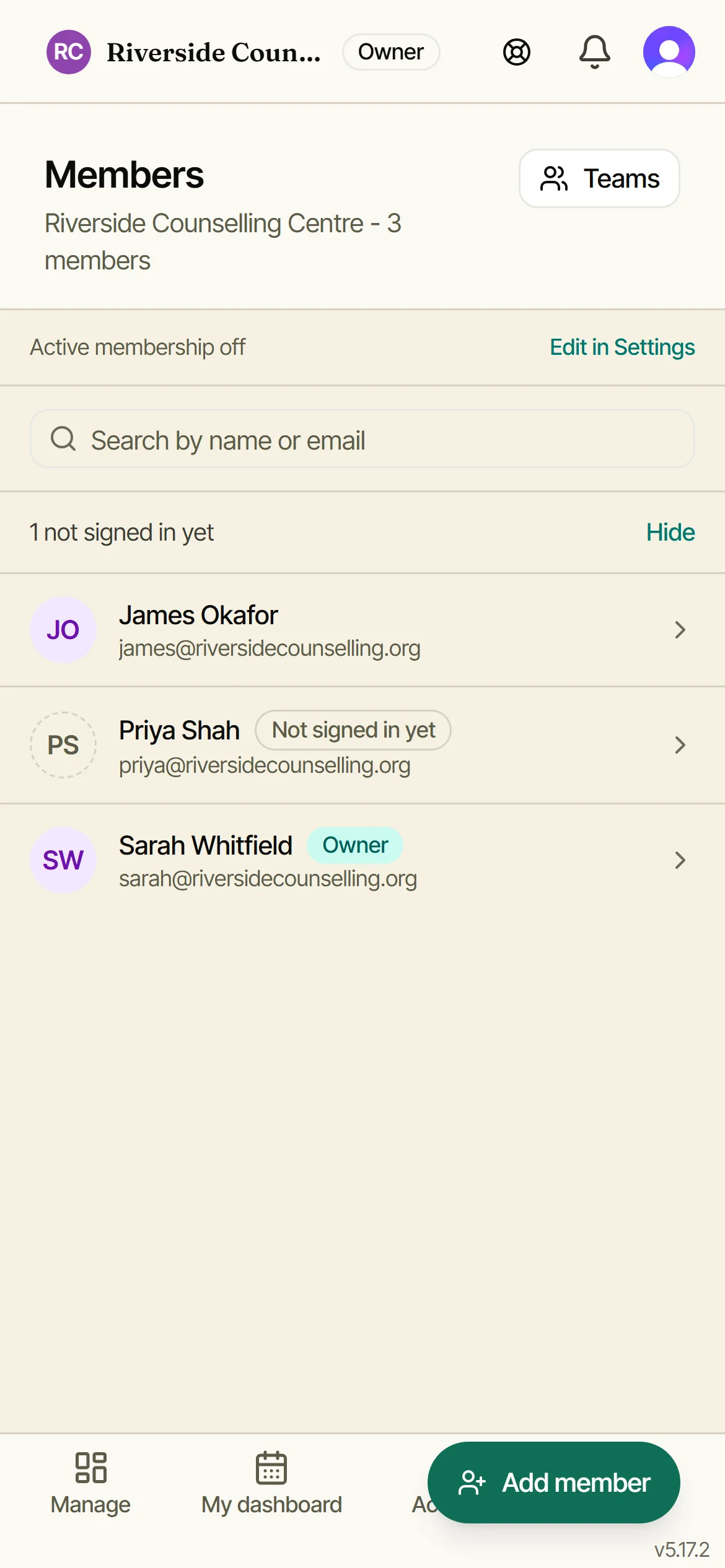
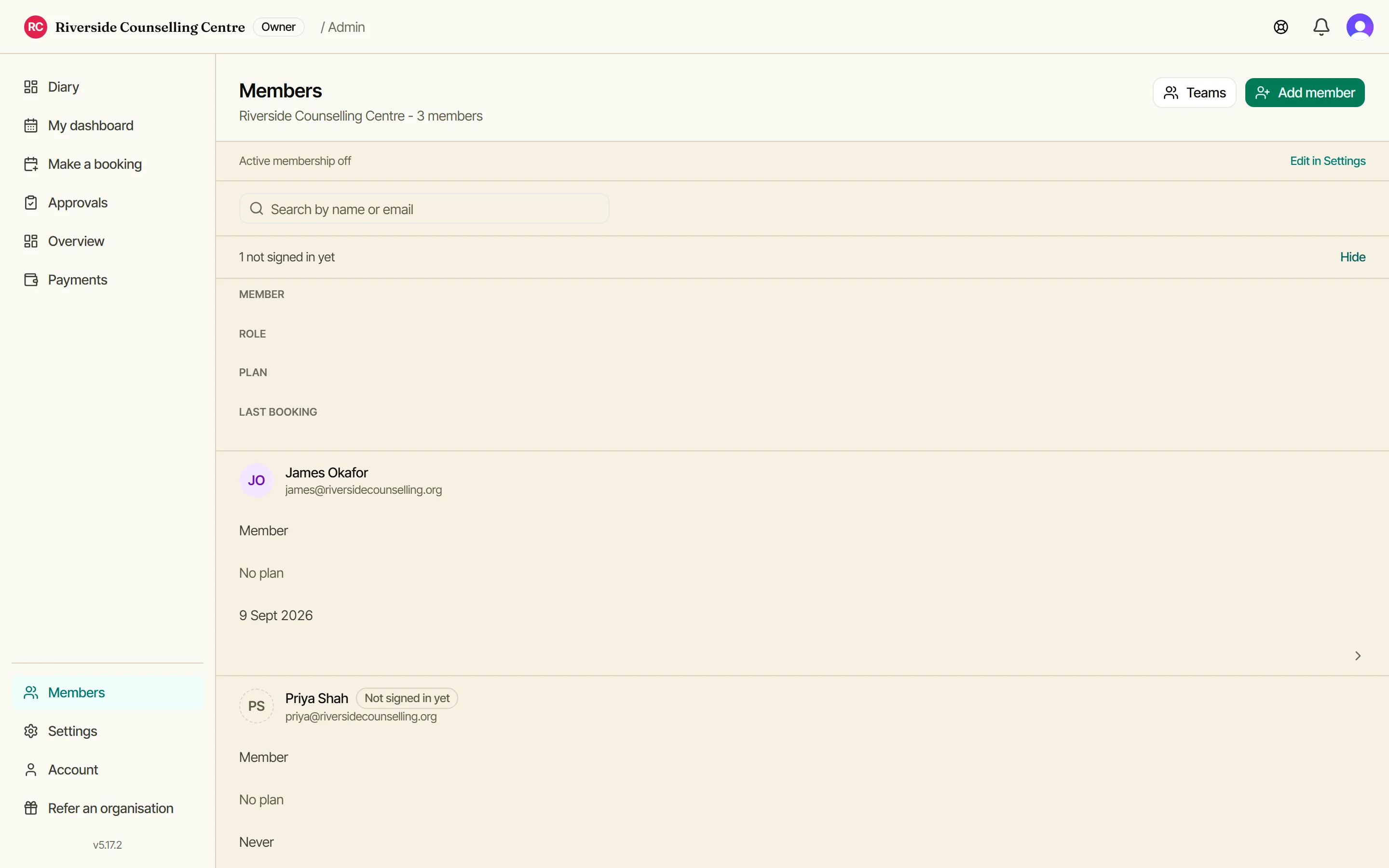
Everyone in your organisation, with their role and status at a glance. Tap Add member to grow the list.
Add a member
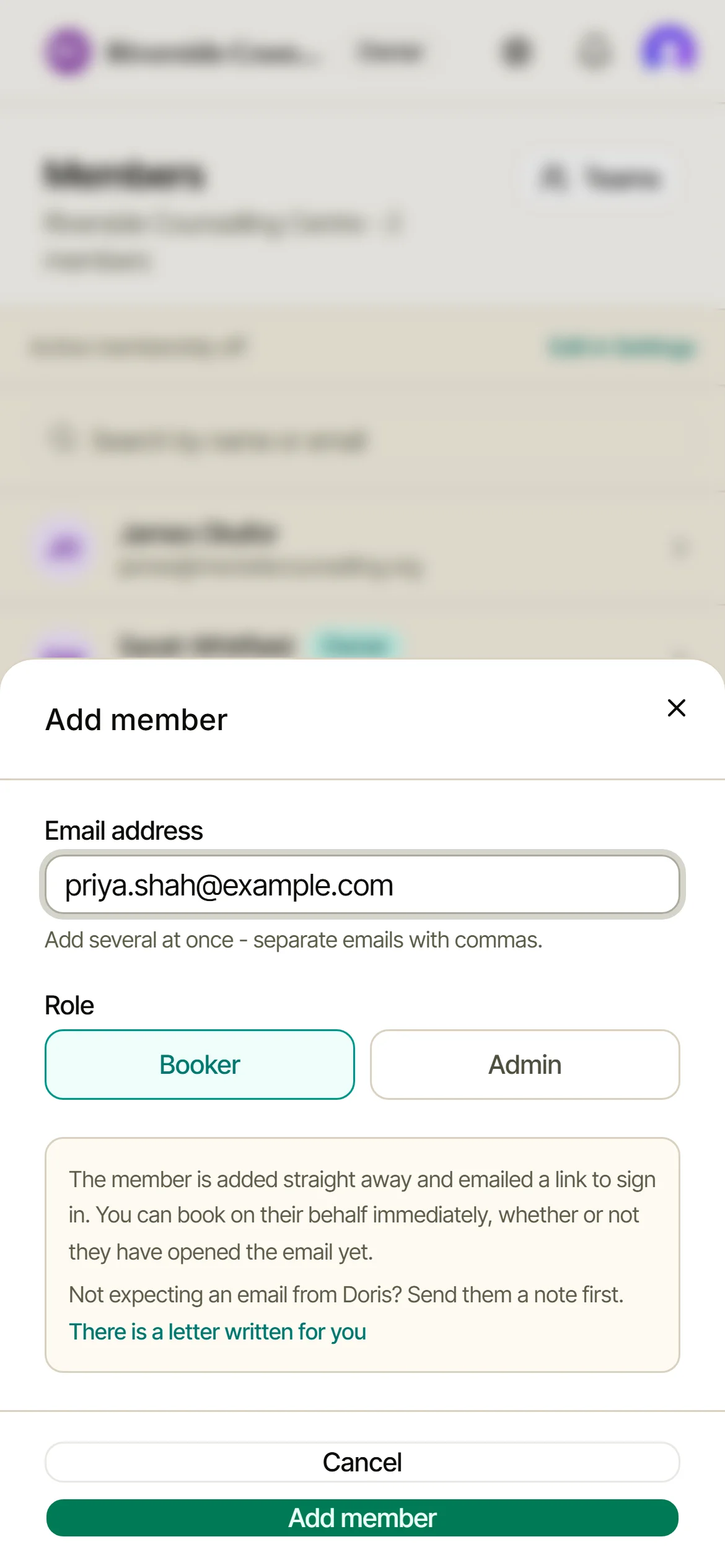
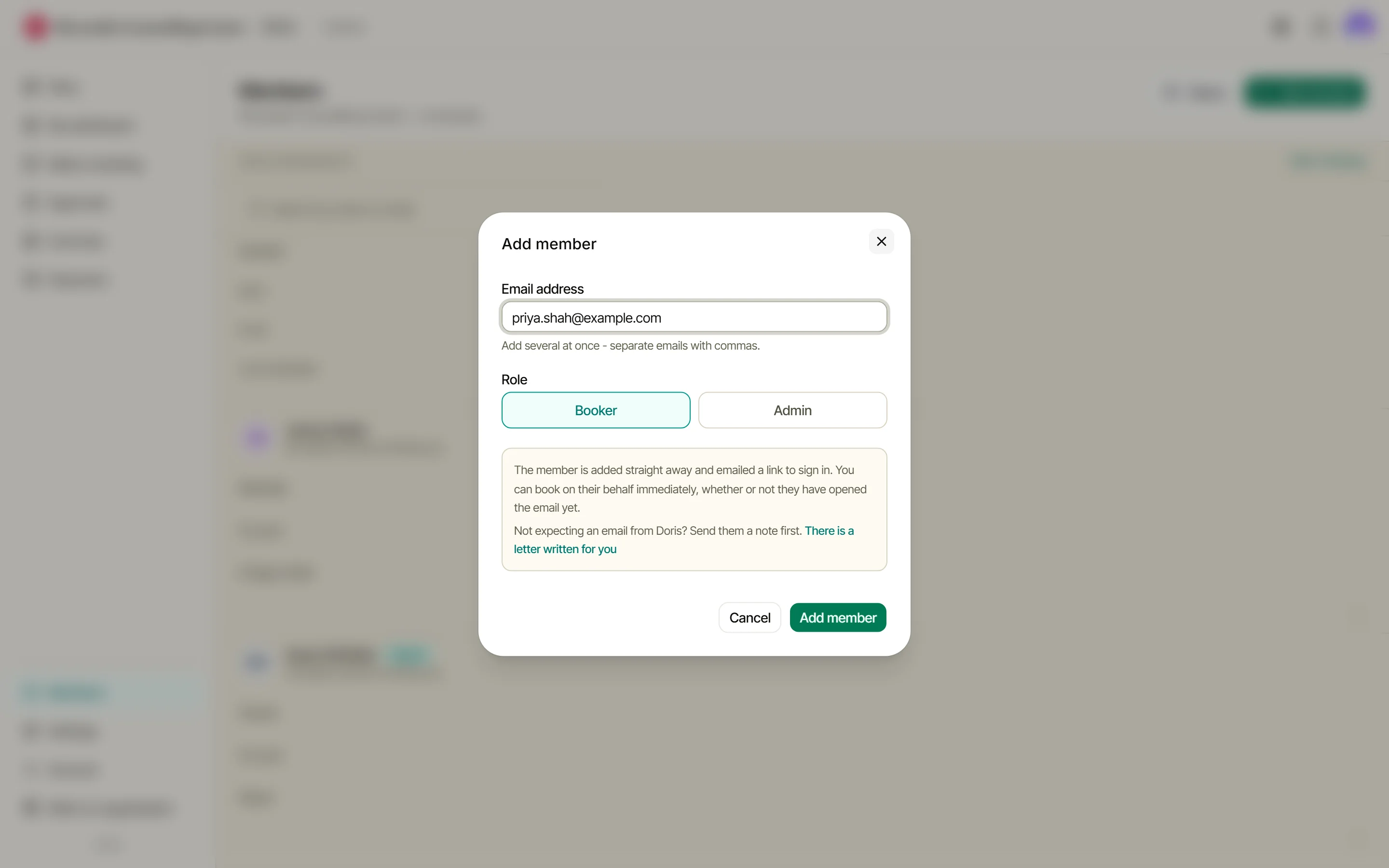
Enter their email and set their role. Owners can add an admin here; admins add bookers. Adding several at once? Separate the emails with commas. Then choose whether I email them now or hold the welcome until you are ready.
They’re in straight away
The member is active immediately and Doris emails them a sign-in link - the badge shows who hasn’t signed in yet. Still setting up? Choose “Hold it until I’m ready” and send the invitations later from this page.
Help them in
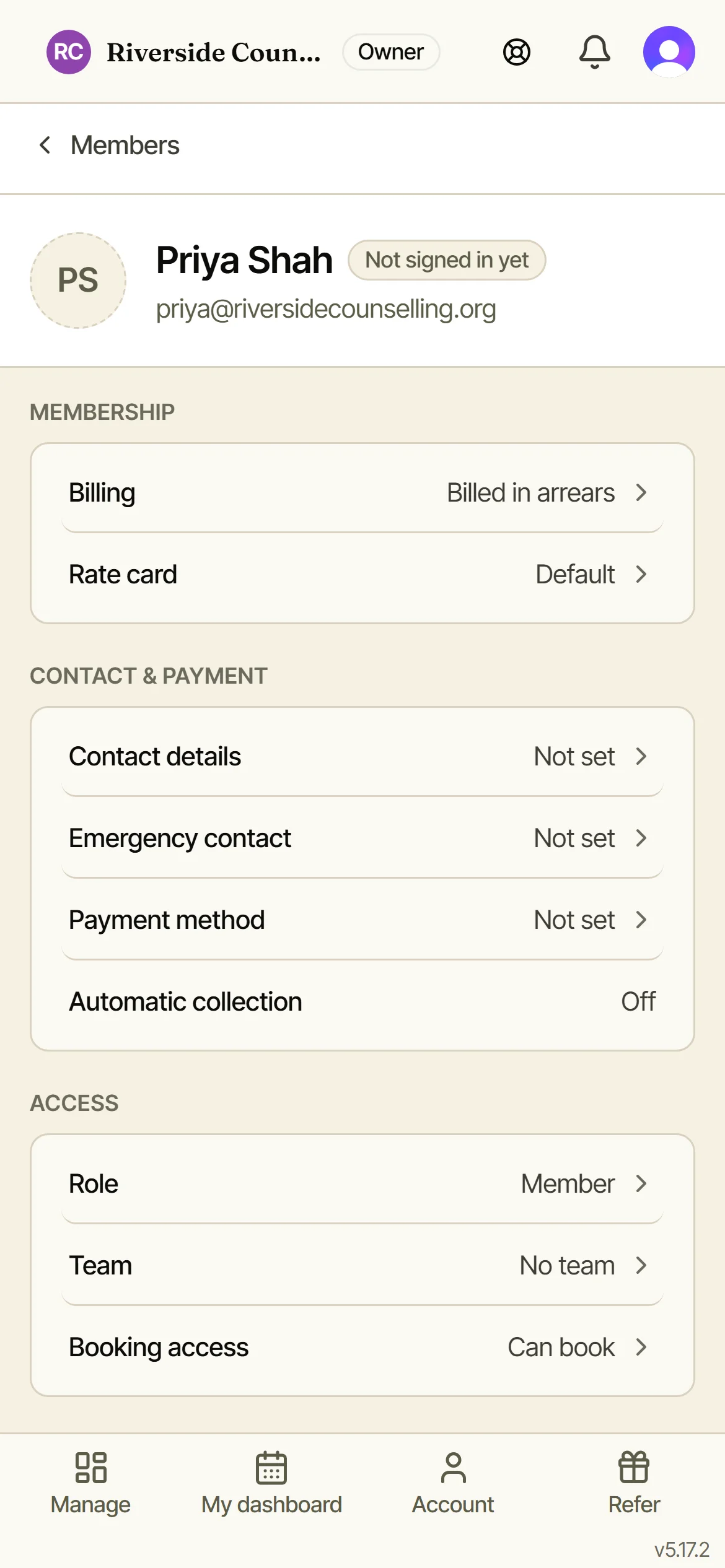
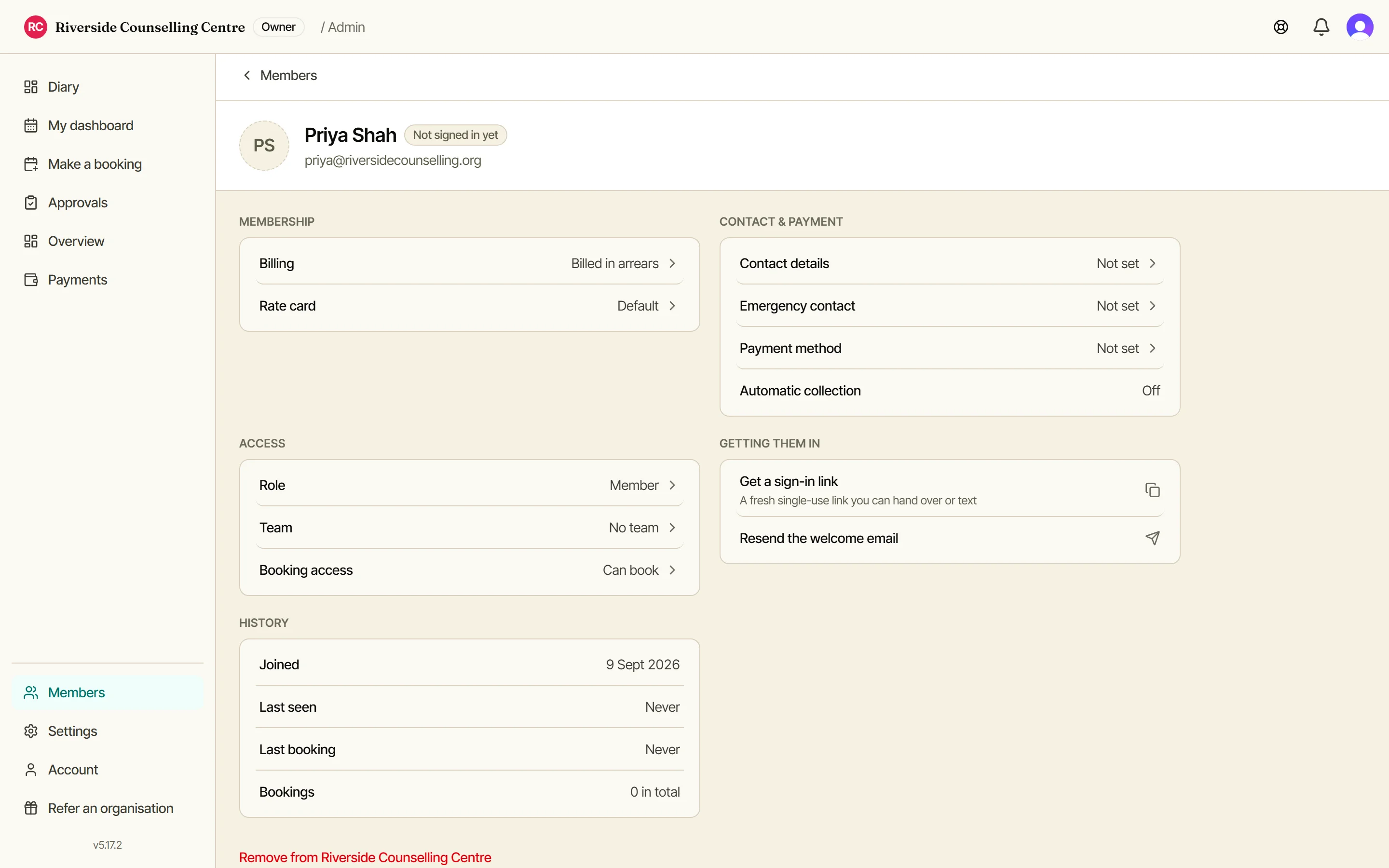
Open any member to grab a fresh sign-in link you can hand over or text, or to resend their welcome email. A held welcome is sent from here too. Someone who already has their own Doris account is not given a link: they sign in themselves.
Admin or booker?
You can have up to three admins alongside the owner, and only the owner can appoint one. An admin adds bookers.
Both plans hold up to 100 rooms and 500 members, so the length of your list is never what decides your price. If you are somehow near either number, get in touch.
Admin
Books for themselves or anyone else. Can approve requests. Up to 3 per org, appointed by the owner.
Member
Views rooms and makes bookings for themselves only.
What your member receives
A welcome email sent as “Doris for your organisation”, with your name in the subject line, a short list of what they can now do, your phone number if you have given me one, and a single-use sign-in link - no password to invent on the spot, no invite code. If they reply, it reaches you.
Once they’ve signed in, they book for themselves. Until then you can book on their behalf, and their member page always has a fresh link if the email goes astray.