Your account
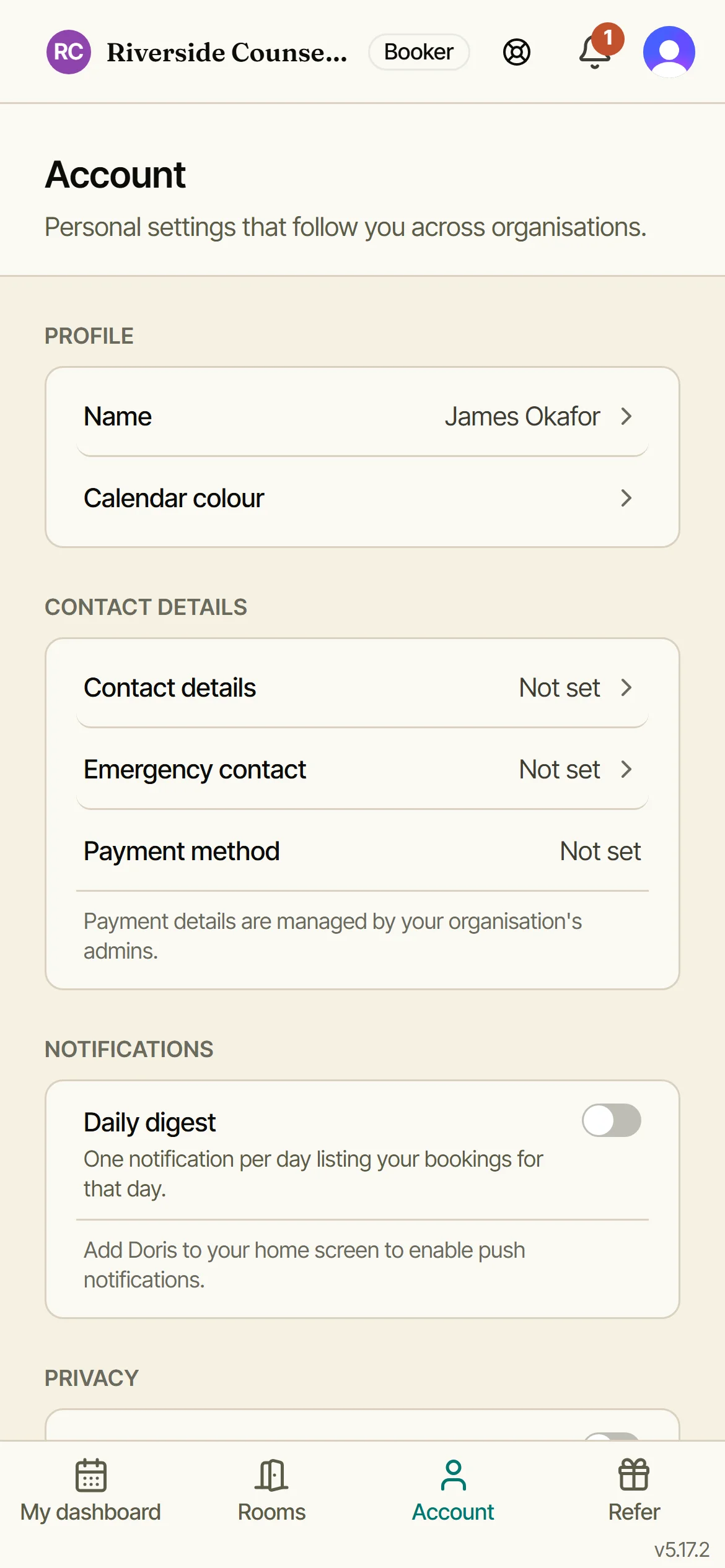
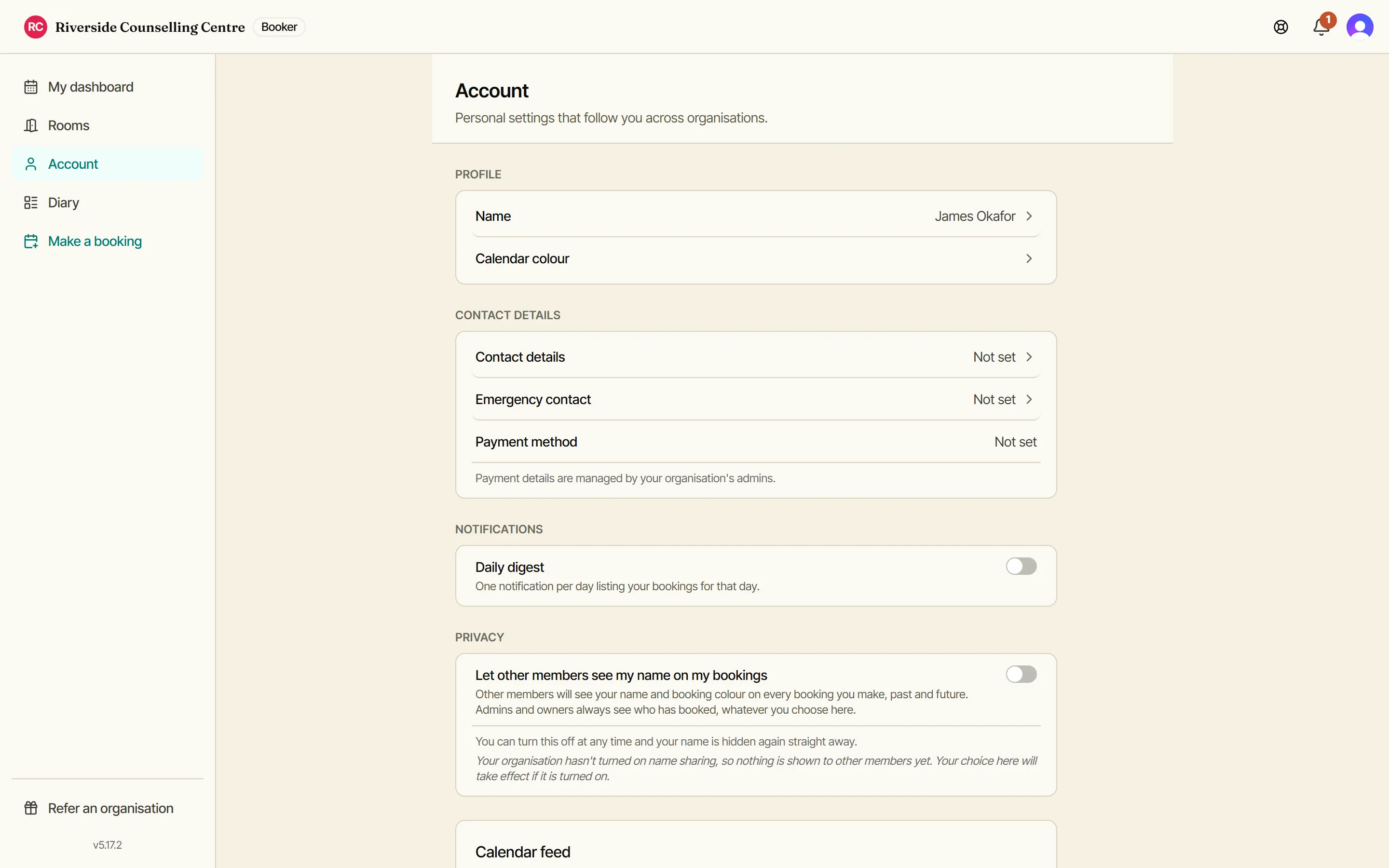
Your name and calendar colour follow you into every organisation you belong to; your notifications and privacy settings belong to this one. Tap any row to open it.
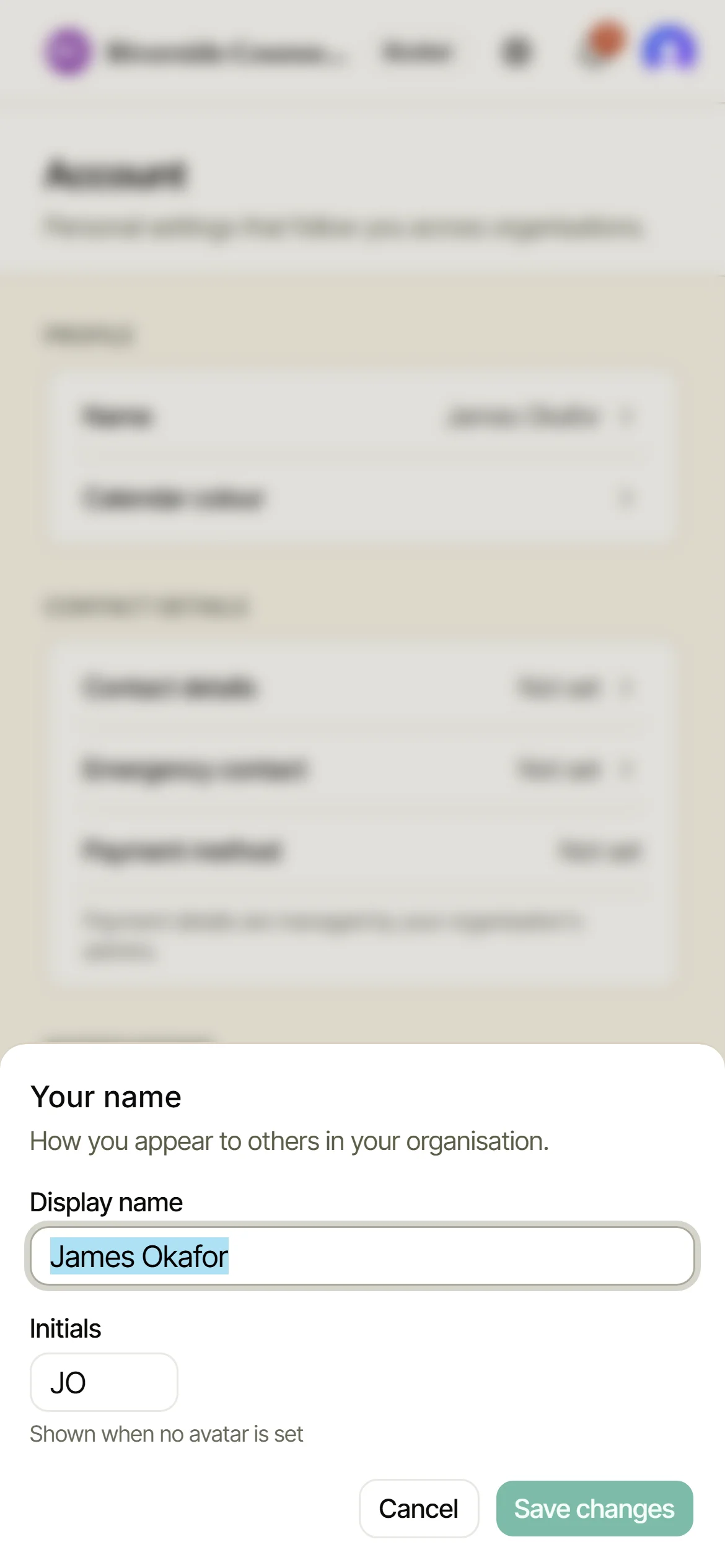
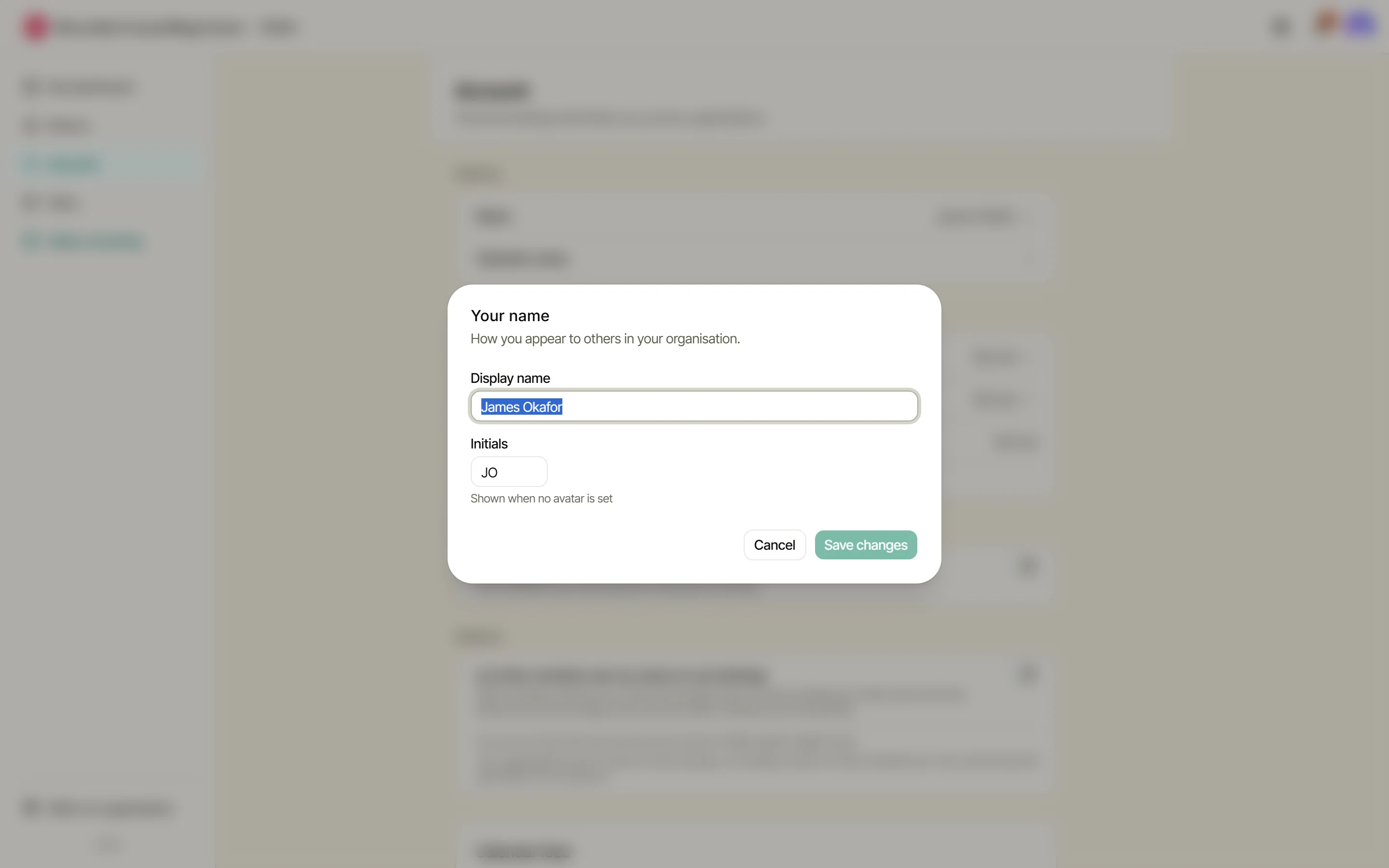
Your name
Your display name and your initials live together in one row. The name is how you appear to your organisation; the initials are the little badge on your bookings in the diary, so an admin can see at a glance whose session is whose.
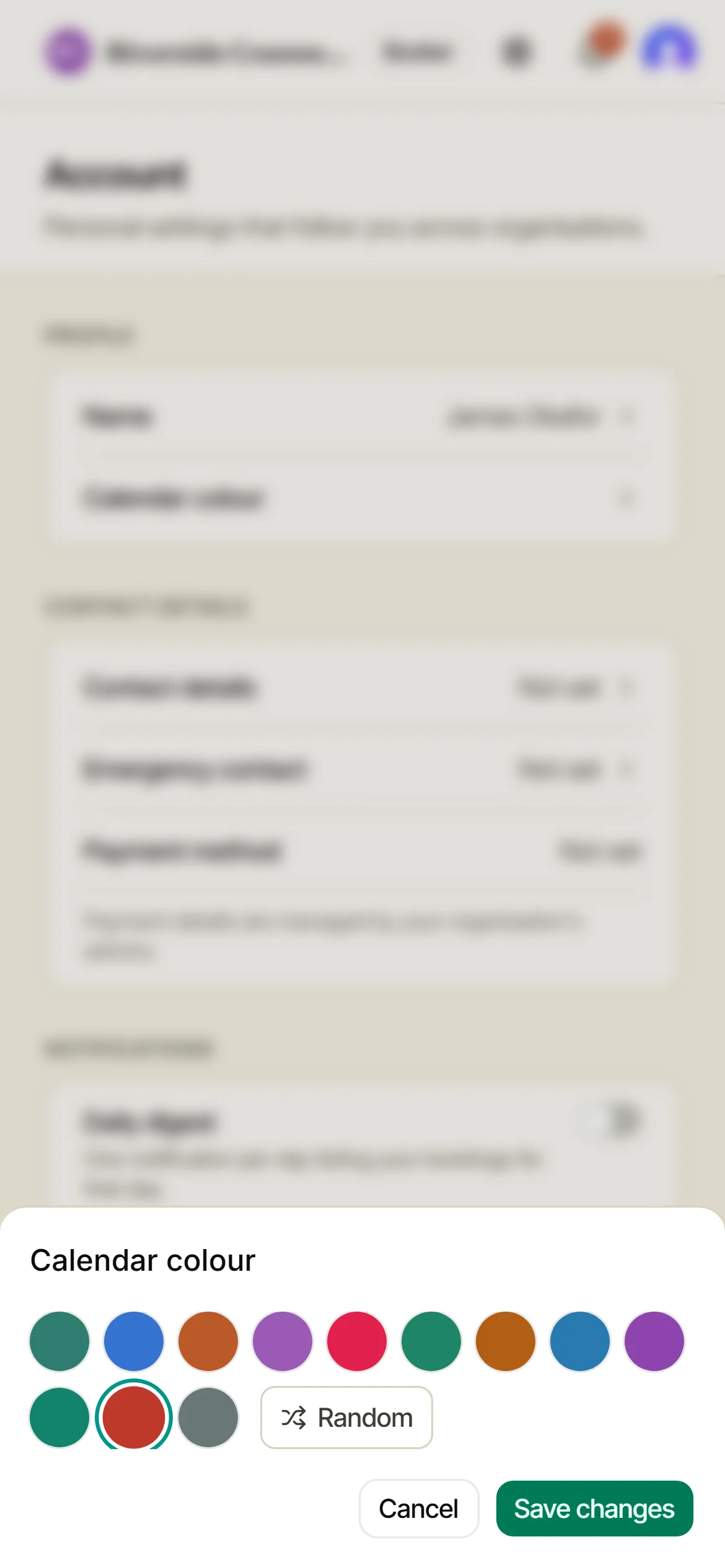
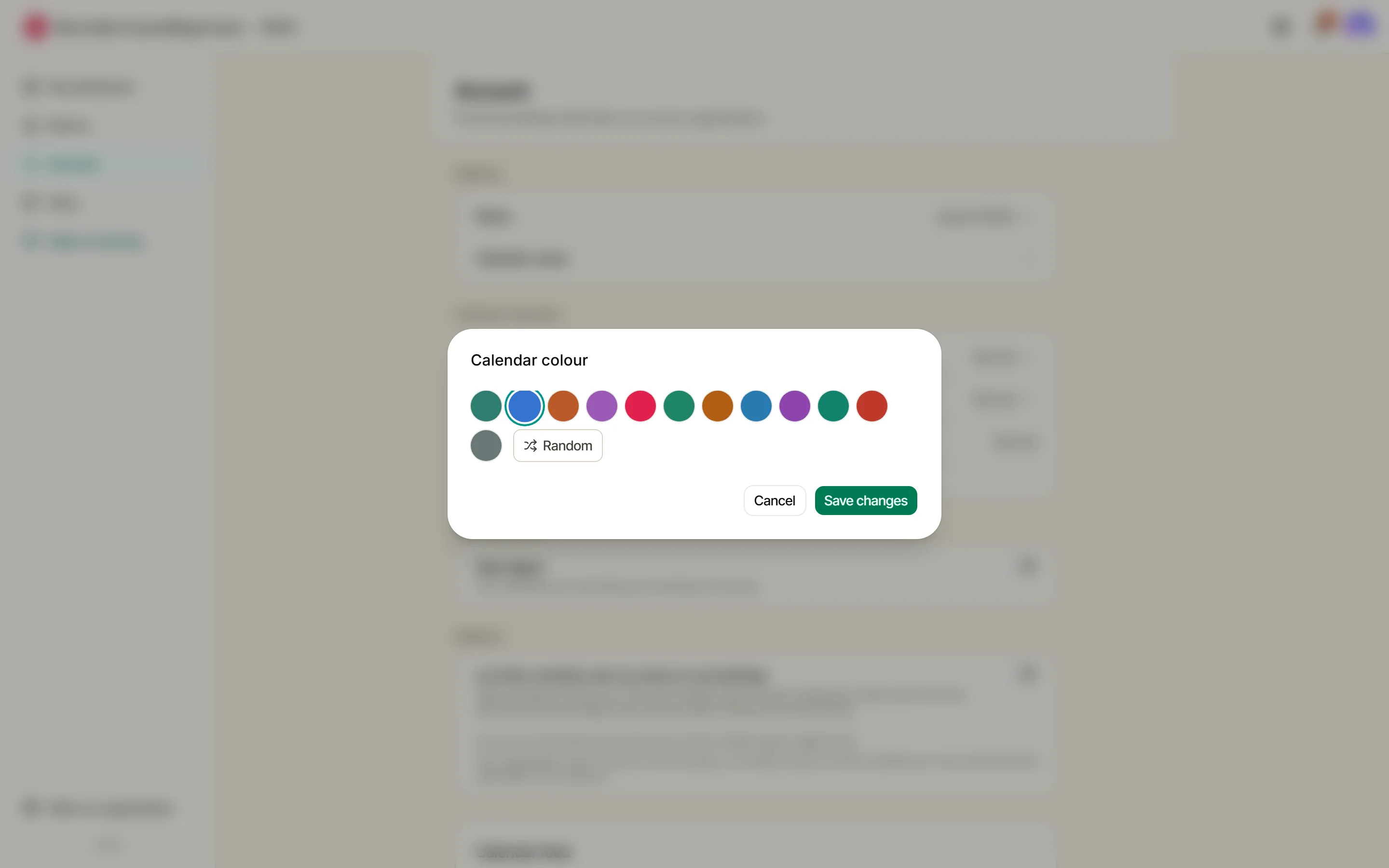
Your calendar colour
Pick the colour your bookings wear in the diary. Pick something distinctive: on a busy week it is the fastest way for anyone to find your sessions.
Daily digest
One notification each morning listing your bookings for that day, and nothing else. Turn it on and pick the time it lands. Your phone will ask permission the first time; on an iPhone, add Doris to your home screen first.
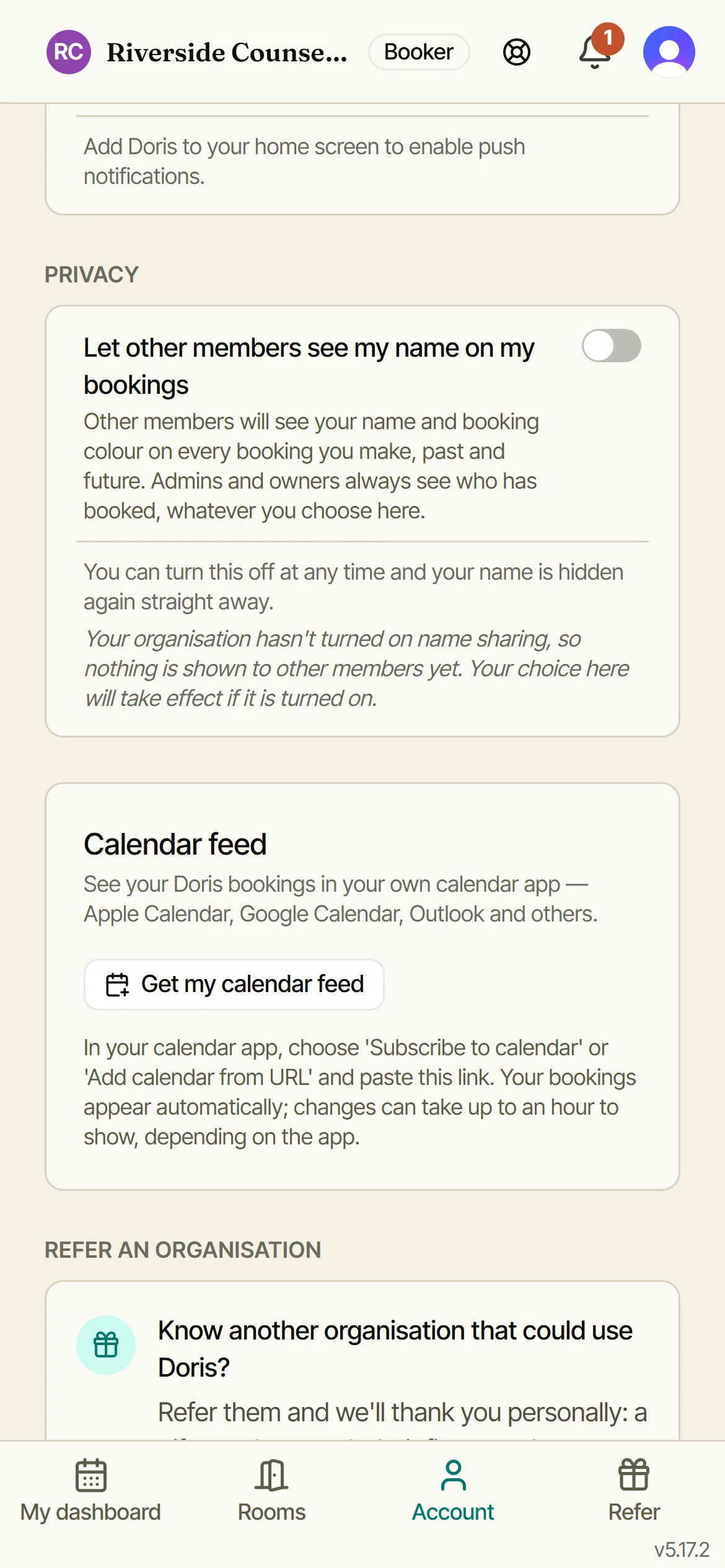
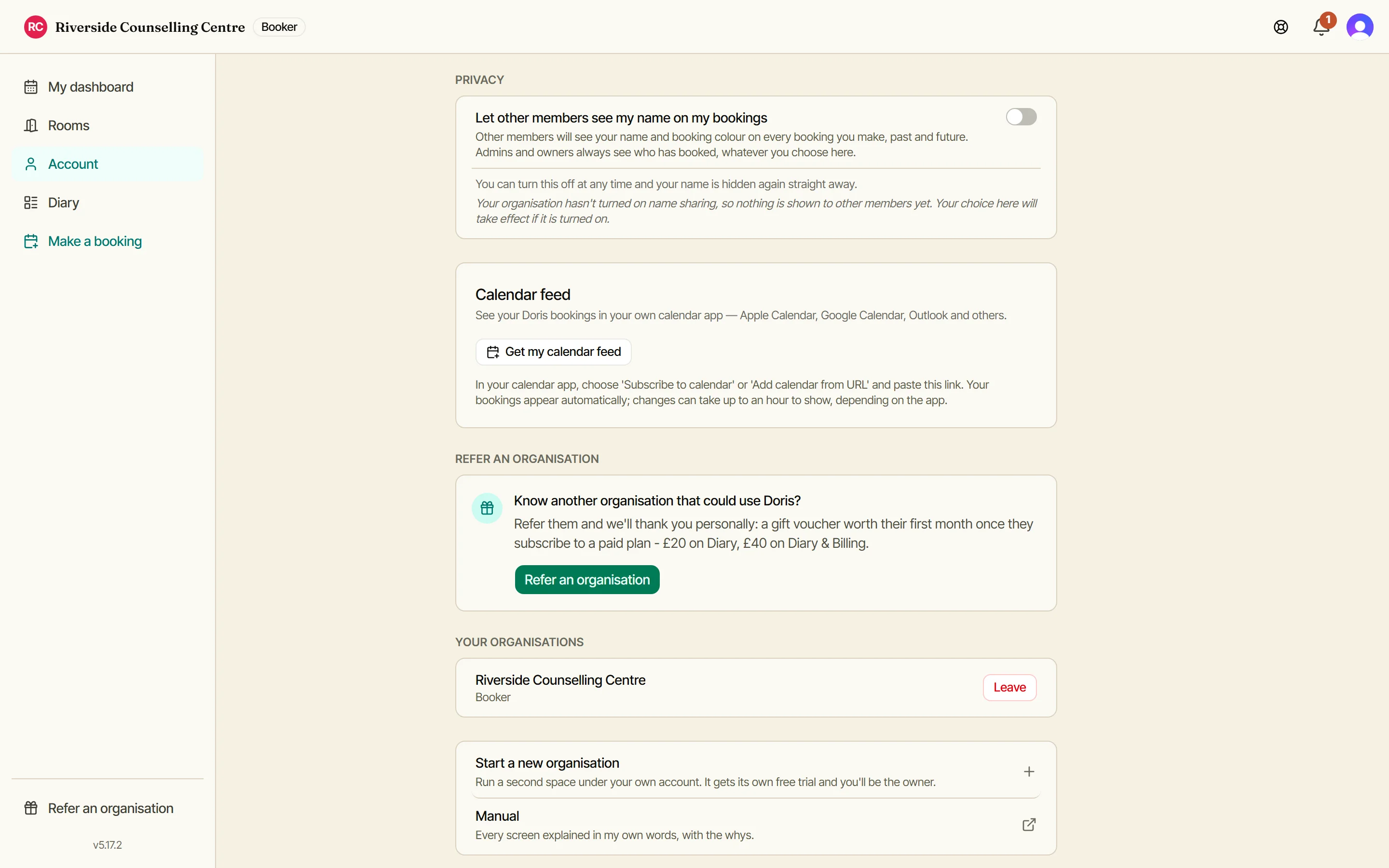
Who sees you, and where your bookings go
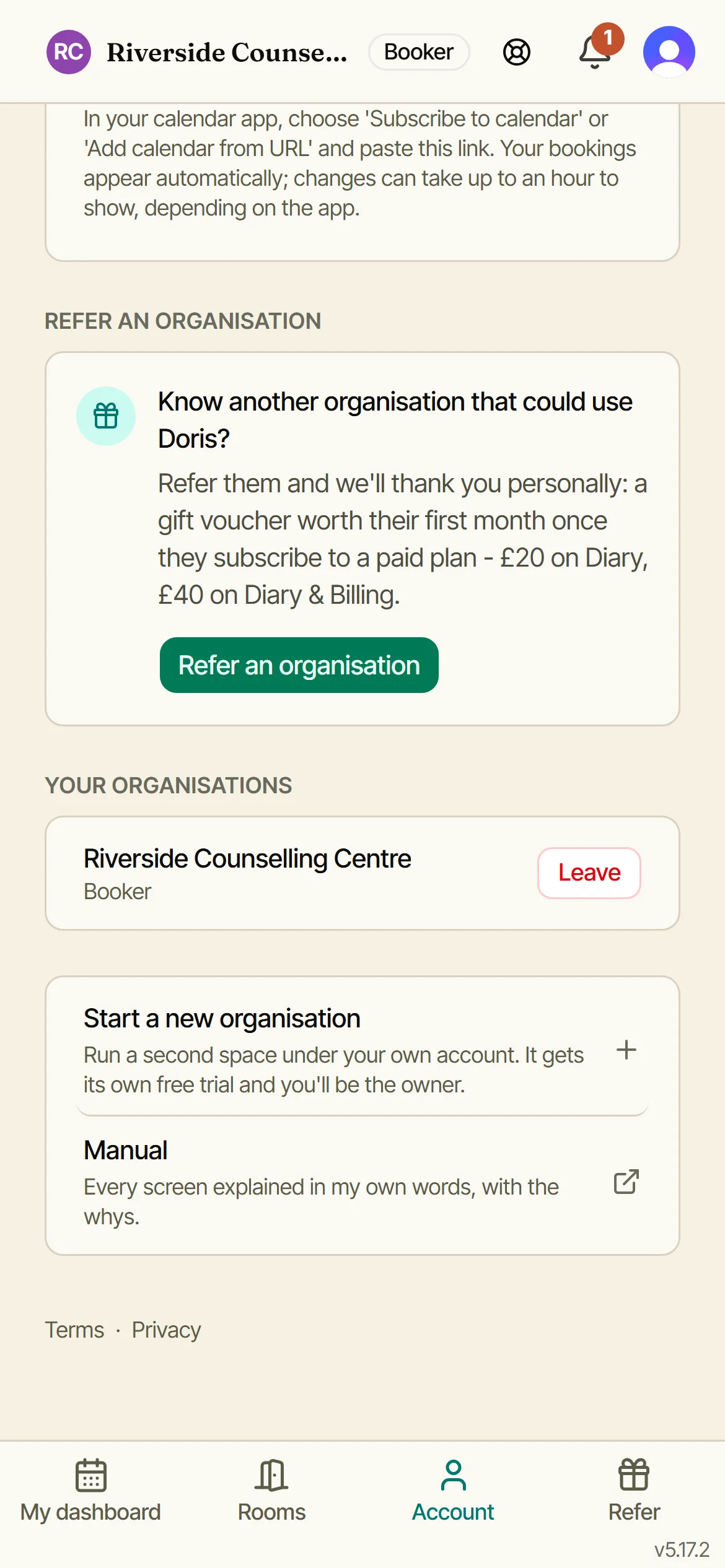
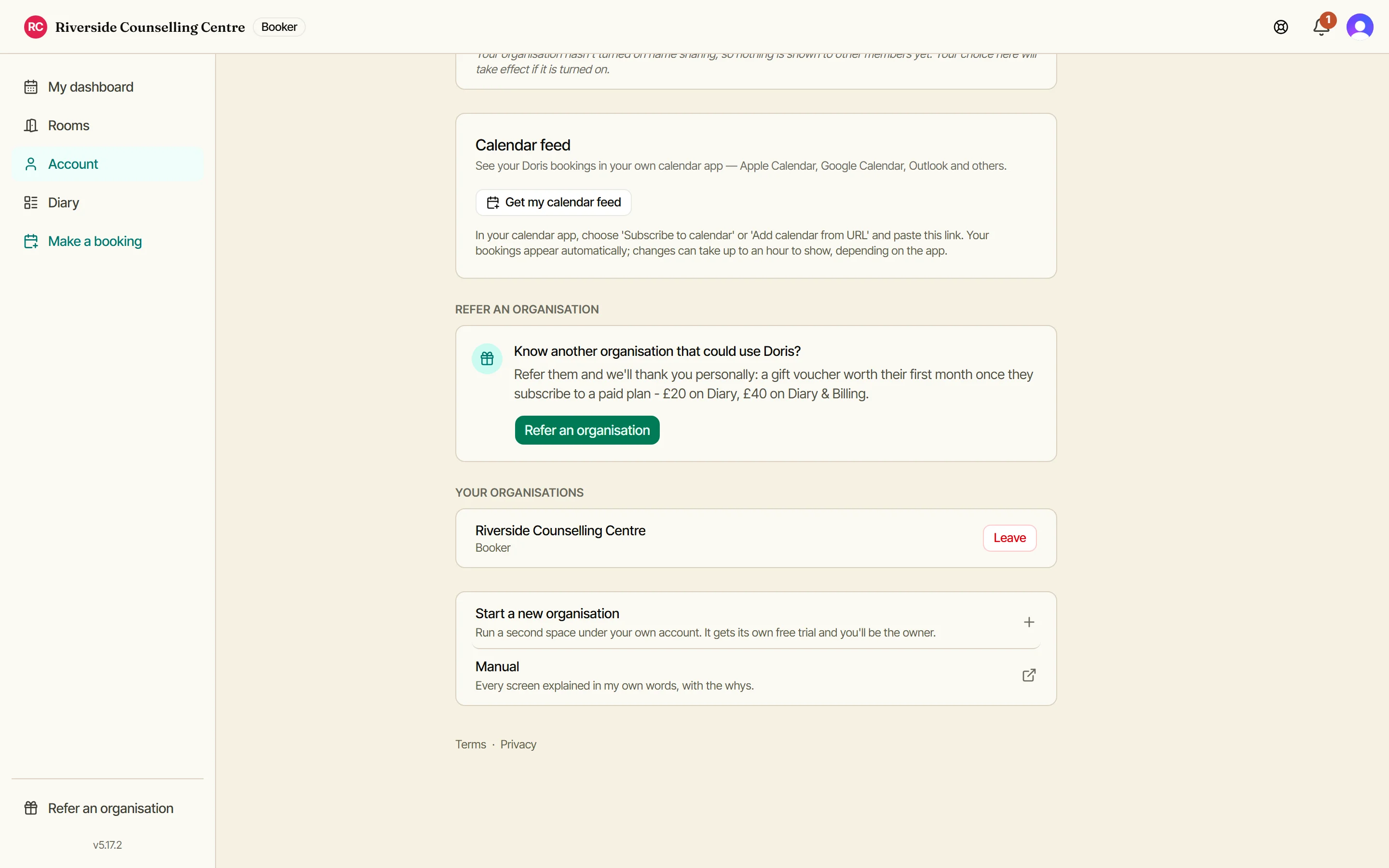
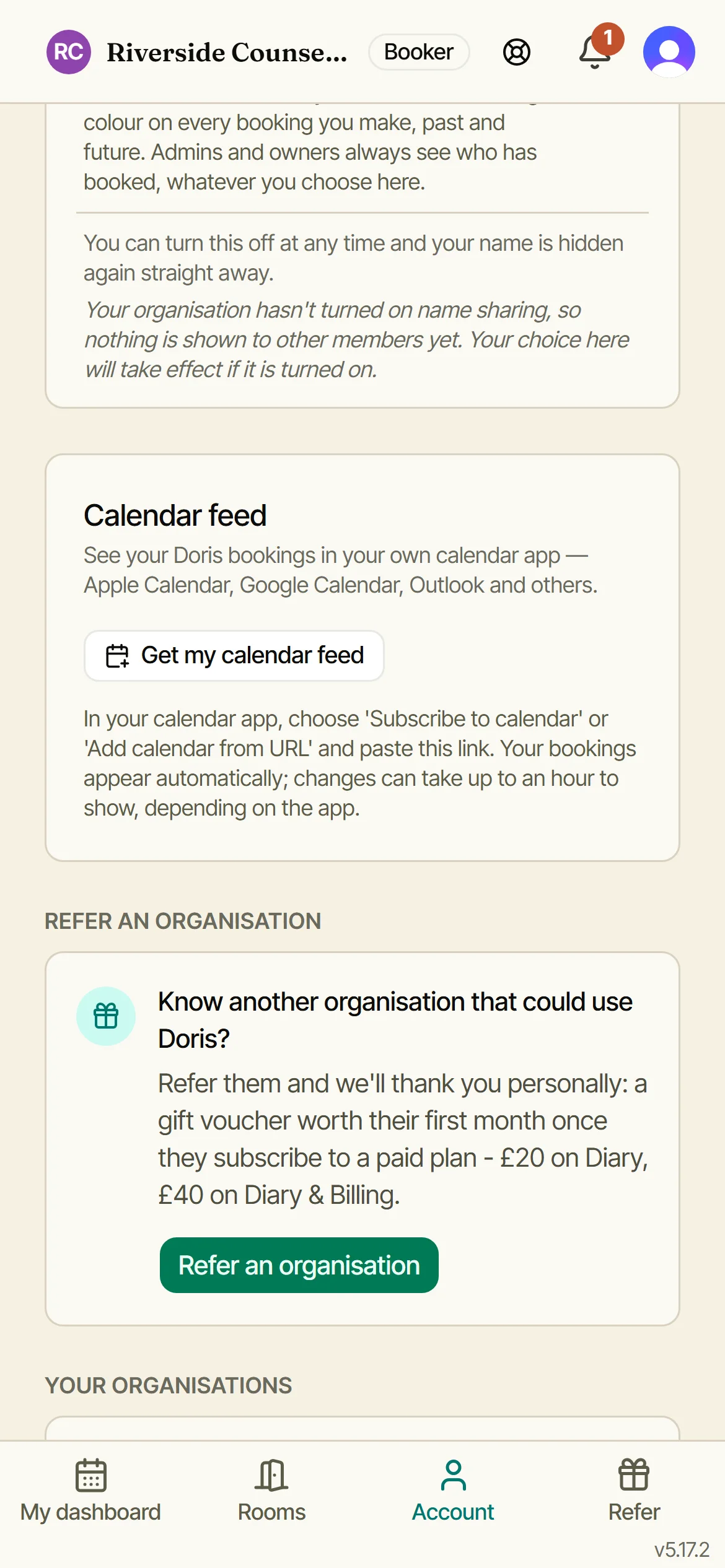
By default other members see that a room is taken, not who took it. If you would rather they knew, say so here, and you can change your mind at any time. Below it, Calendar feed gives you a link that puts your Doris bookings into Apple Calendar, Google Calendar or Outlook, kept up to date on its own.
Two switches, not one
Your name only shows to other members if your organisation has turned name sharing on AND you have said yes here. Either one off means nobody sees it.
Turning it off again hides your name straight away, on past bookings as well as future ones. Your email is never shown to another member, whatever you choose.
Owners and admins always see who booked. That does not change.
Statements, and everywhere you belong
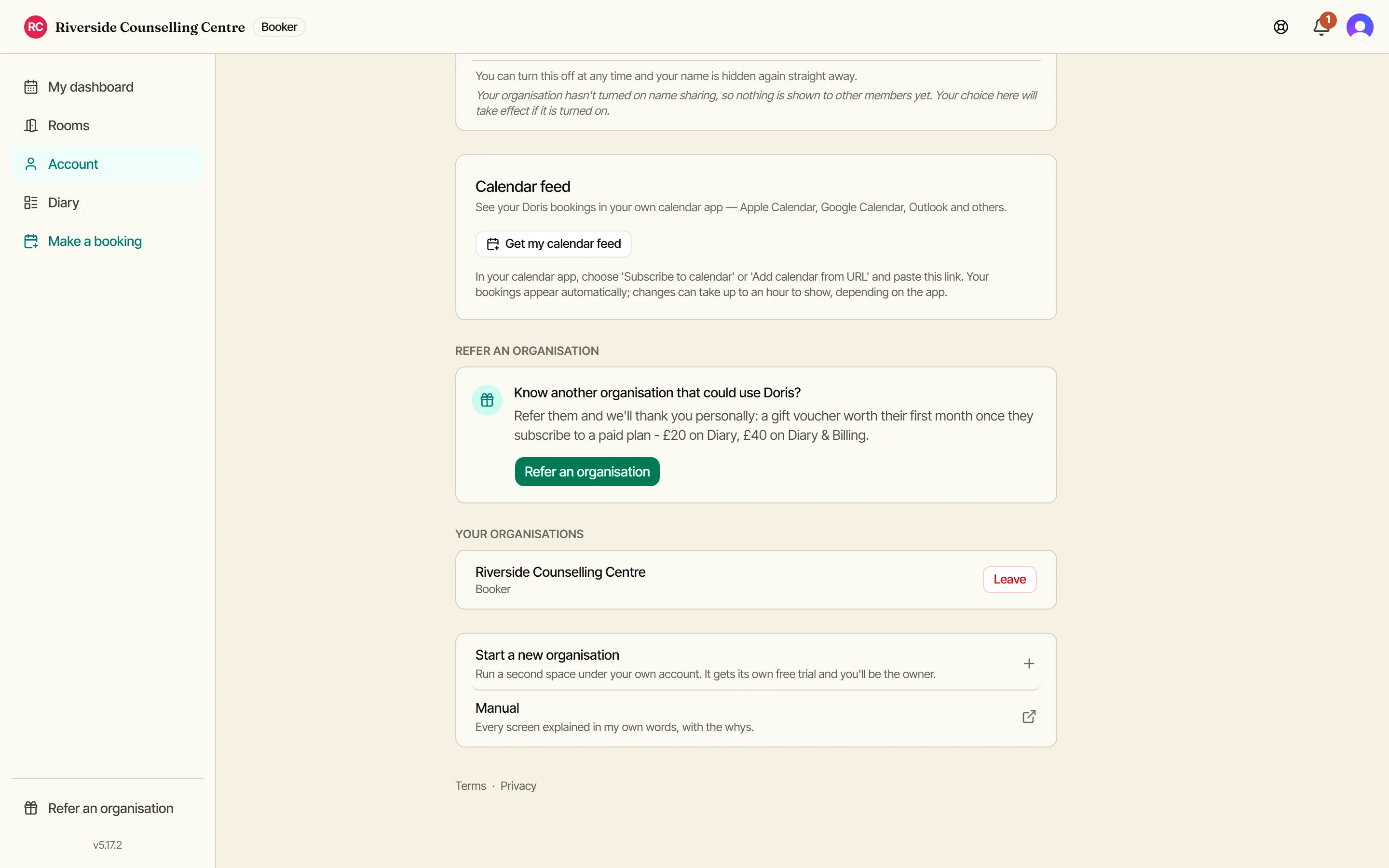
Refer another organisation and we thank you with a voucher. Every organisation you belong to is listed with your role in each and a way to leave, and you can start one of your own. Your spend and your statements are tiles on your dashboard now, each opening into its lines and how to pay.