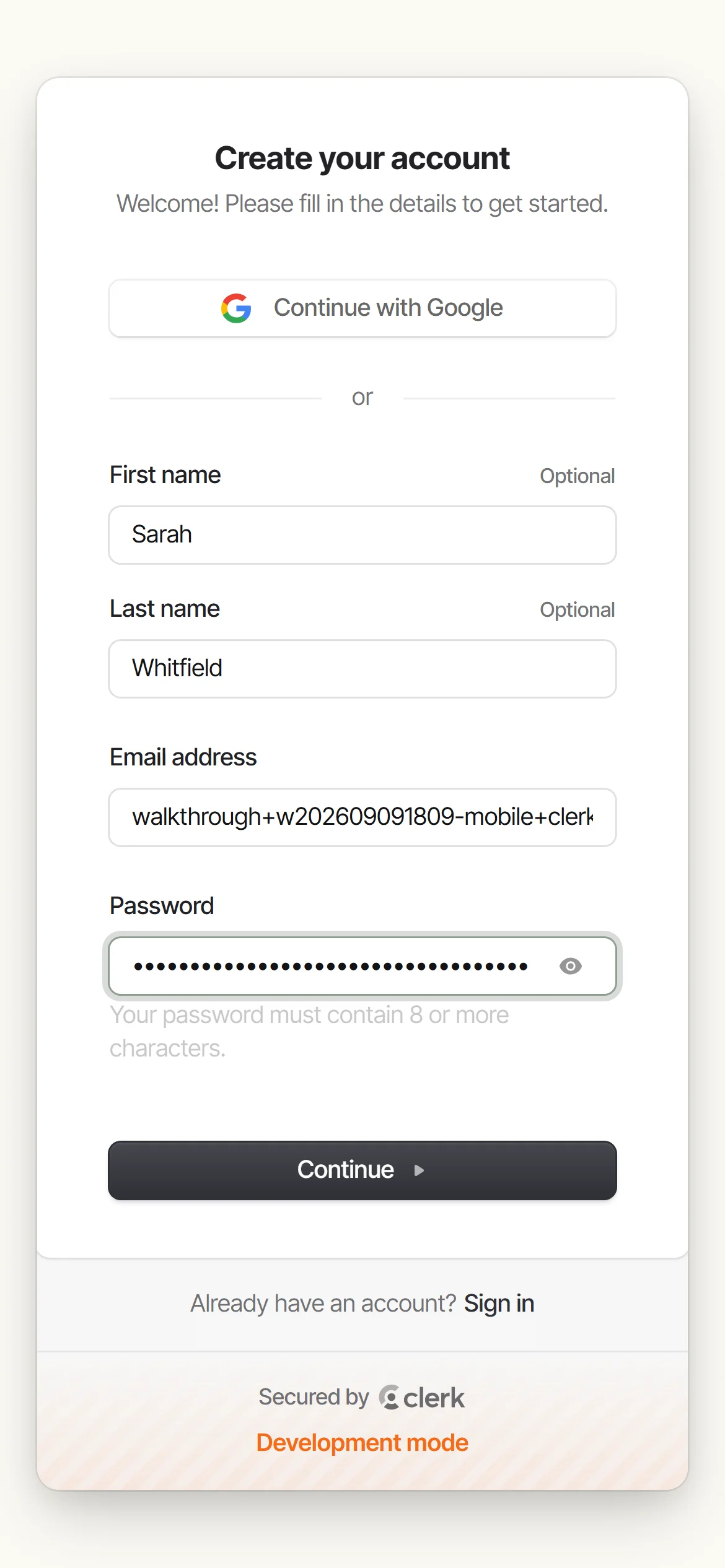
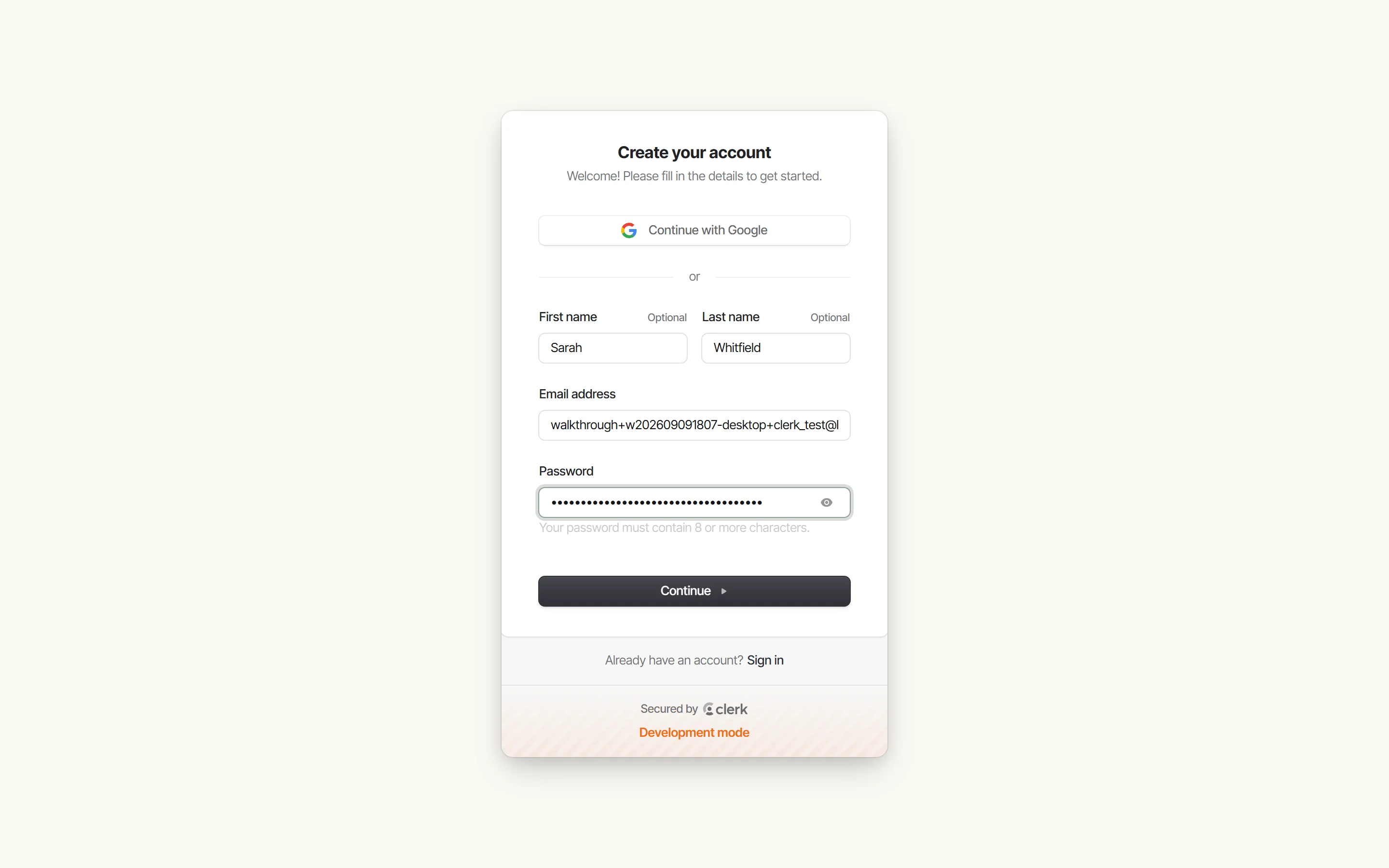
Create your account
Sign up with your name, email, and a password. Your account is secured by Clerk.
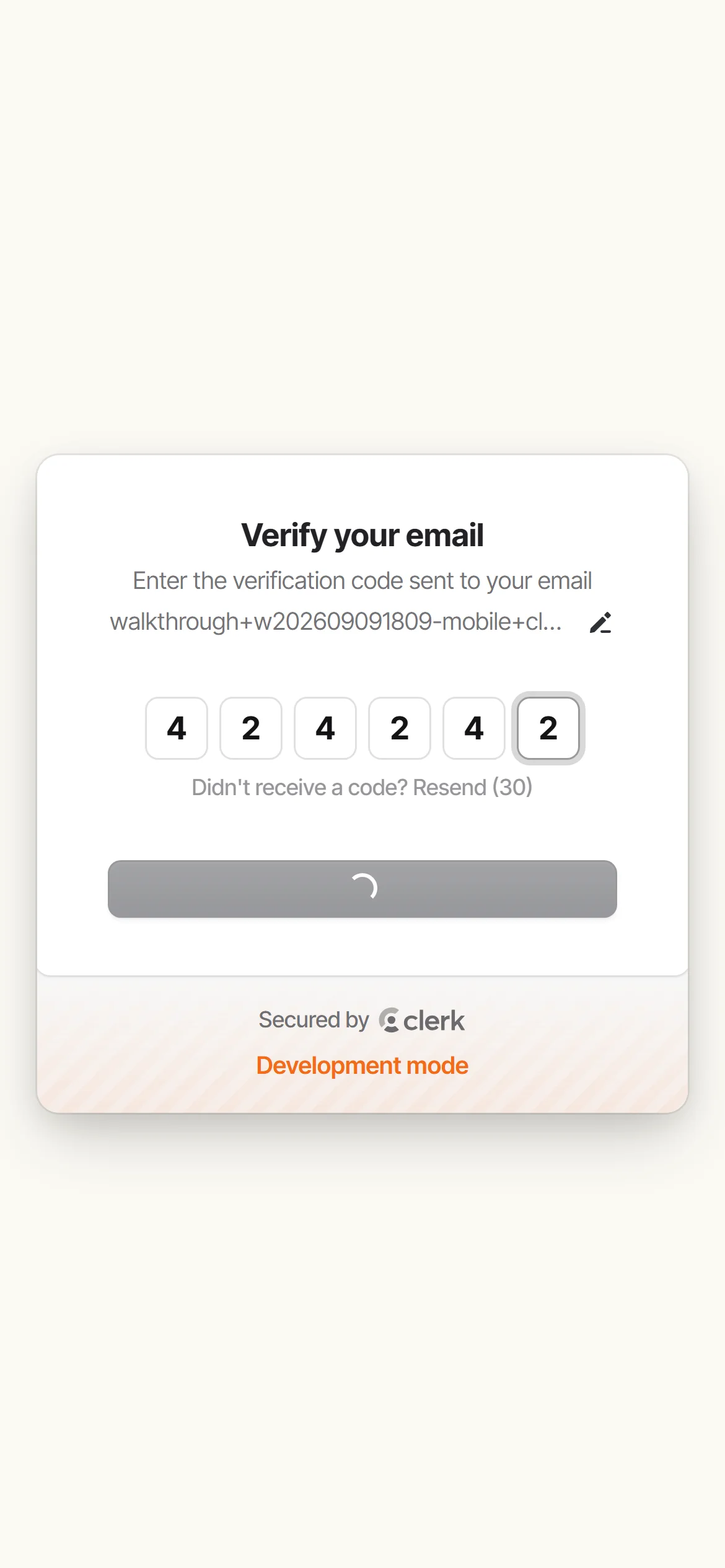
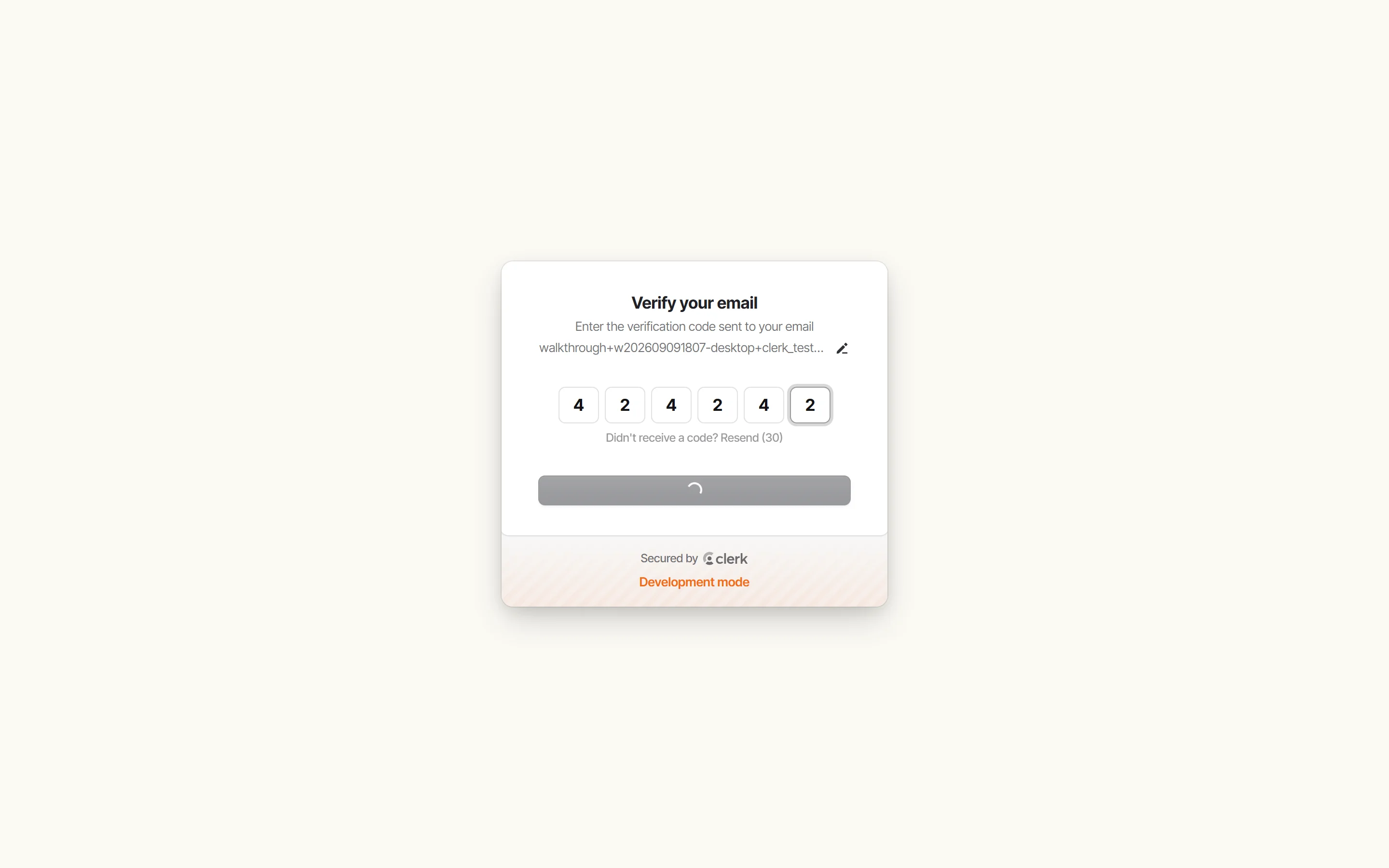
Verify your email
Doris emails you a six-digit code. Enter it and you’re through - no waiting around.
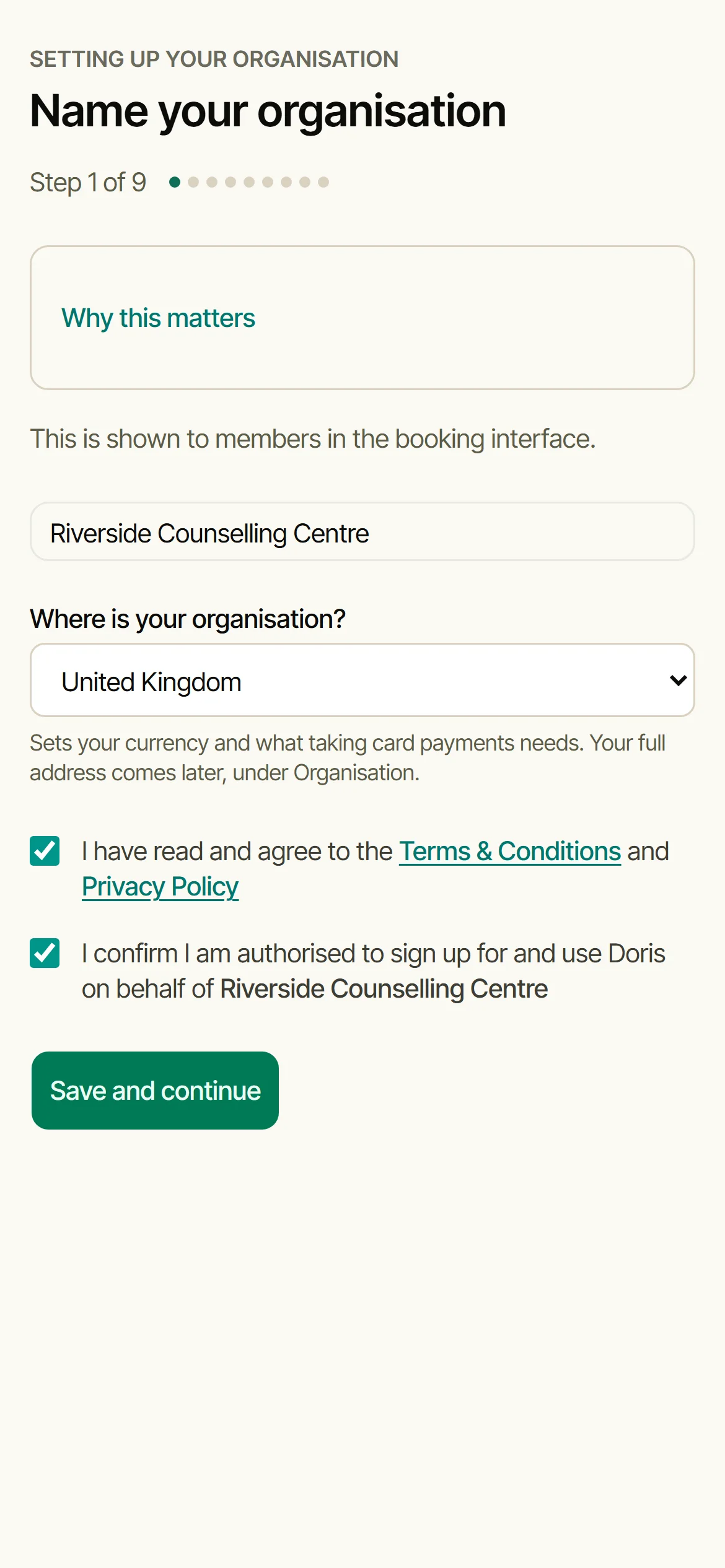
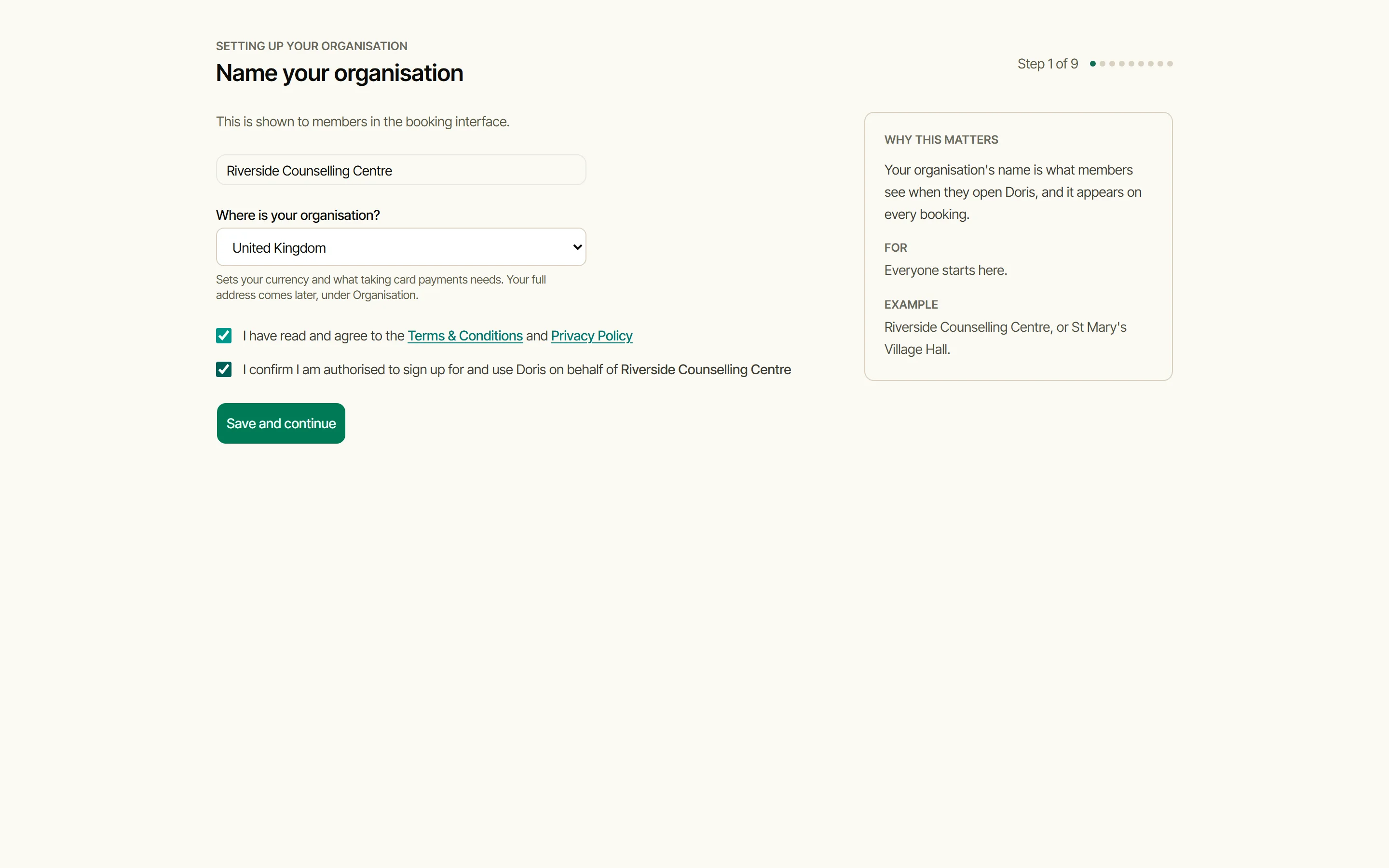
Name your organisation
This is what your members see when they open Doris. Say which country you’re in, which sets the currency, and tick the two boxes: the terms, and that you’re authorised to sign your organisation up. From here on, every step is a Settings screen in the order it makes sense to fill them in.
Set your opening hours
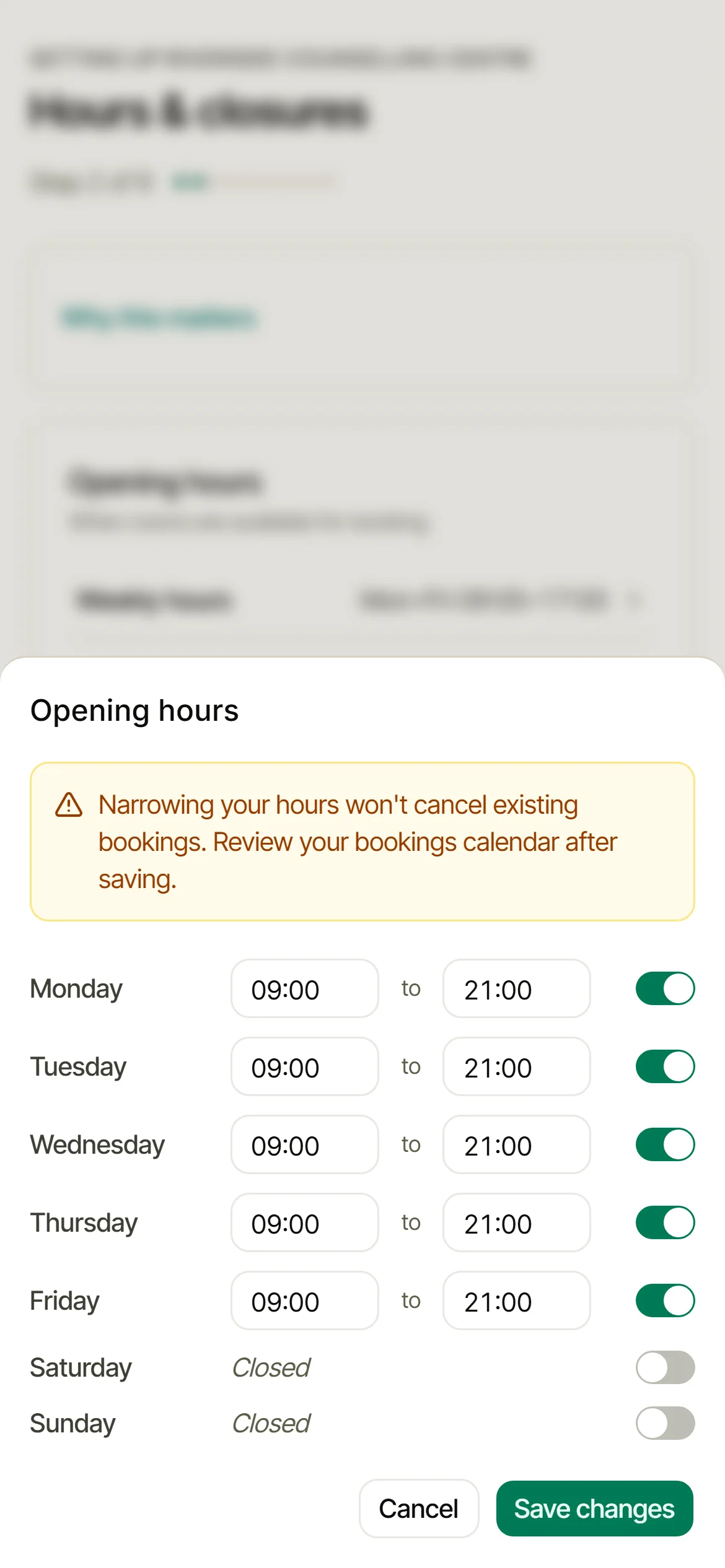
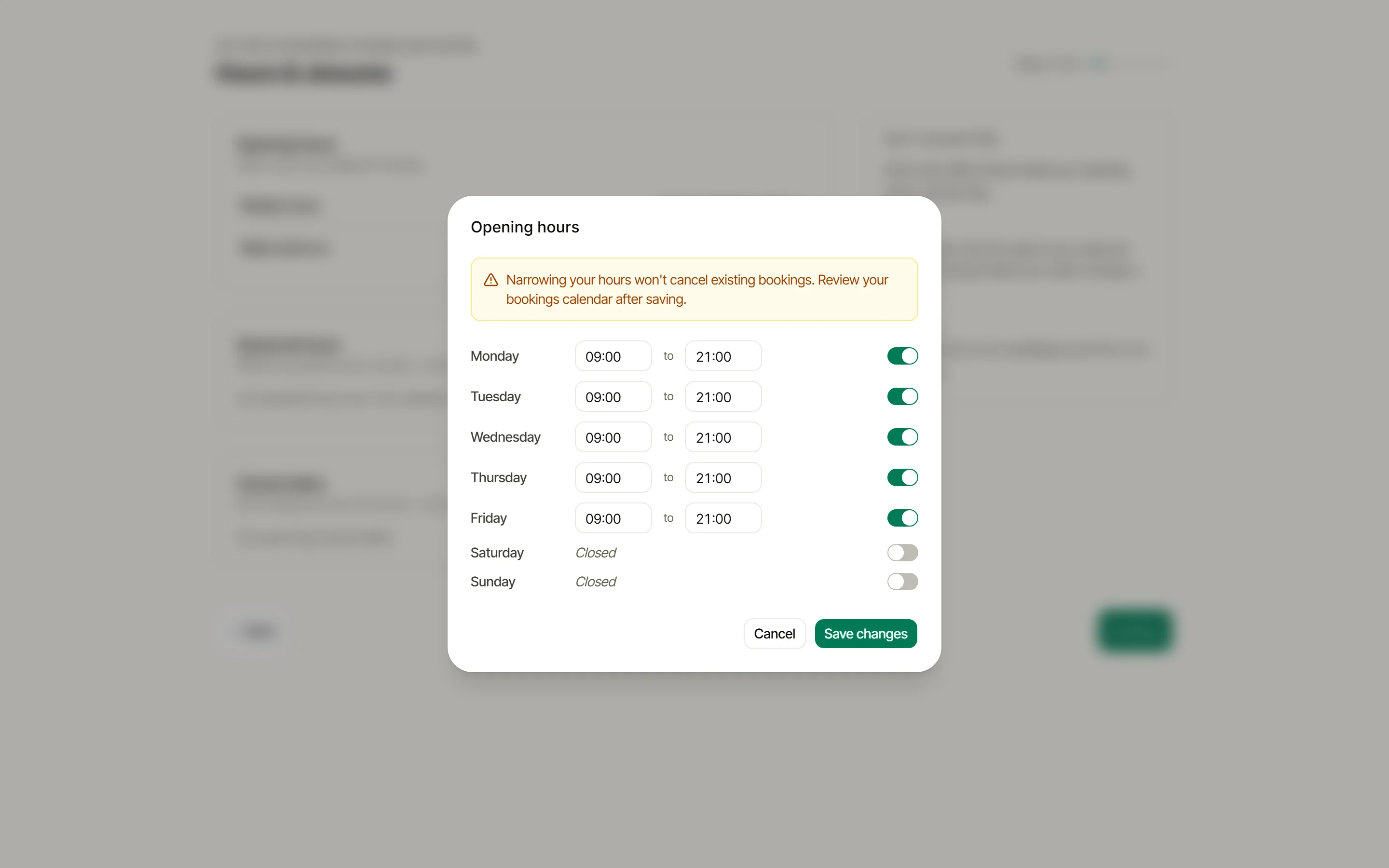
Open Weekly hours and set when each day opens and closes. Doris only offers times inside them. Closed dates and seasonal hours live on the same screen for whenever you need them.
Choose how bookings work
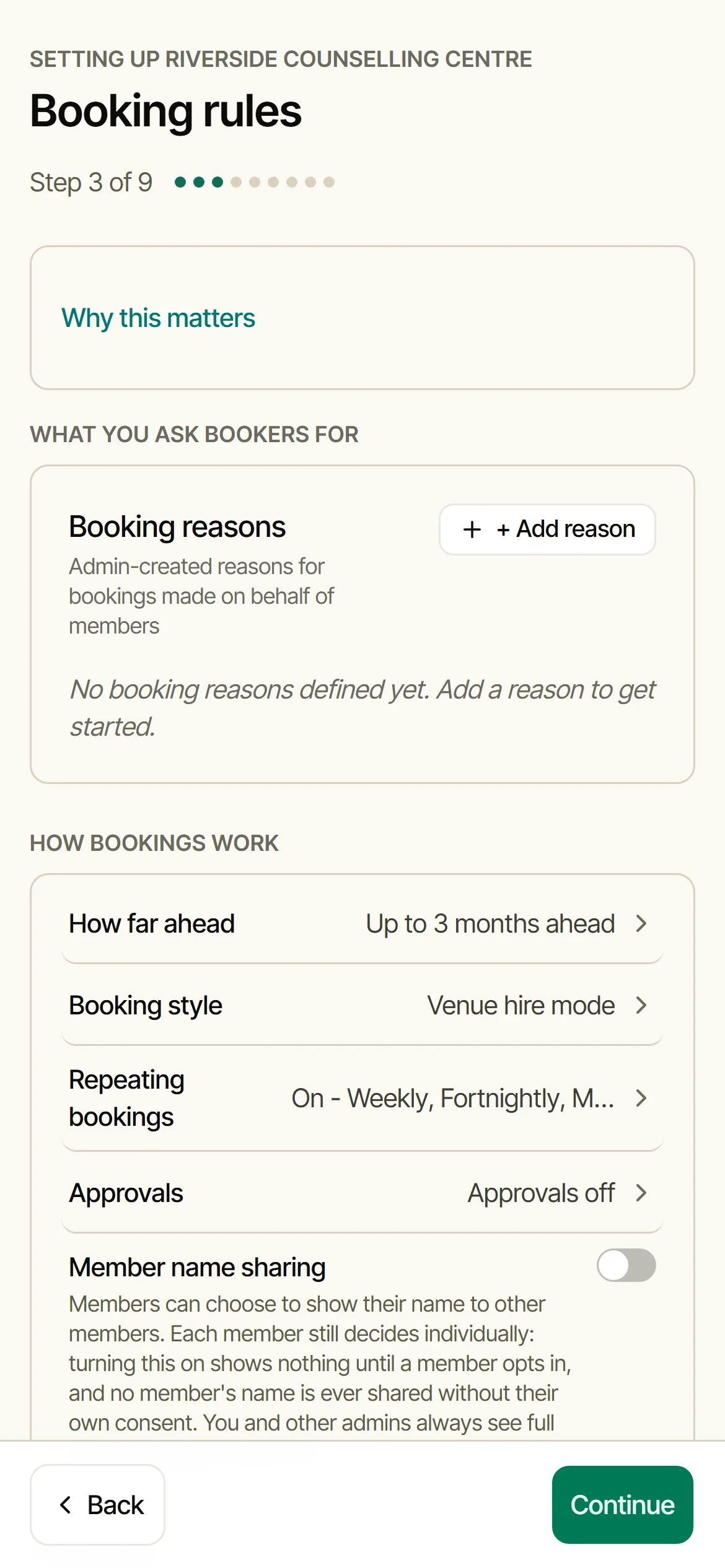
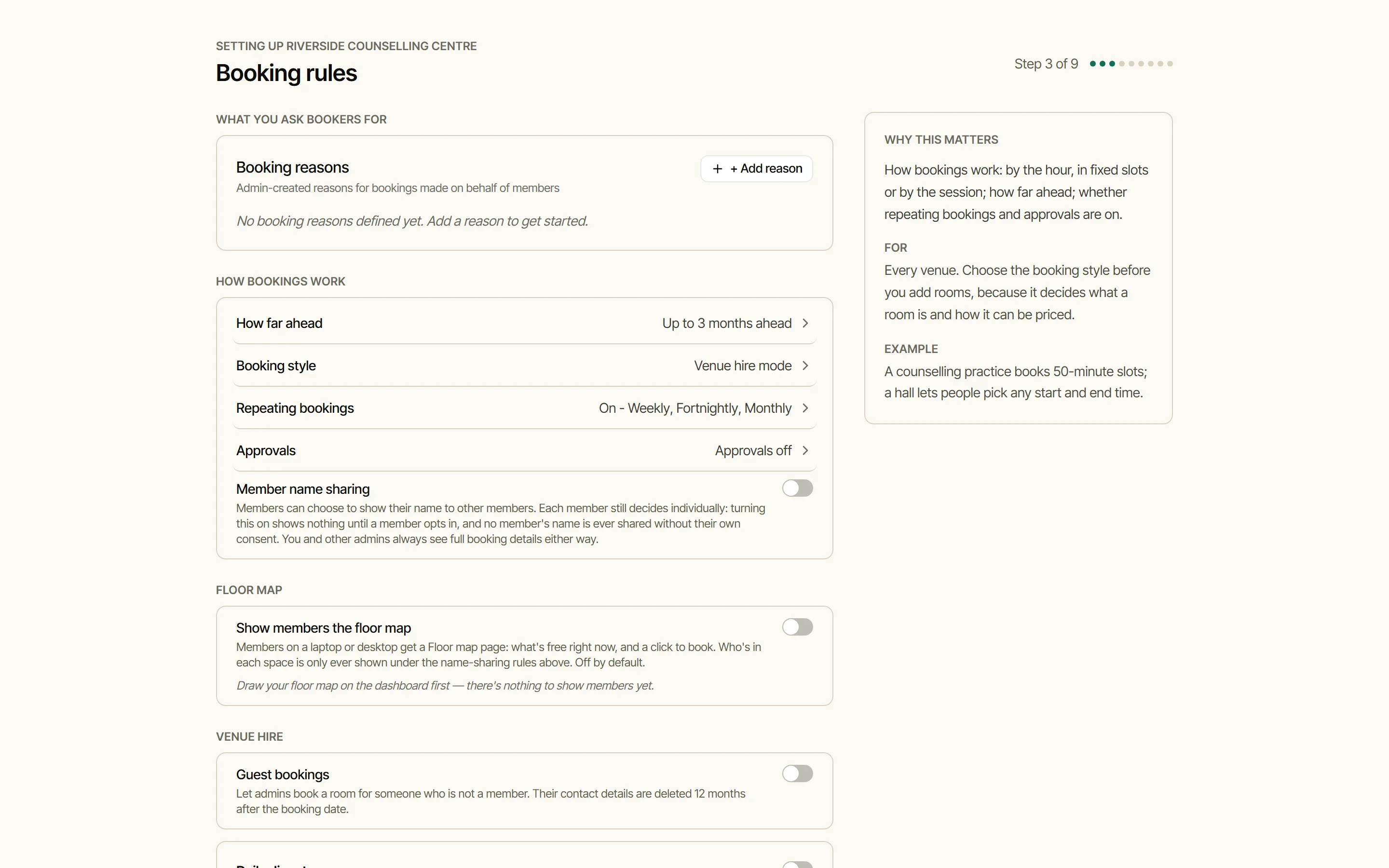
By the hour, in fixed slots, or by the session; how far ahead people can book; whether repeating bookings and approvals are on. Settle the style before you add rooms, because it decides what a room is and how it can be priced.
Add your rooms
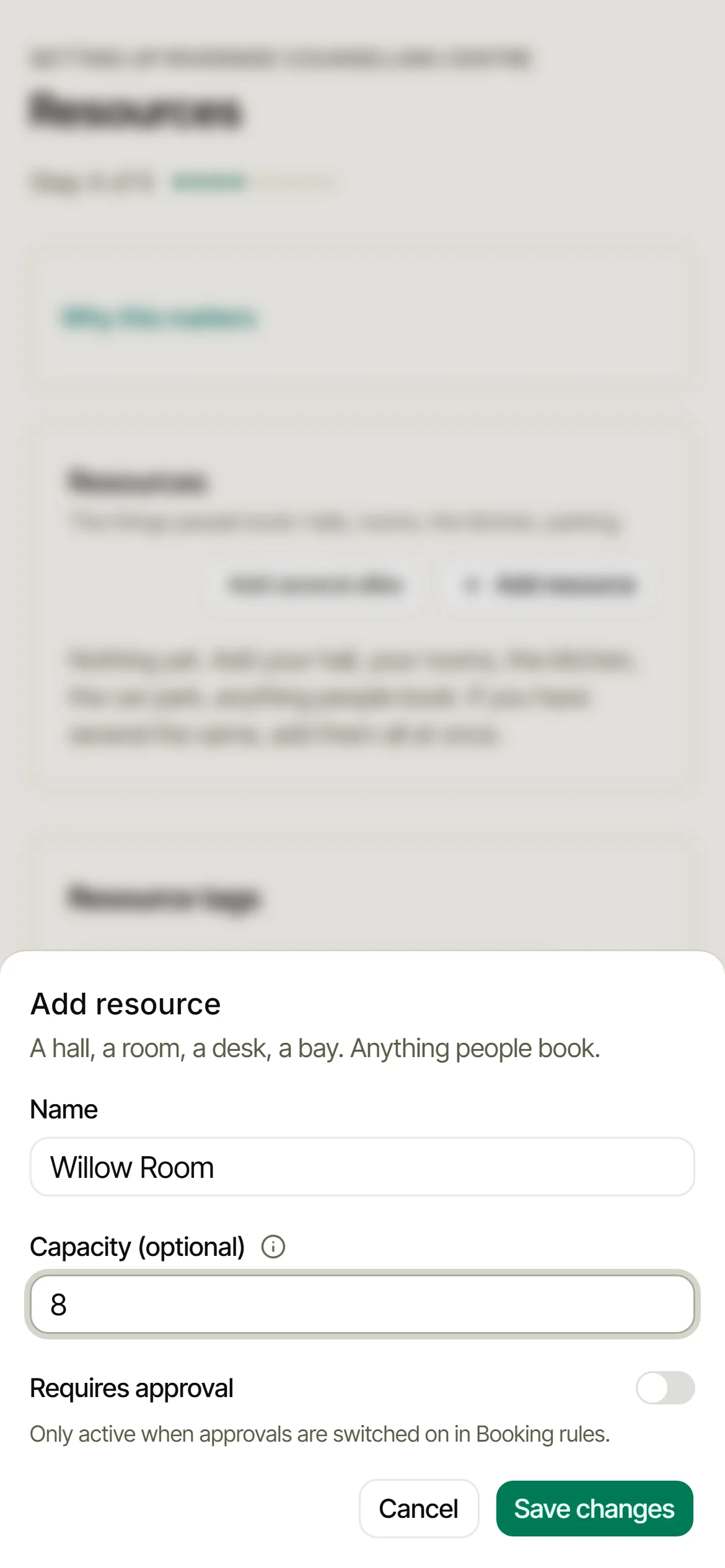
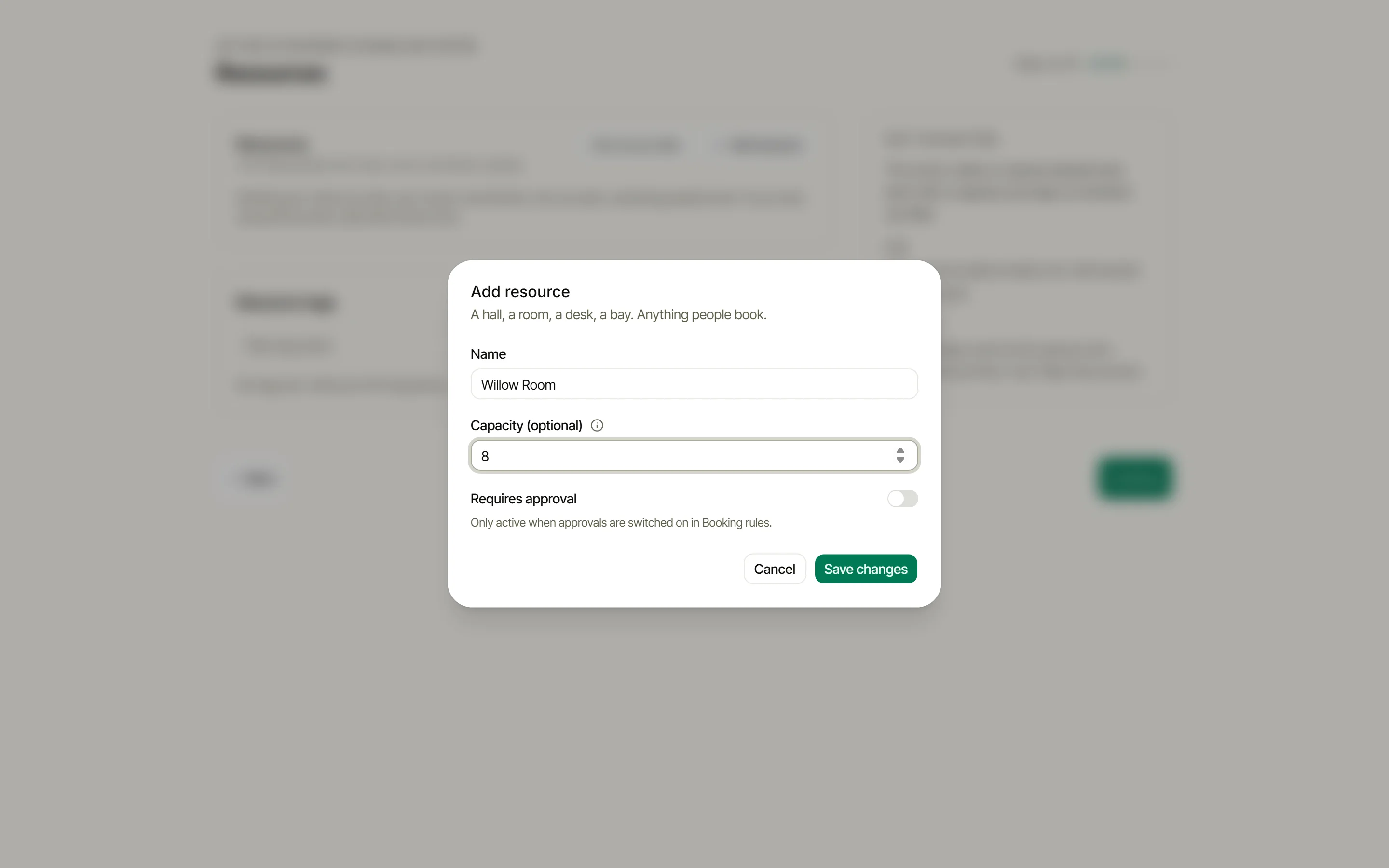
Resources are the things people book: halls, rooms, desks, the kitchen. Name each one, set a capacity, add tags so members can filter. Twenty desks that only differ by number? Add several alike does the numbering for you.
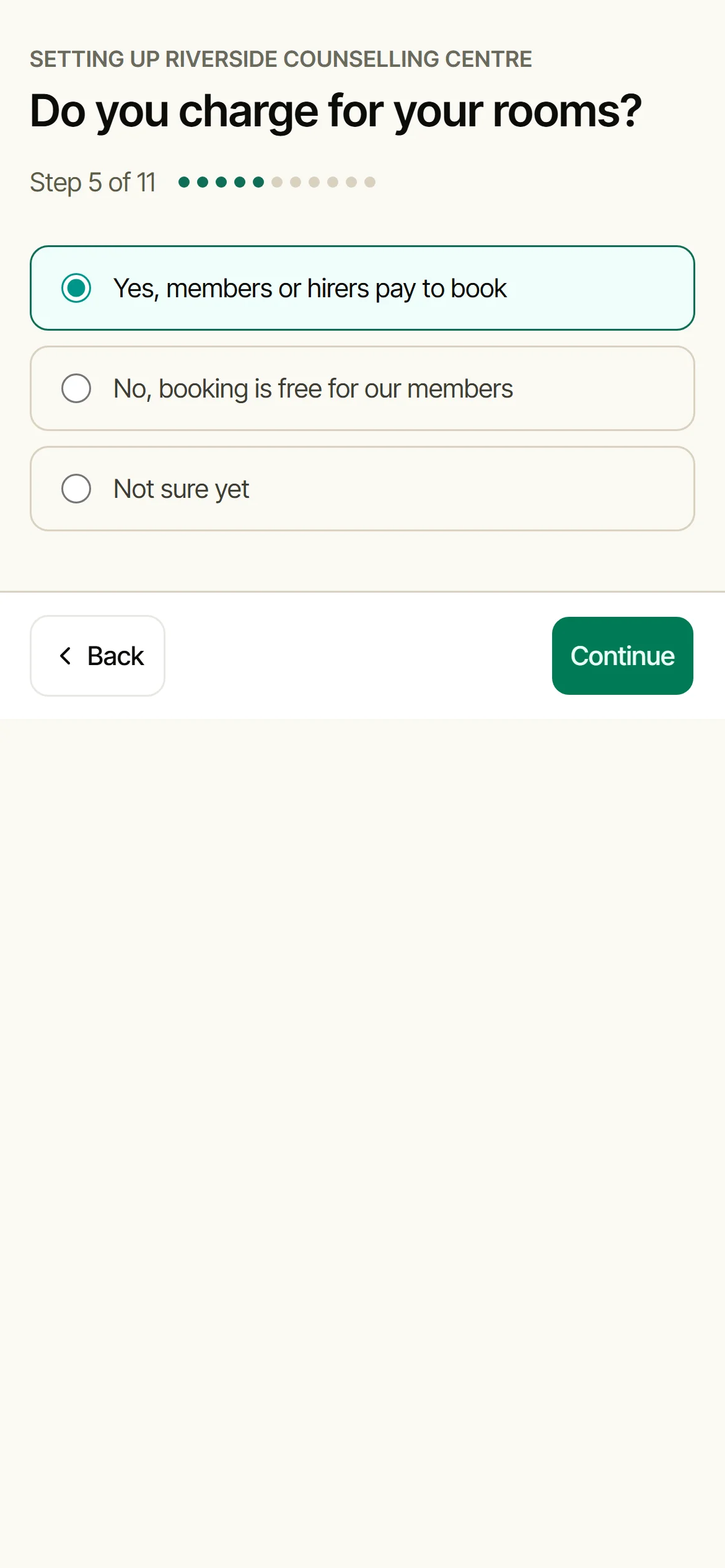
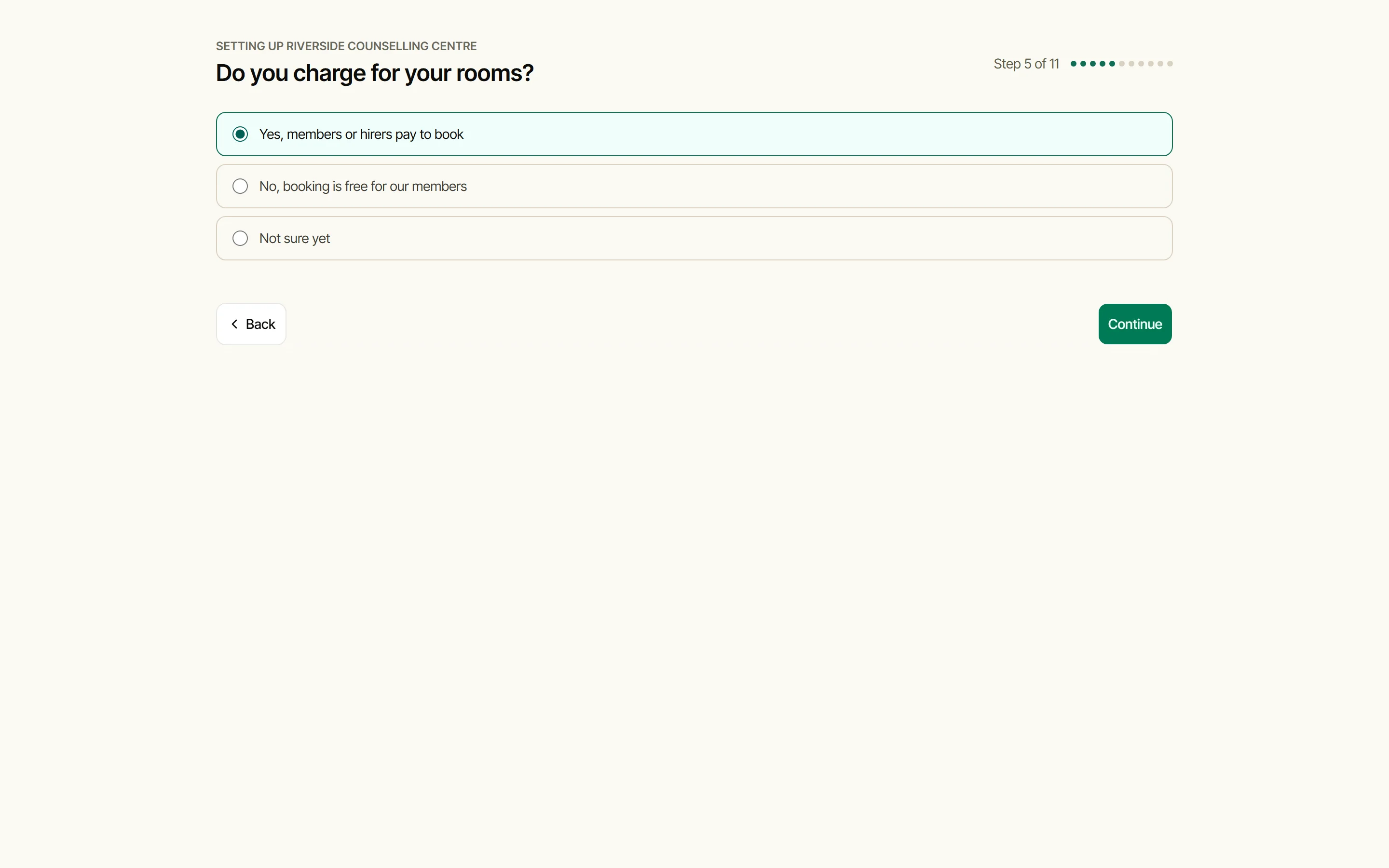
Do you charge?
Say No and the two money steps step aside; they wait in Settings if that changes. Say Yes and Doris walks you through pricing in five short beats, each one explained as you go.
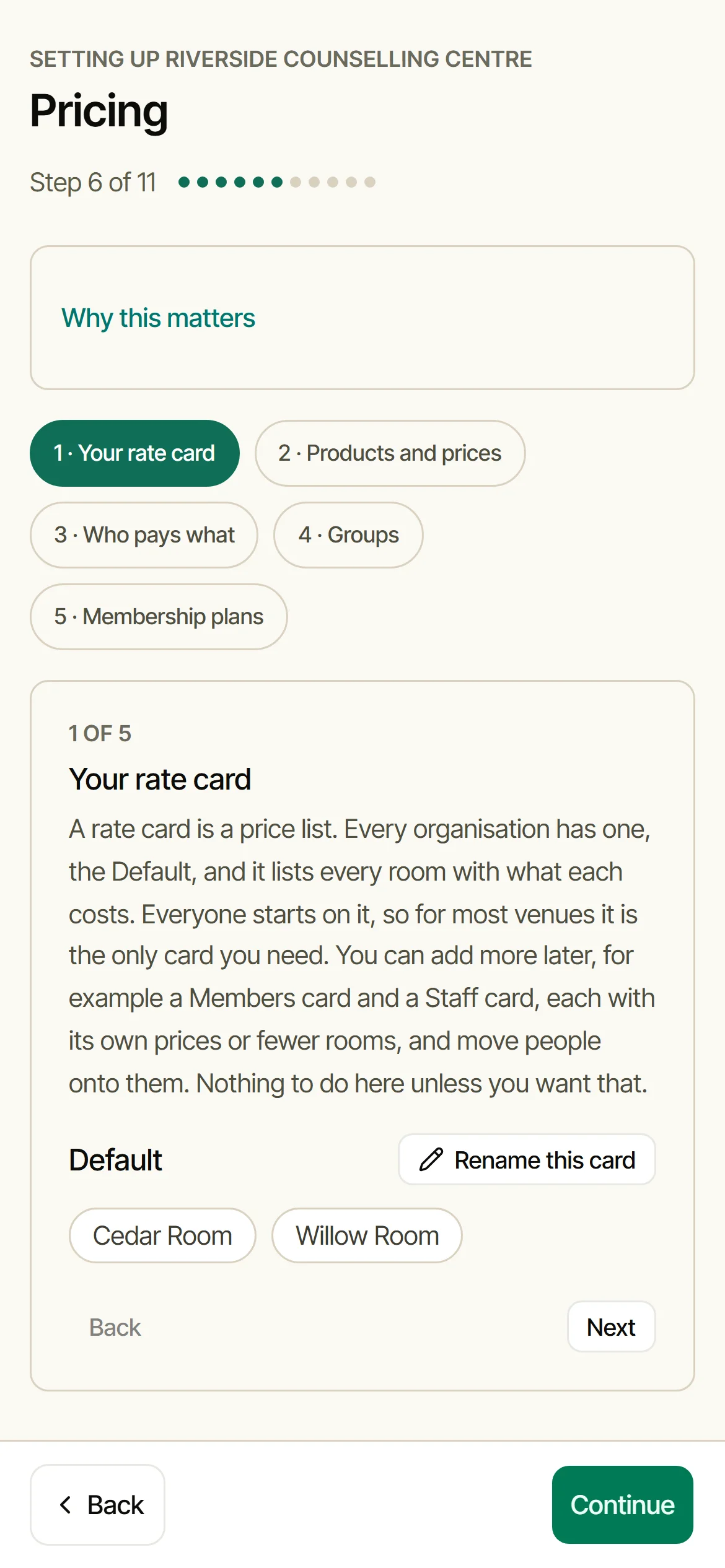
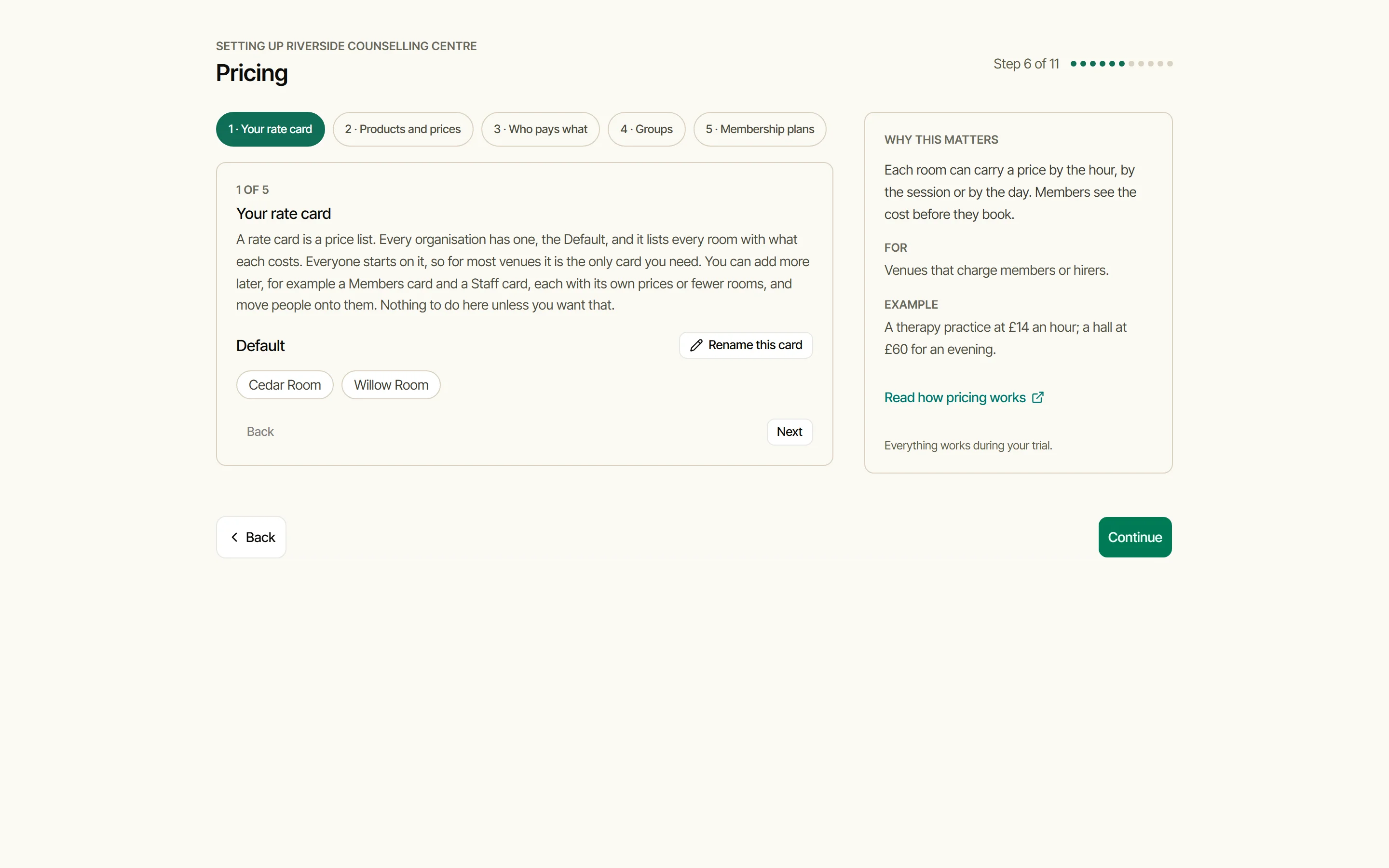
Your rate card
A rate card is a price list. Every organisation has one, the Default, and it lists every room with what each costs. Everyone starts on it, so for most venues it is the only card you need. The How pricing works guide has the whole picture.
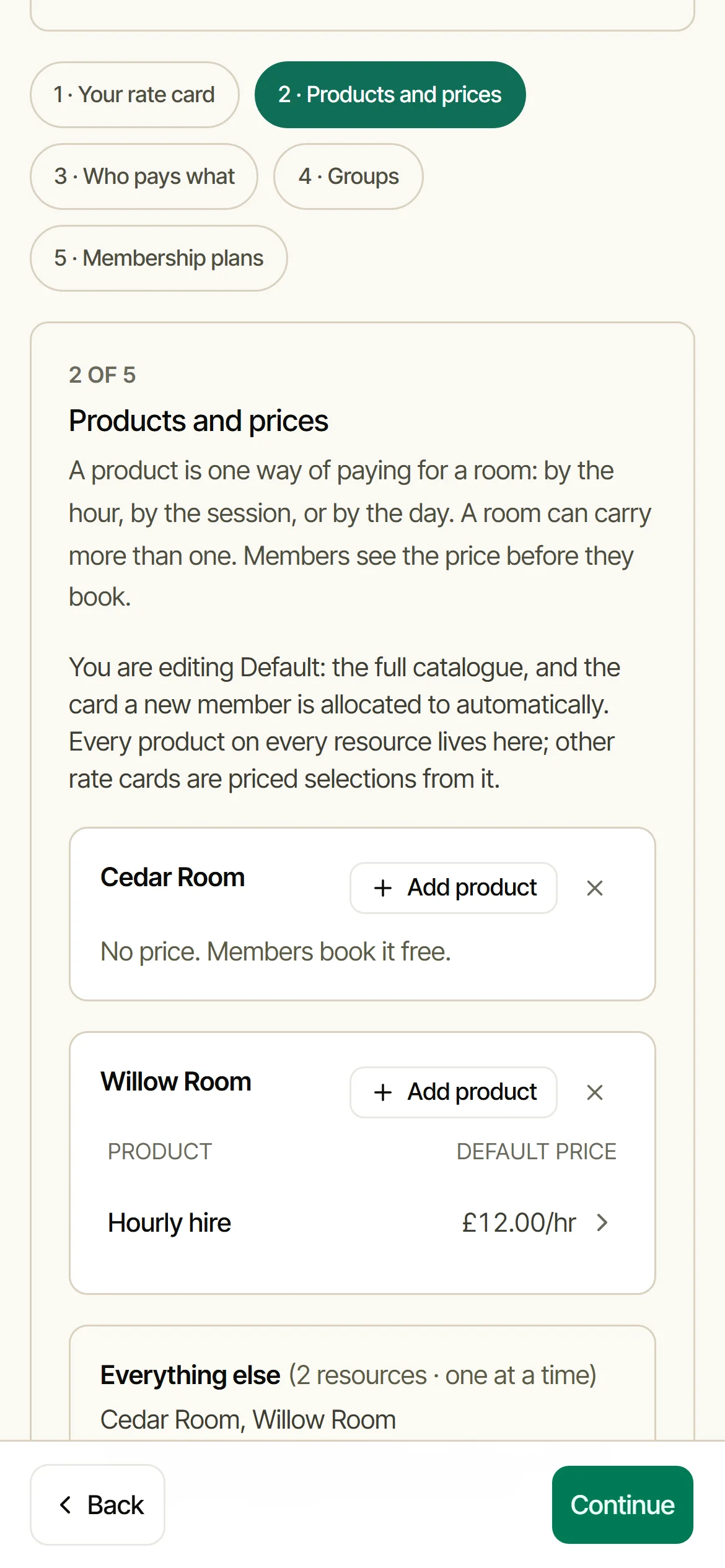
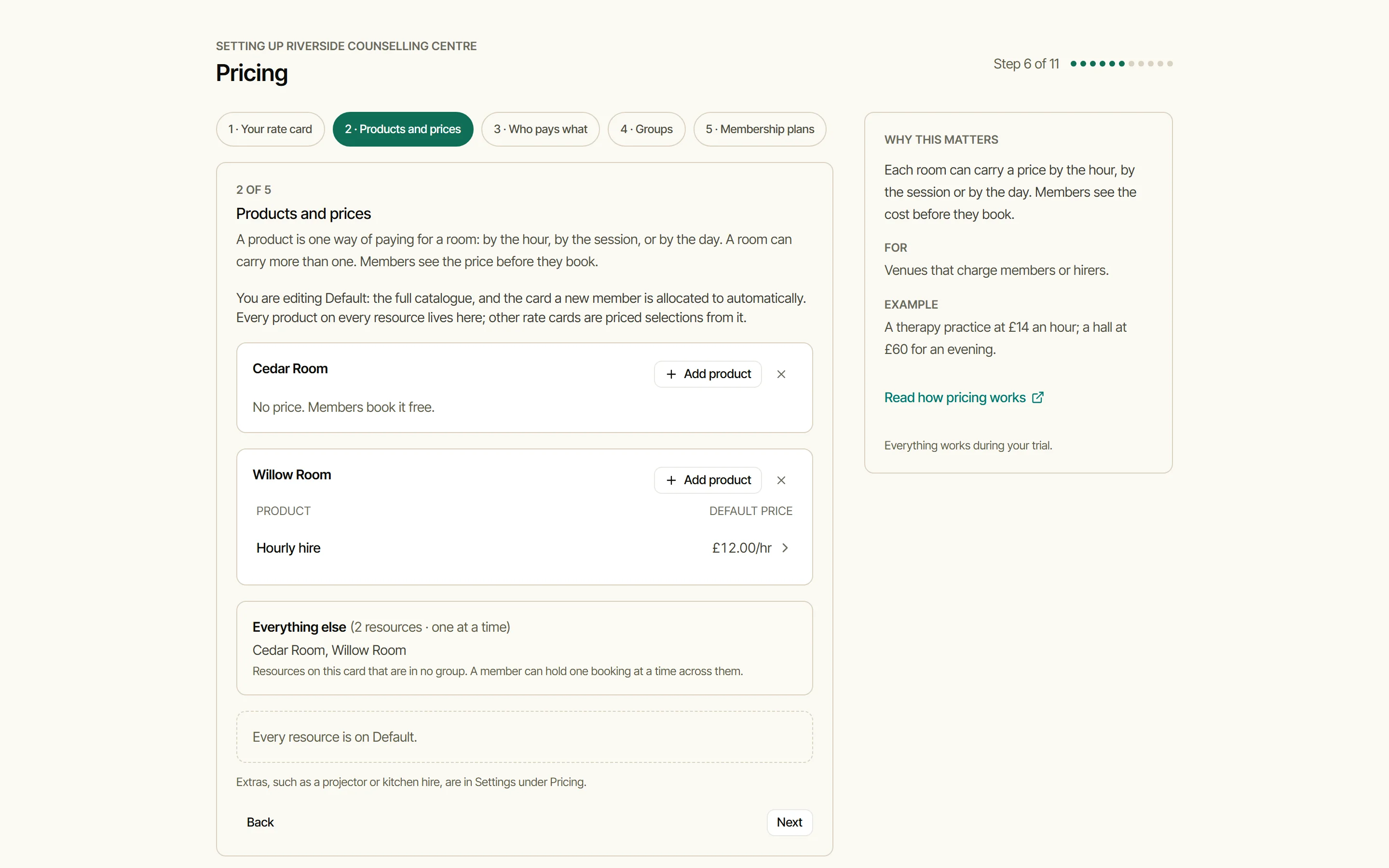
Put a price on a room
A product is one way of paying for a room: by the hour, by the session, or by the day. Add one to each room you charge for and members see the price before they book. Beats three to five, who pays what, groups and plans, are explained on the spot and can be skipped.
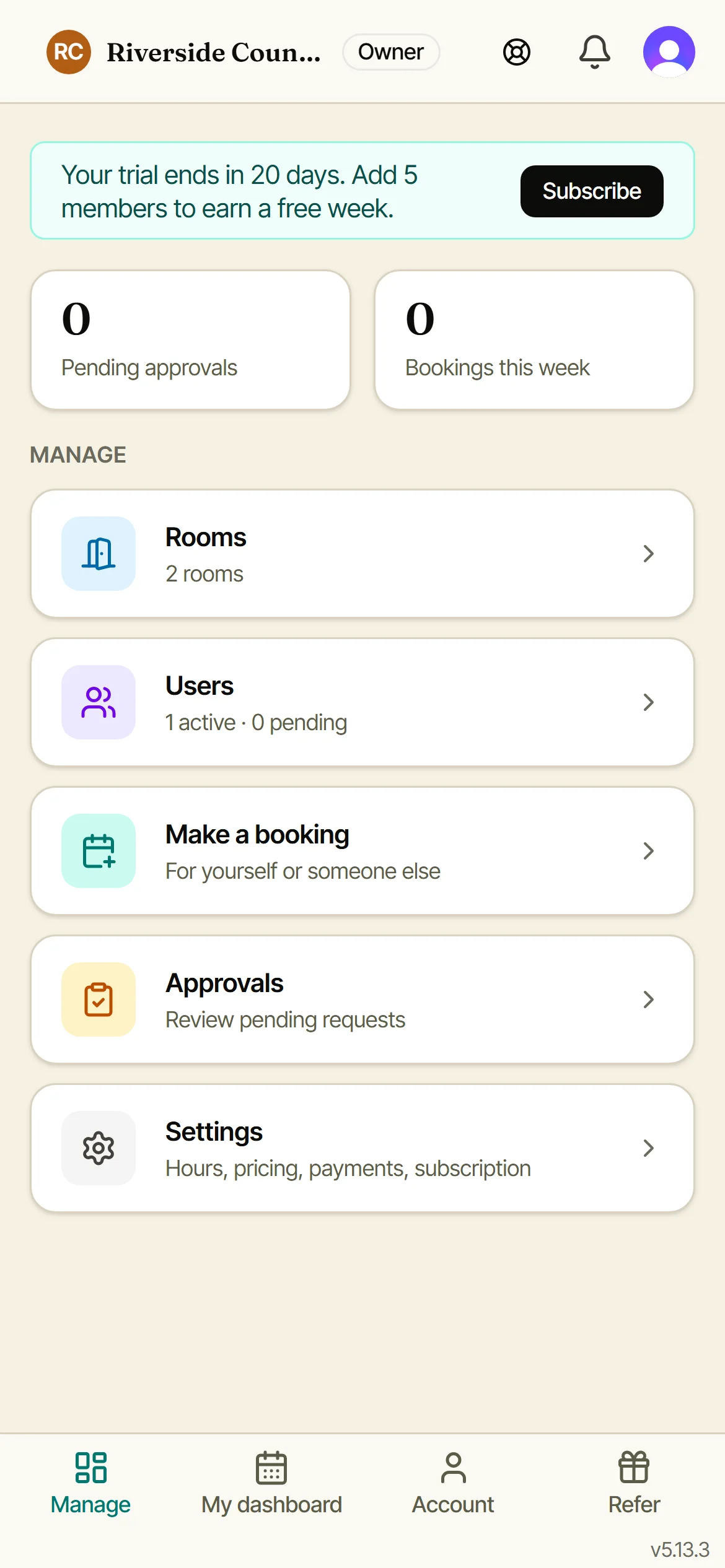
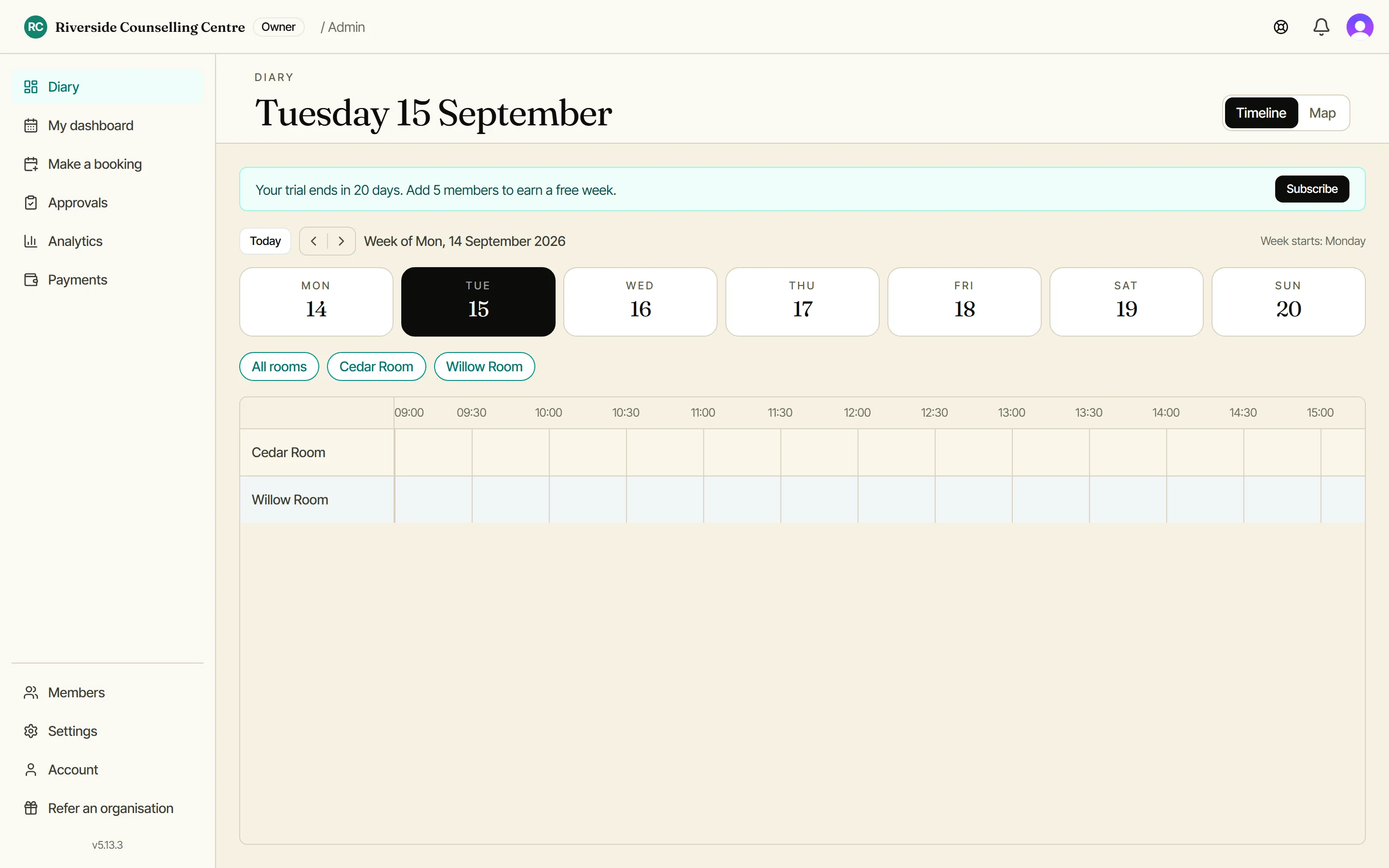
You’re in
Your admin dashboard, with your week and your rooms laid out. Everything you entered lives in Settings, where you can change it at any time, and the owner can run the setup again from there. Next: add your members, there’s a guide for that too.