My bookings
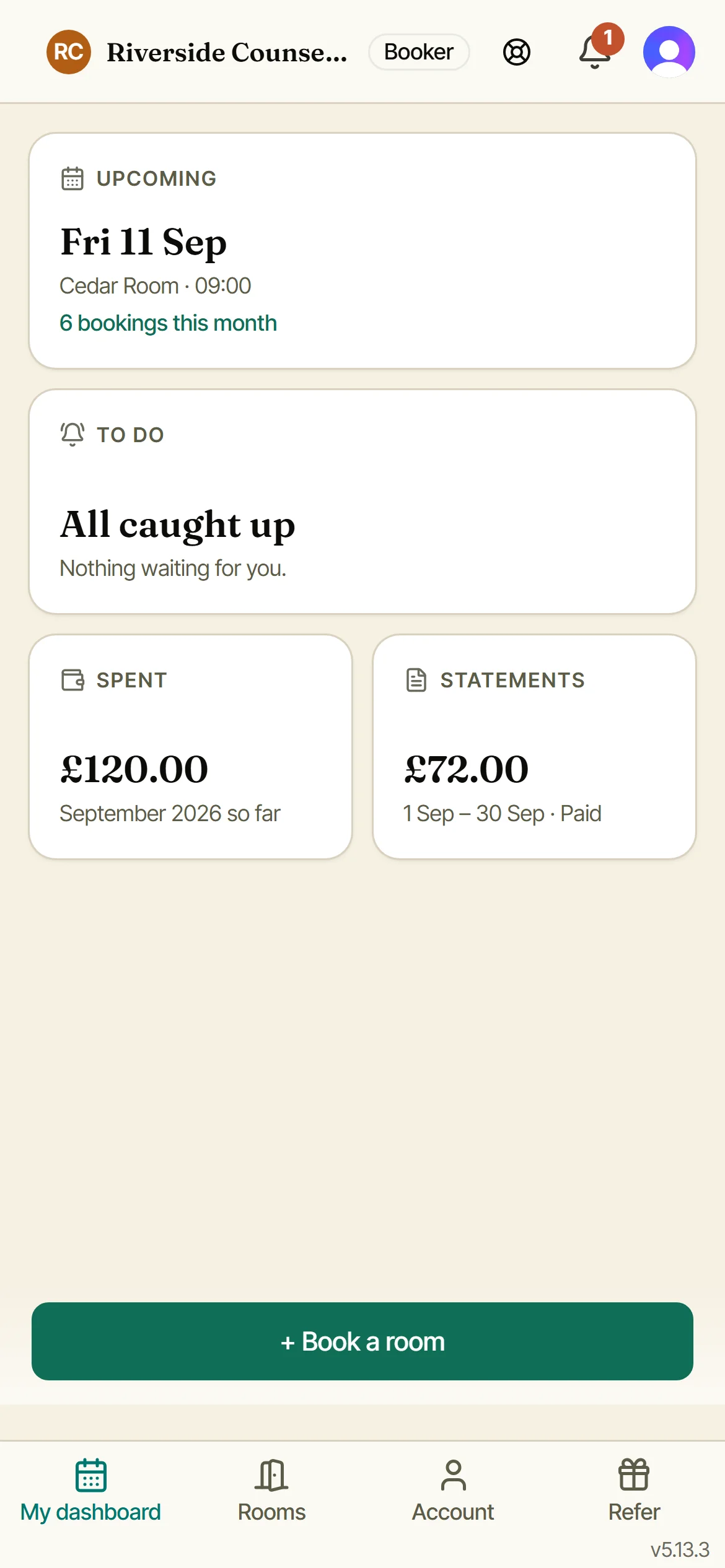
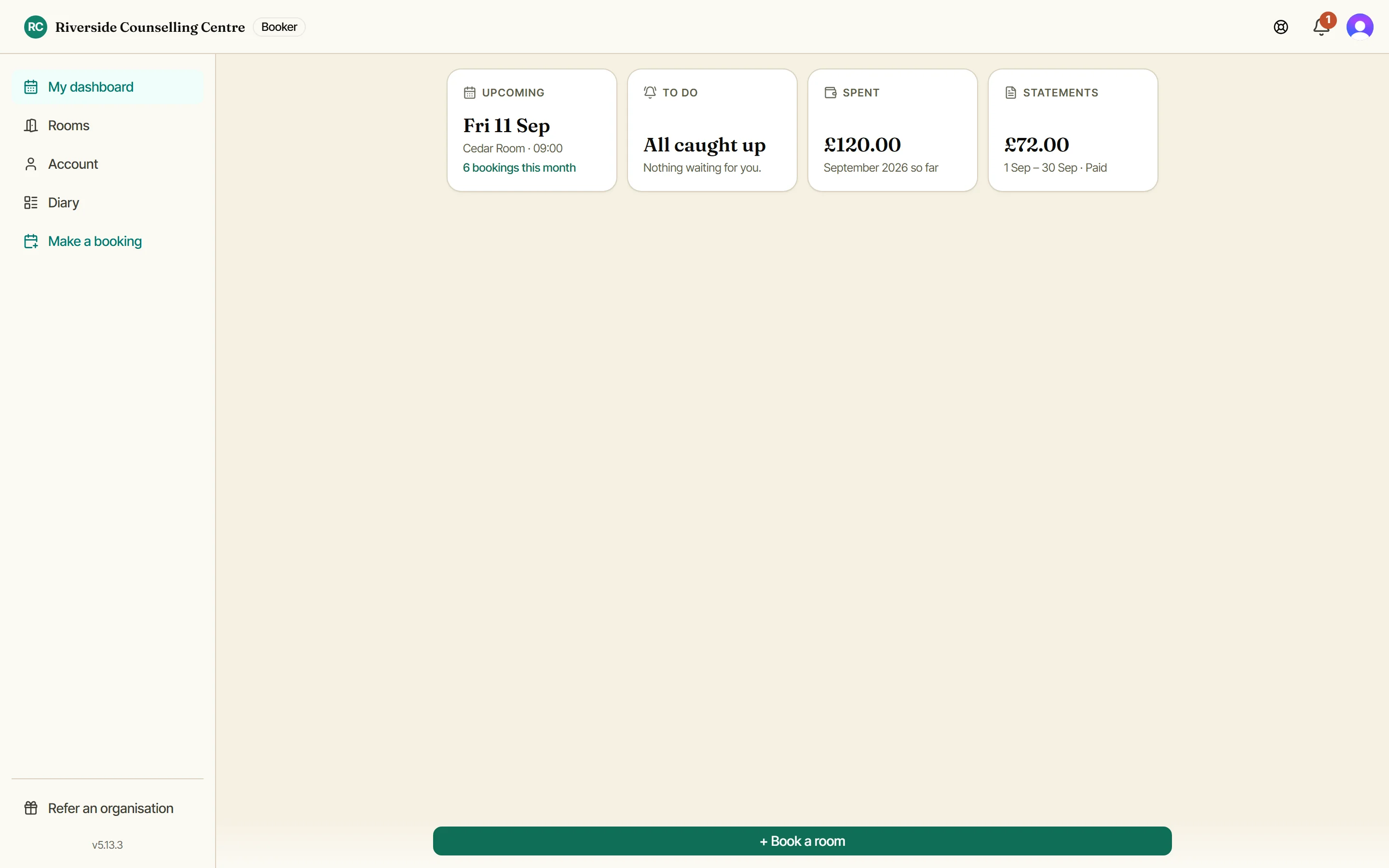
You land on your dashboard: your next booking, anything waiting on you, what you have spent and your latest statement. Tap Upcoming for the full list, today first. A booking that repeats says so on its card, and past a handful of sessions the list folds itself down, so See all opens the rest.
Booking details
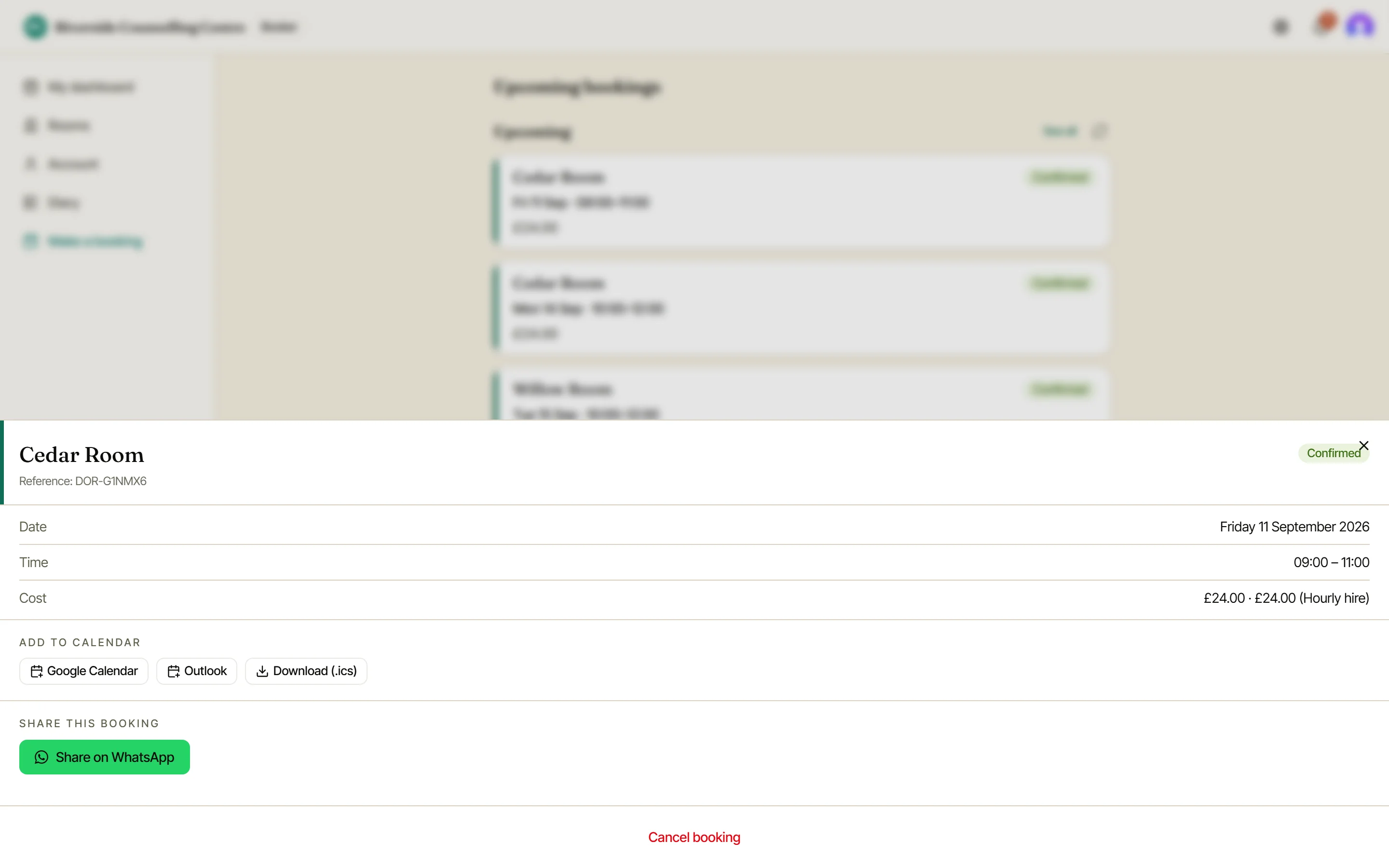
Tap any card for the room, the date and time, what it costs if your organisation charges, and a short reference. From here you can add it to Apple Calendar, Google Calendar or Outlook, send the details to somebody on WhatsApp, or cancel it.
Part of a series?
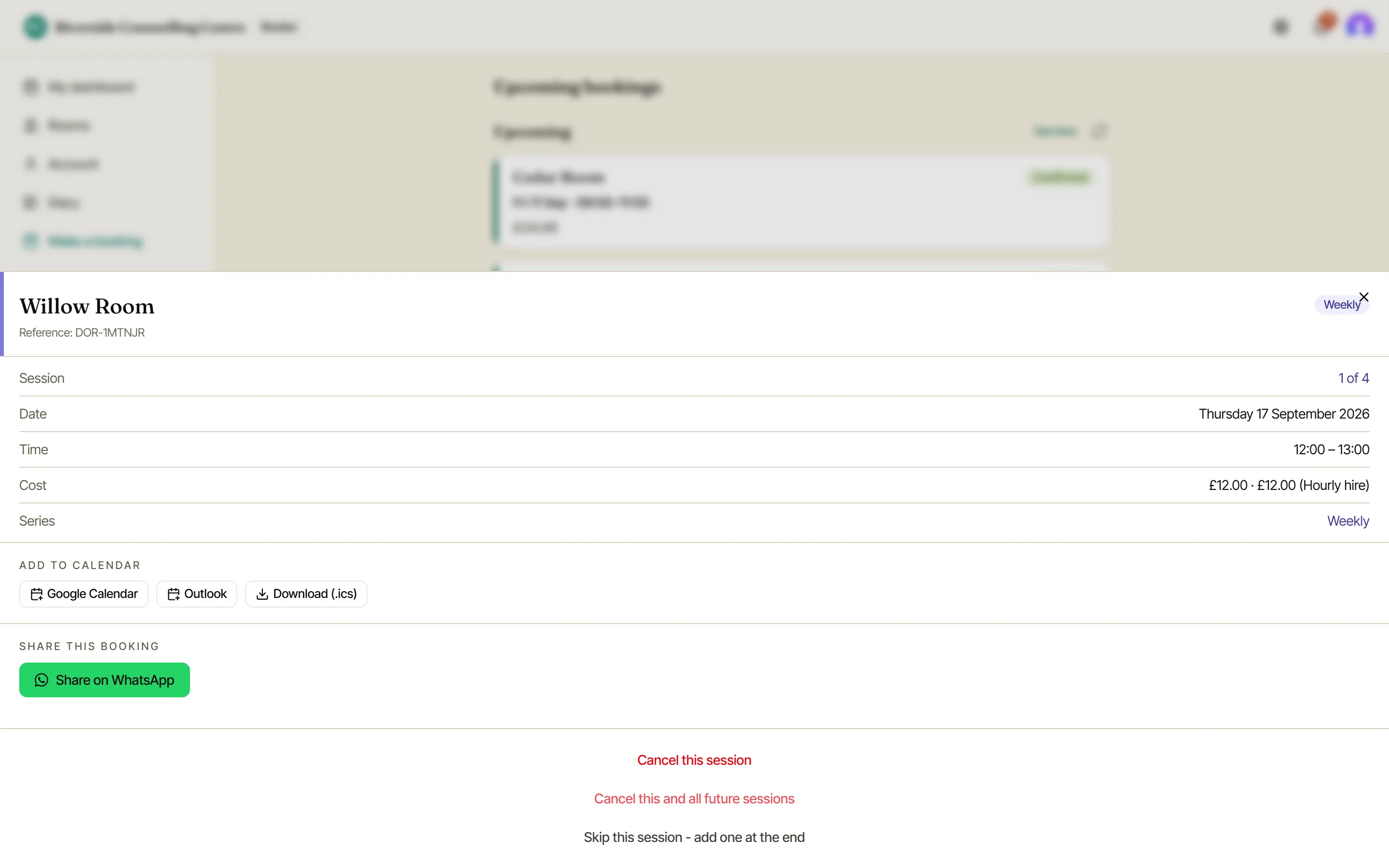
A session in a series gives you three choices rather than one: cancel just this one, cancel this one and everything after it, or, if the series runs for a set number of sessions, skip this one and have Doris add a replacement at the end.
If a booking is on a statement
Once your organisation has sent you a statement, the bookings on it are settled: cancelling one would change a bill you have already been given.
Doris will tell you rather than quietly failing. Have a word with whoever runs your bookings and they can sort it out at their end.