Start from your dashboard
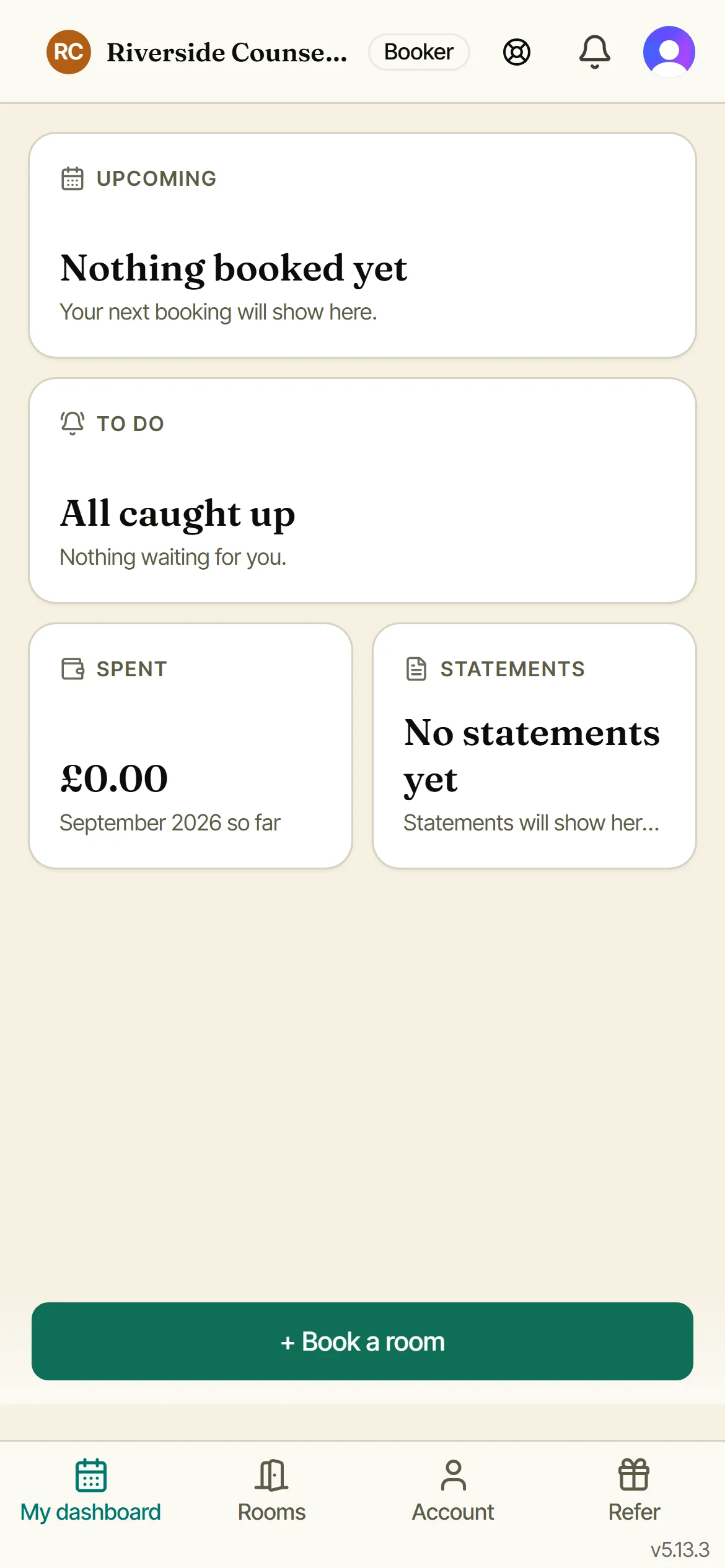
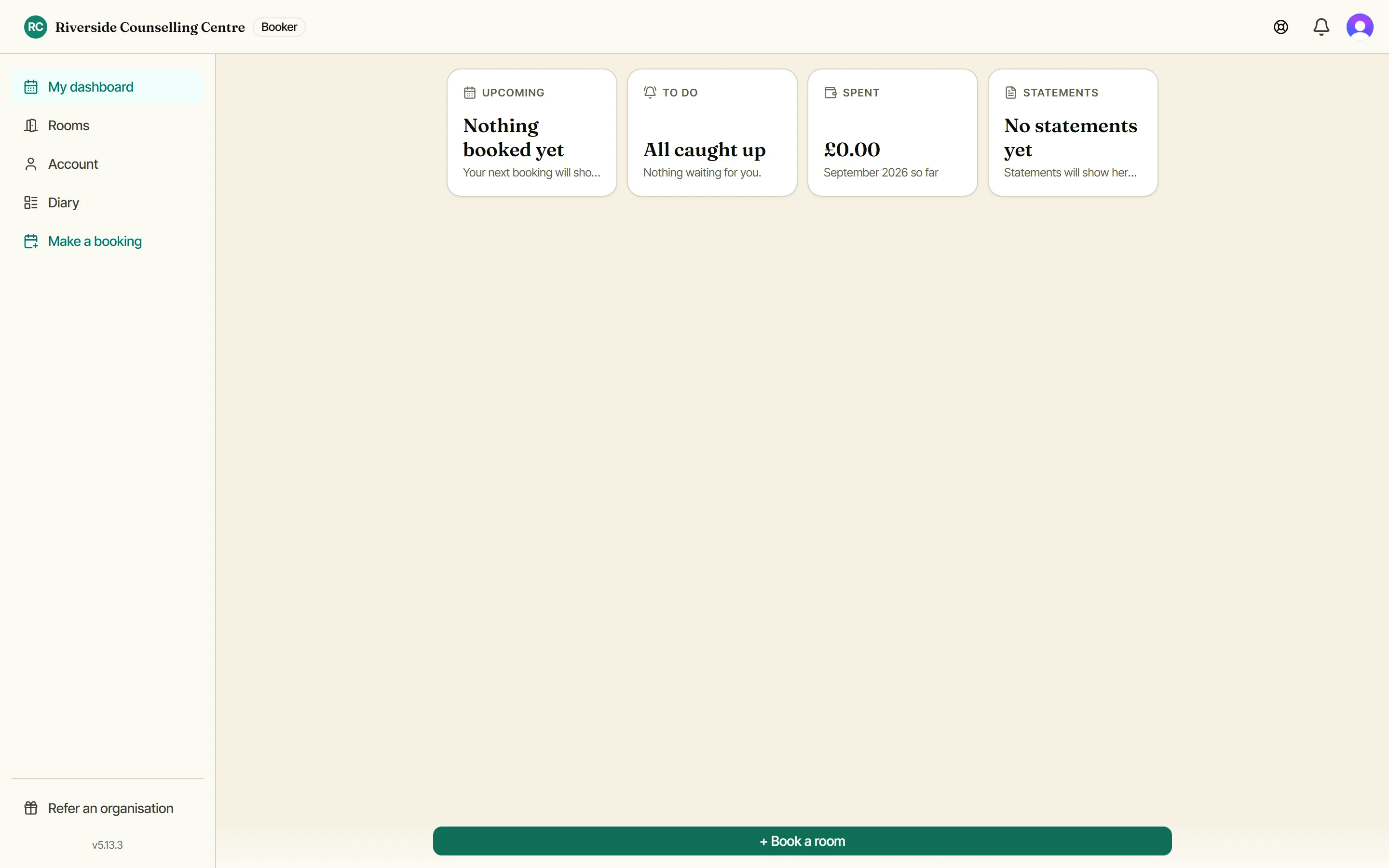
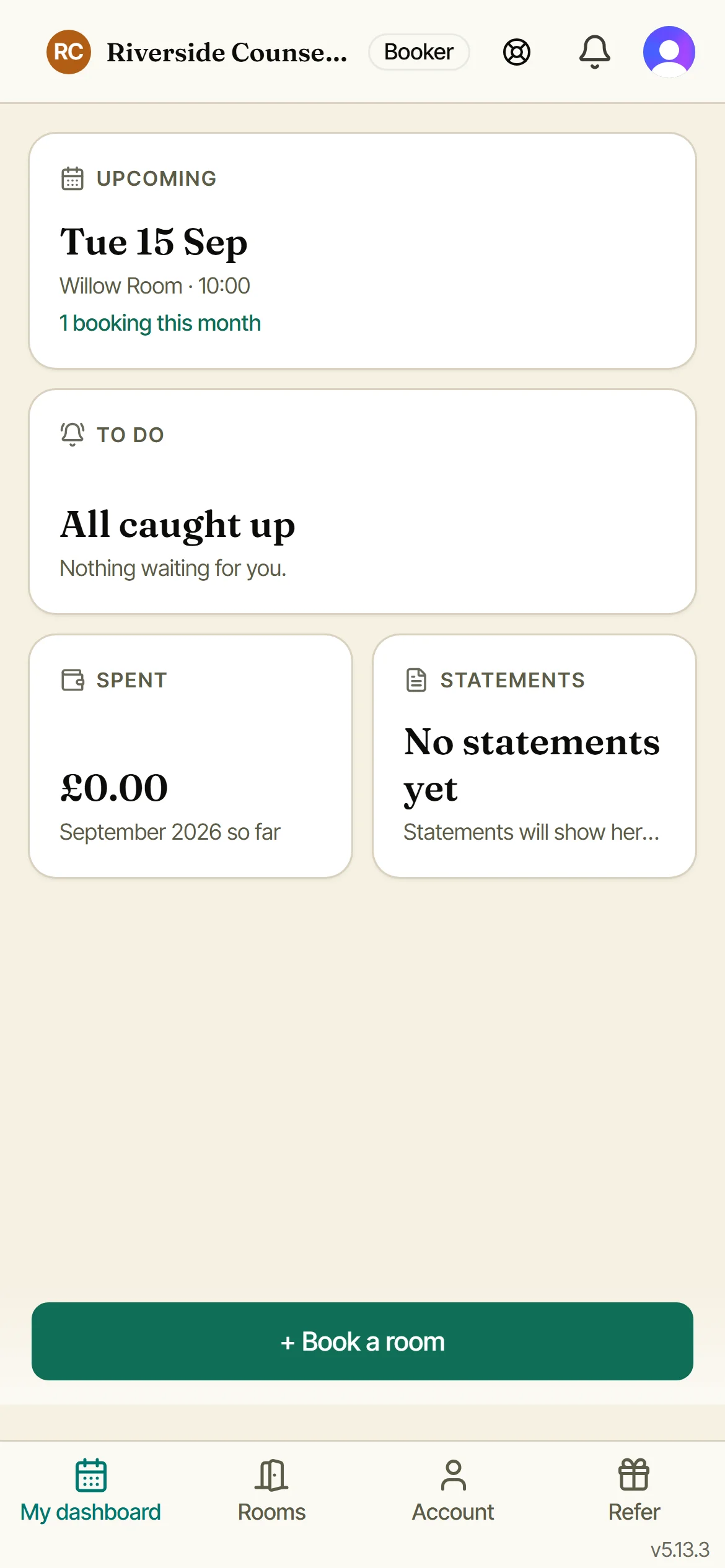
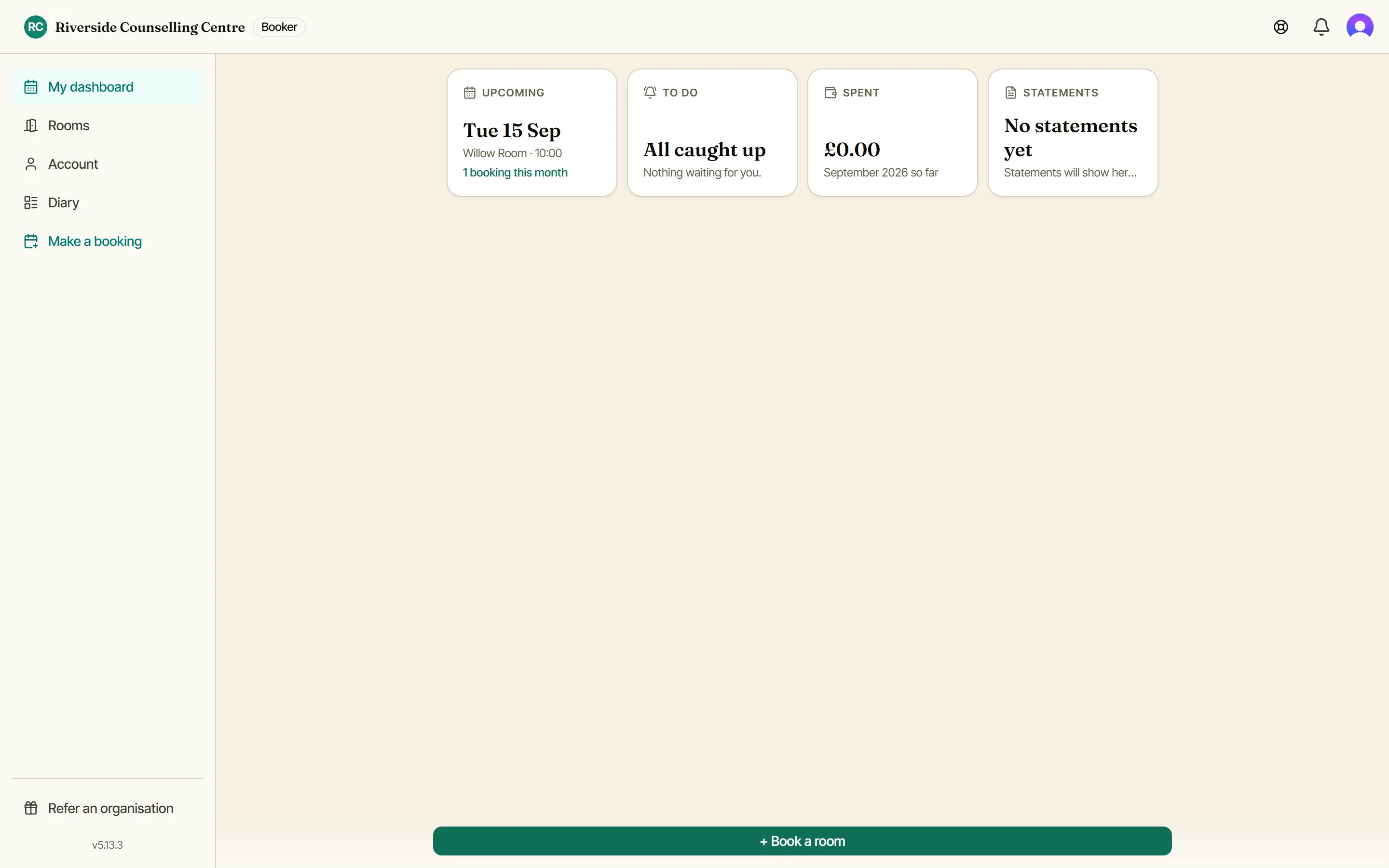
Your dashboard shows your next booking, anything waiting on you and, if your organisation charges, what you have spent and your latest statement. Tap Book a room to start.
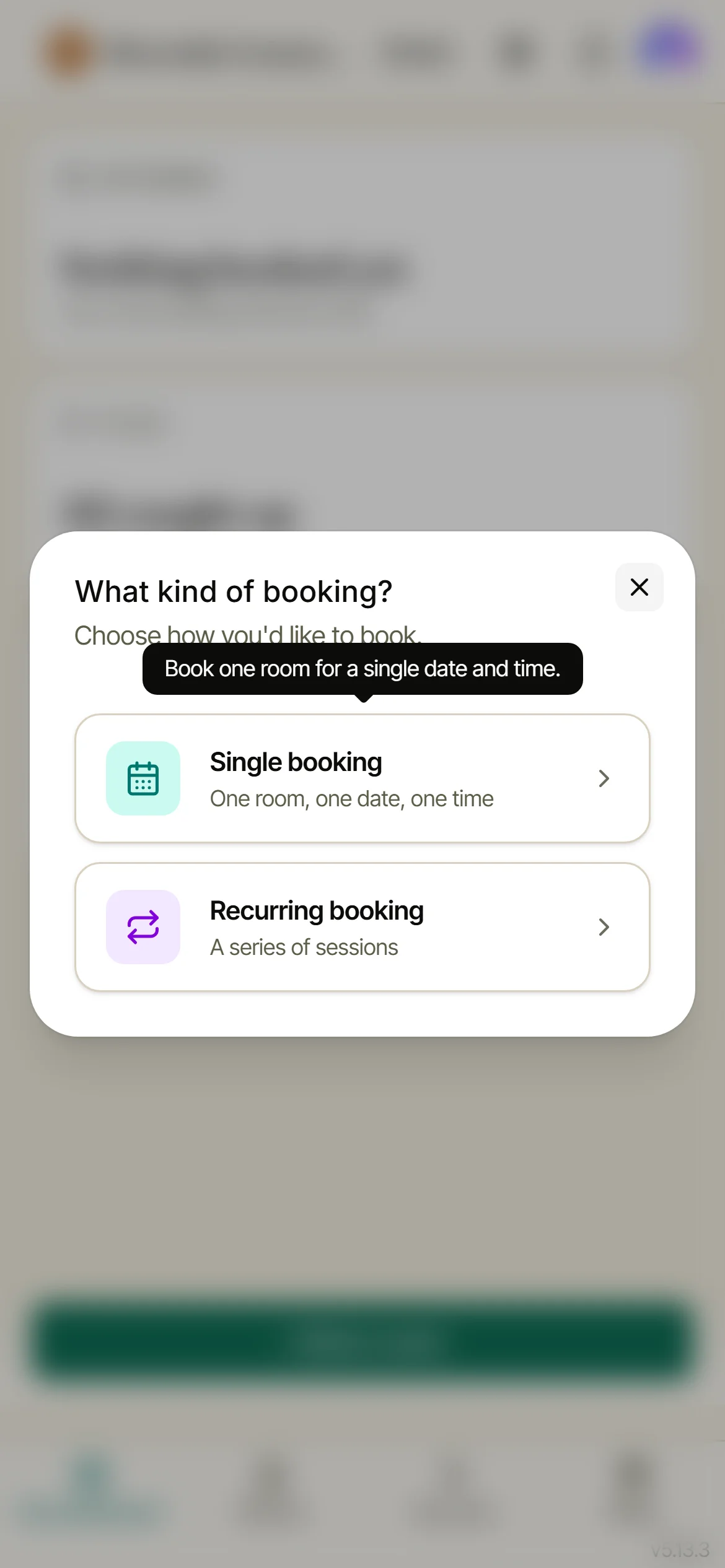
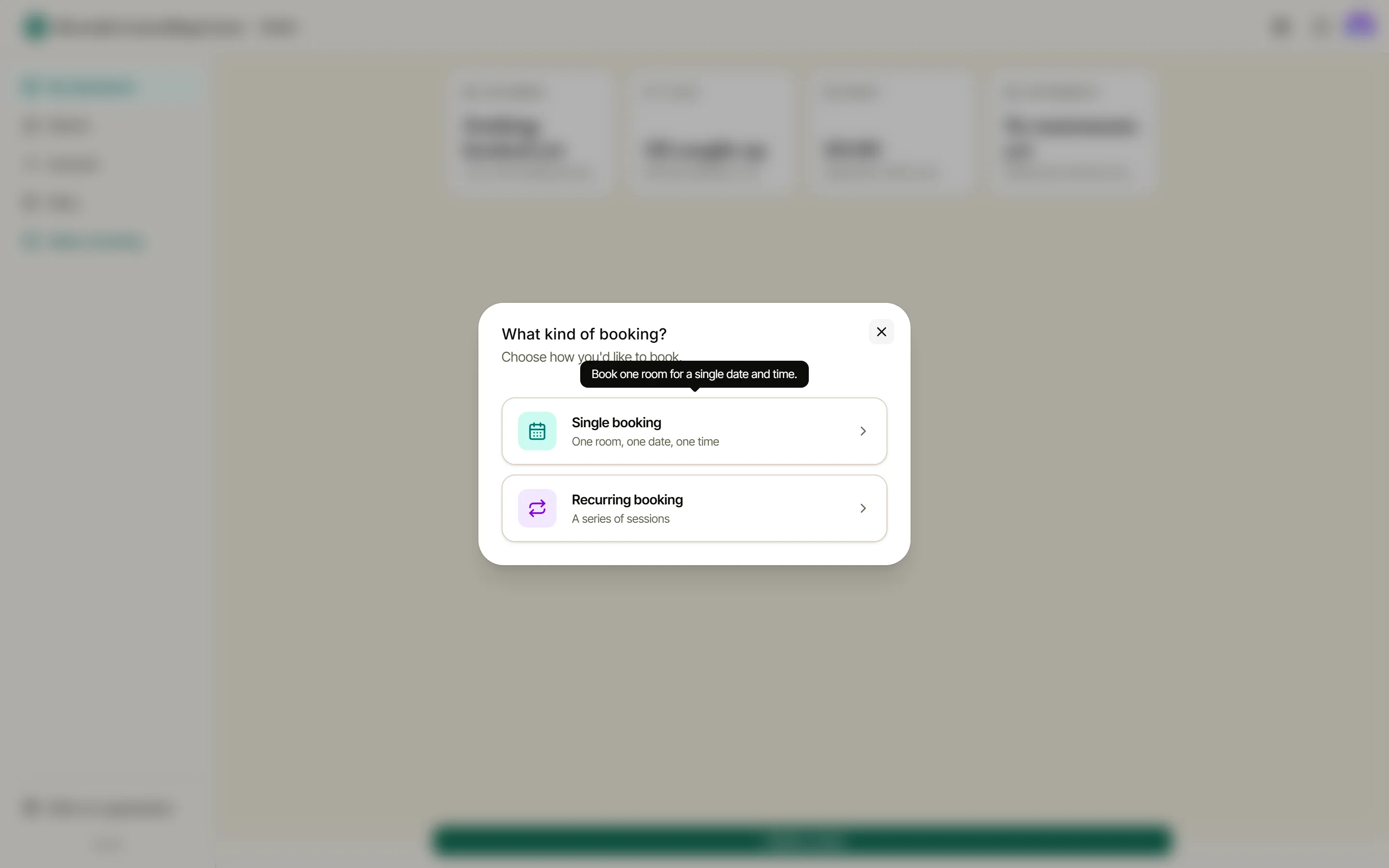
What kind of booking?
Choose a single booking (one room, one date, one time) or a recurring booking for a series of sessions. Co-working organisations see One-off booking and Regular booking here instead, and admins taking a hire for a non-member get a third door, Guest booking.
Pick a date
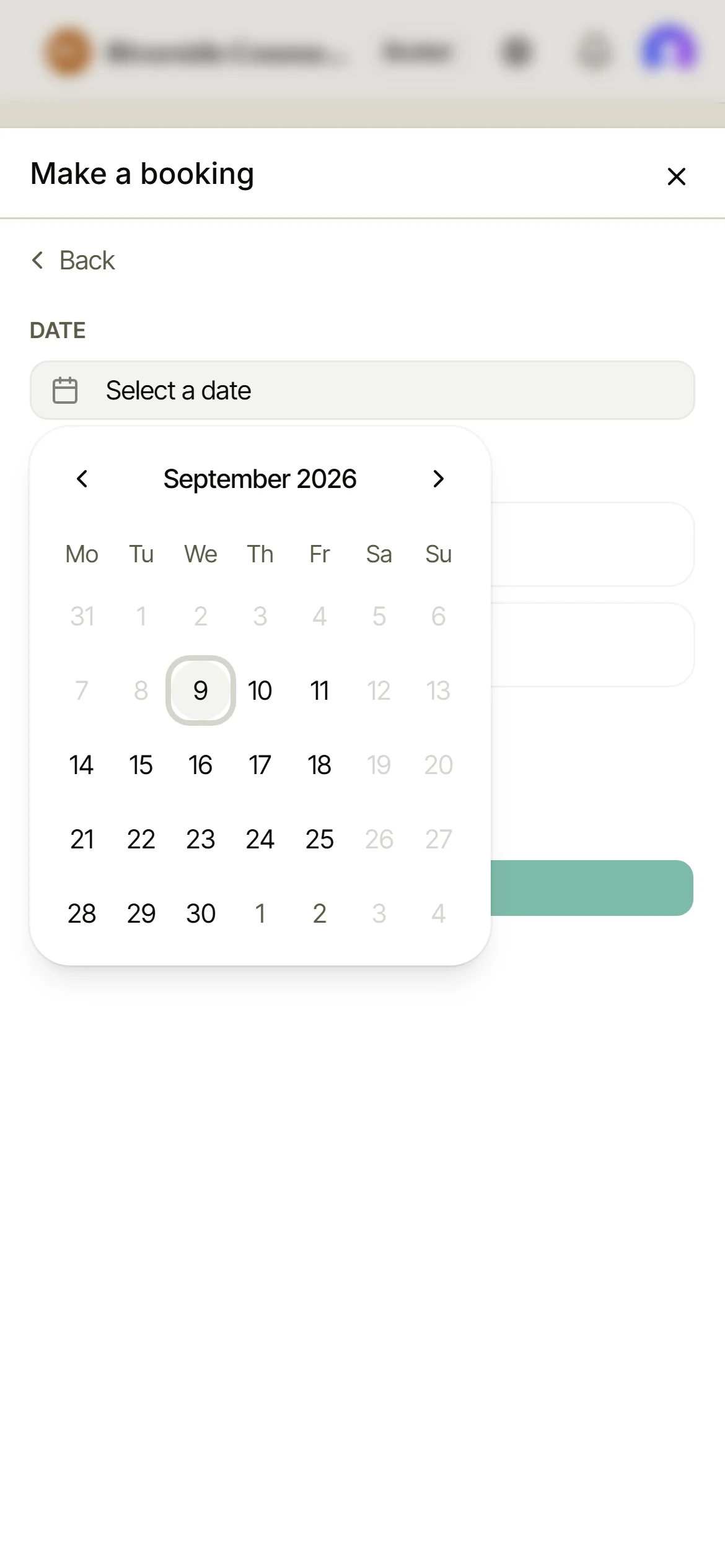
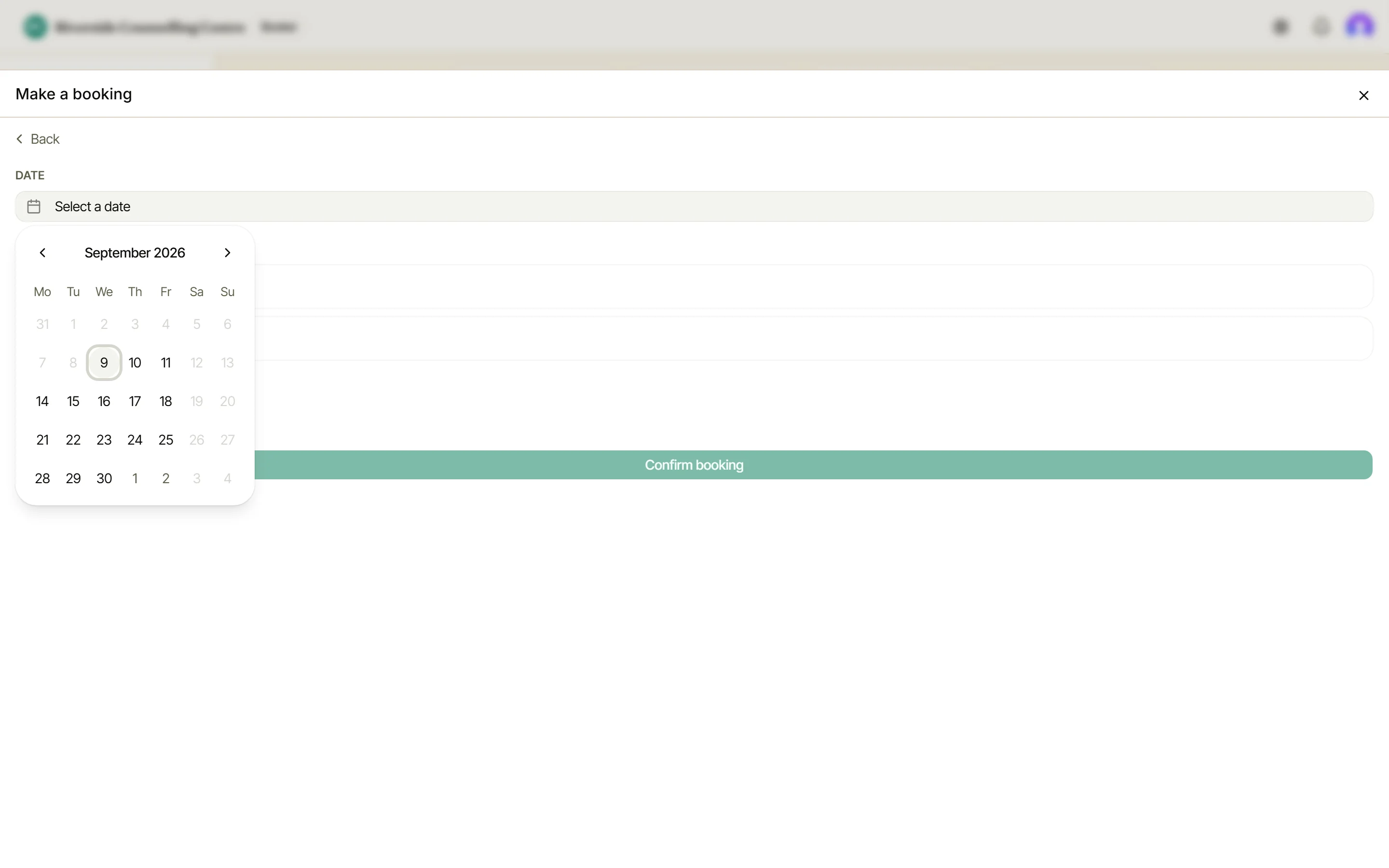
The calendar only offers days your organisation is open. Closed dates and seasonal hours are already taken into account, so a bank holiday or a refurbishment fortnight simply isn’t offered. Tap the day you want.
Choose a room
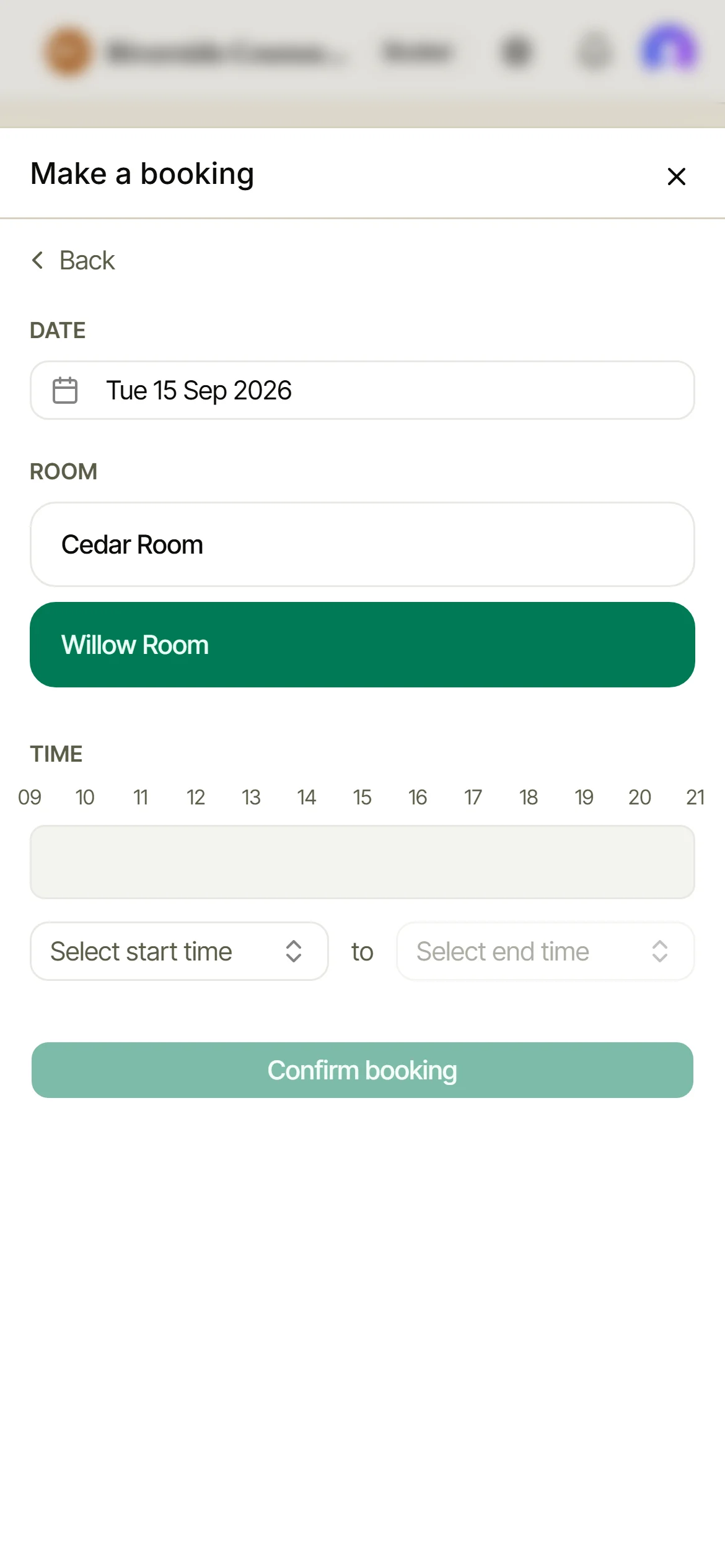
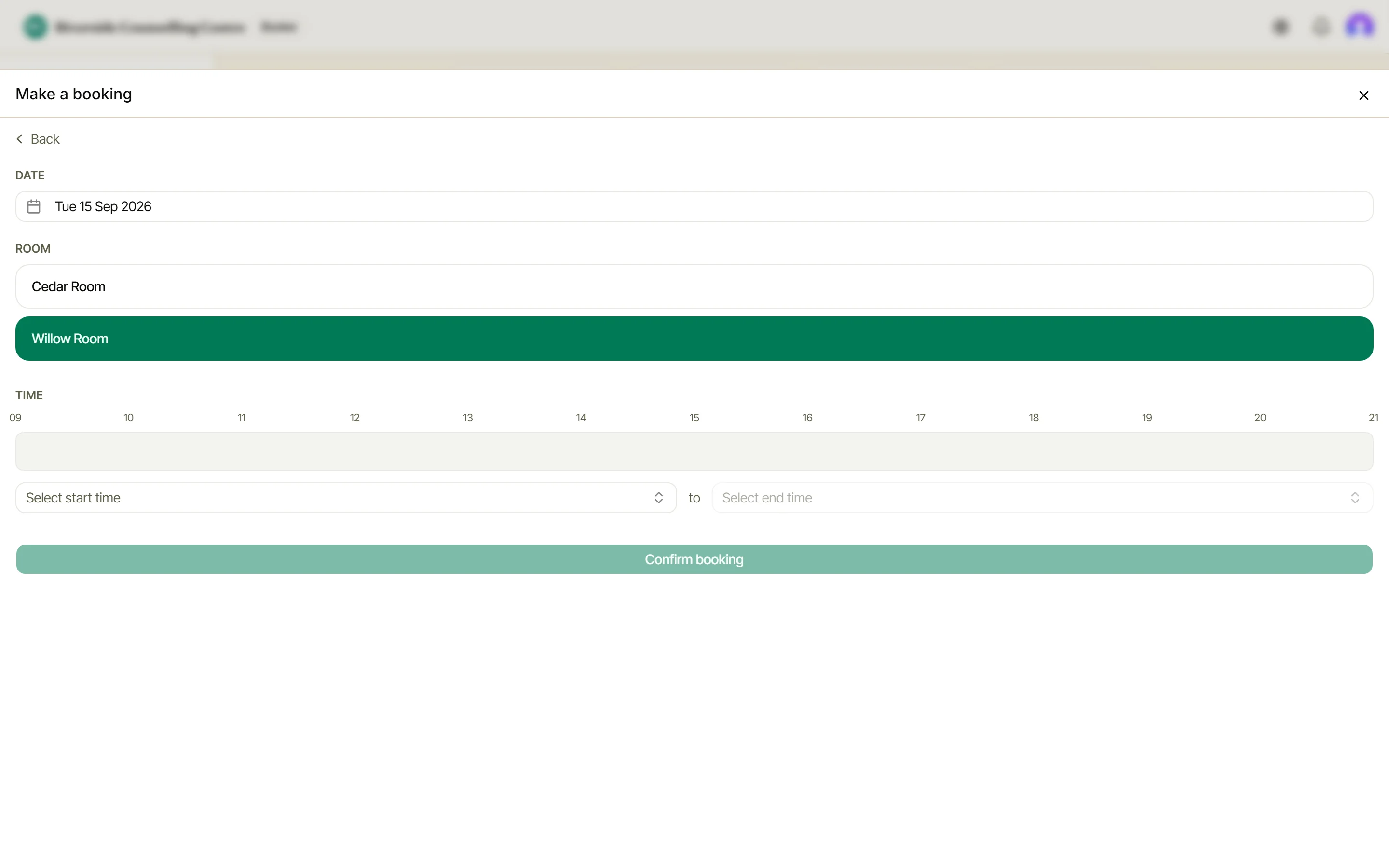
Every room you can book is listed. Tap one and it highlights.
Pick your times
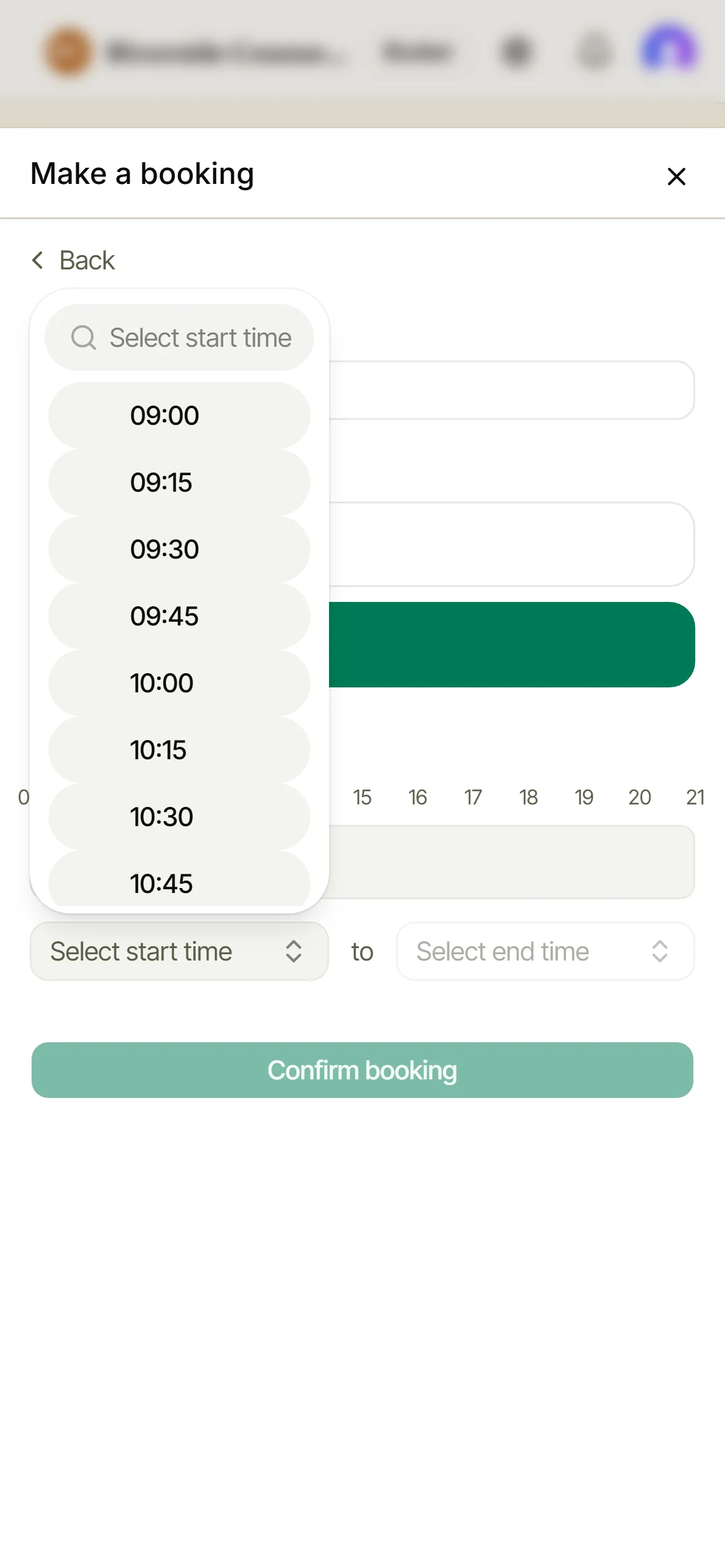
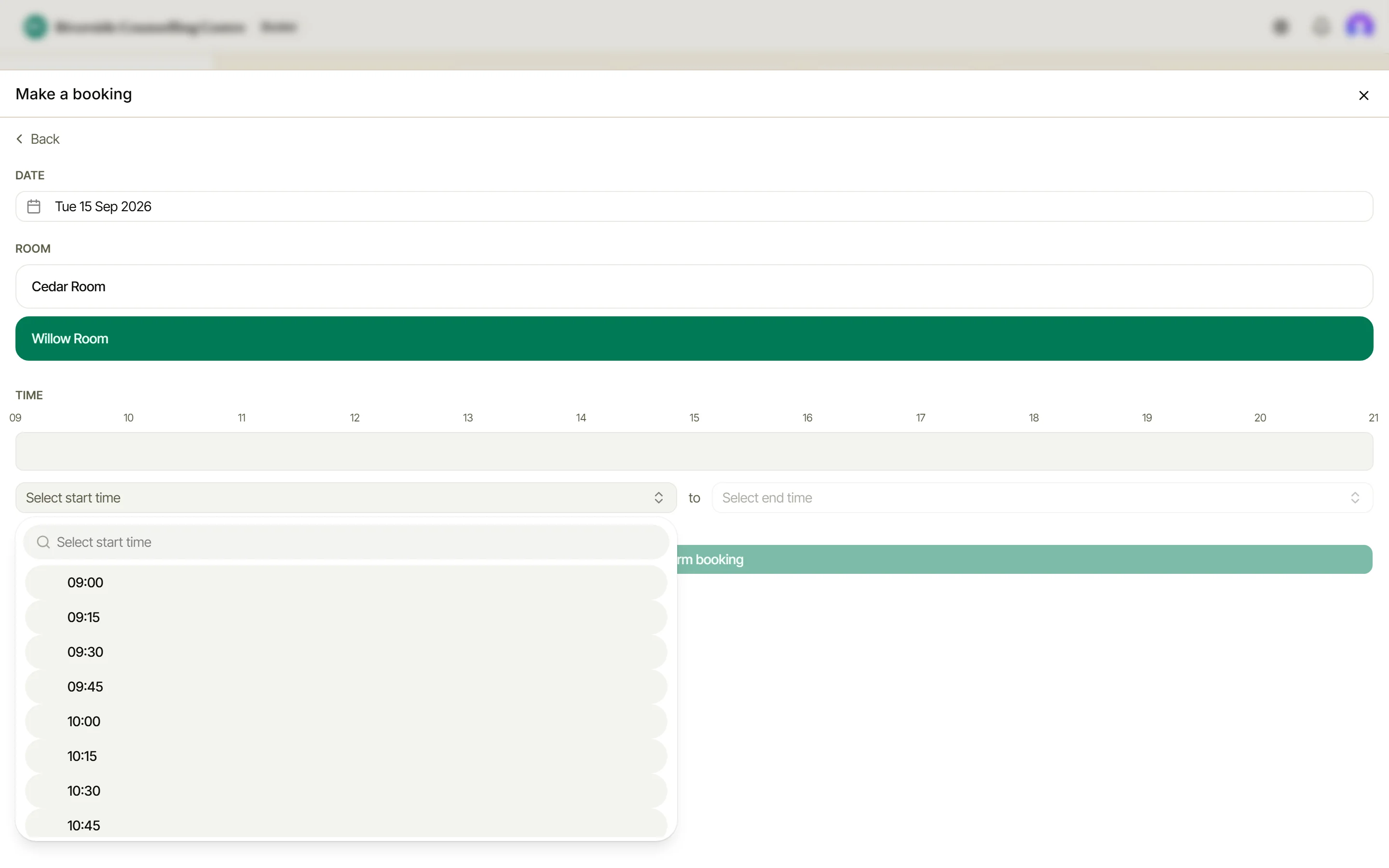
The availability bar shows what’s already taken. Choose a start and end time - anything that clashes is caught before you confirm.
Check the cost, then confirm
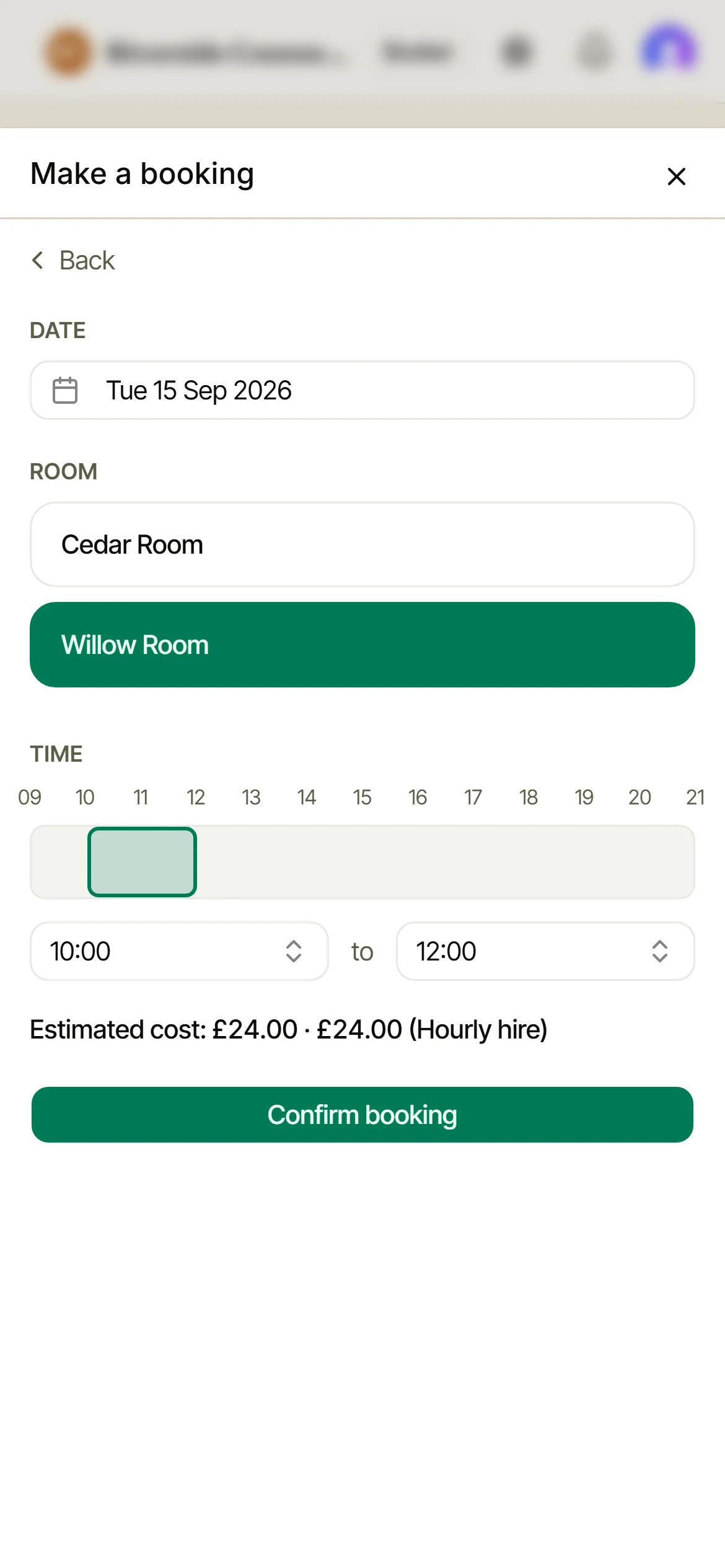
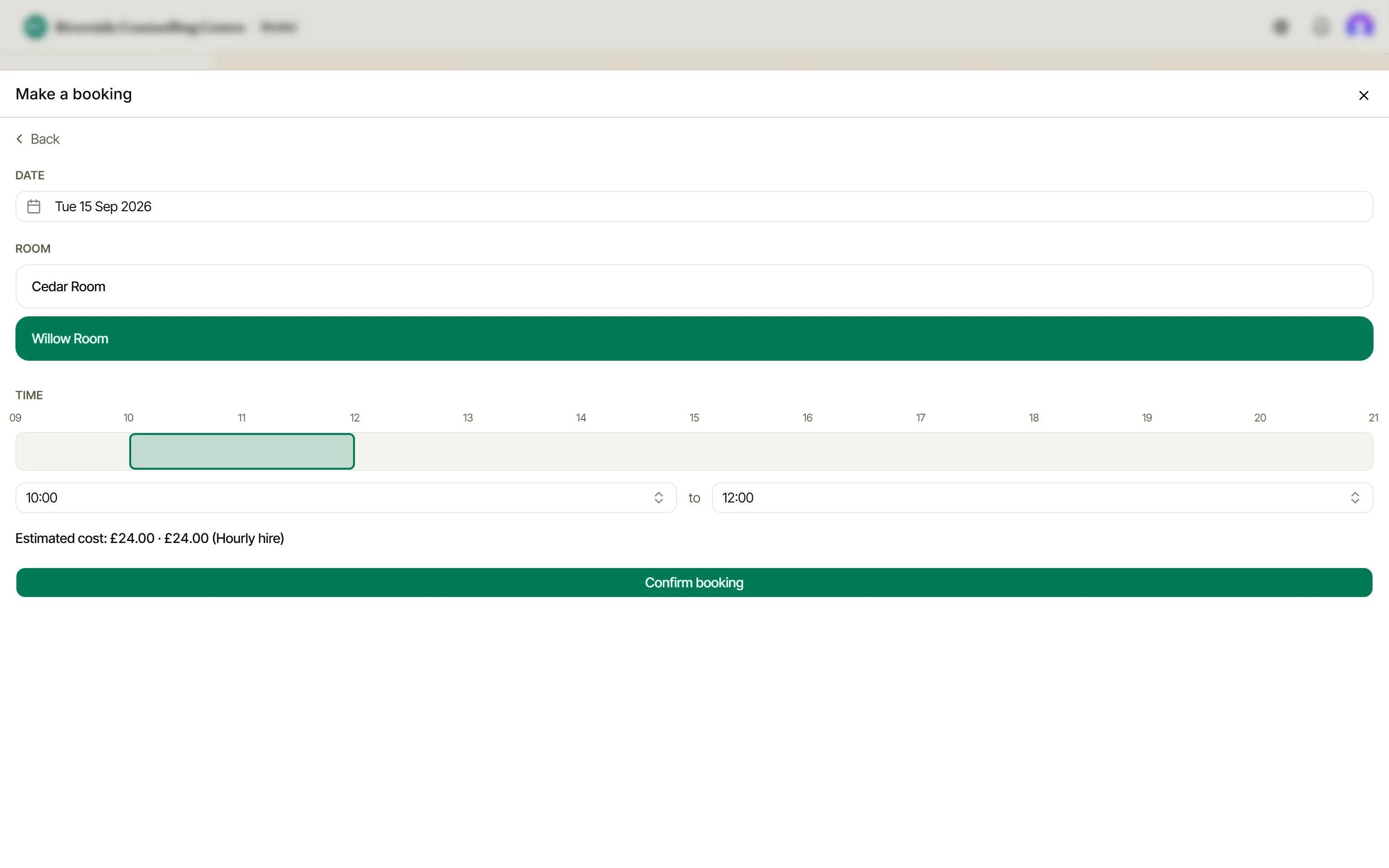
If your organisation charges for rooms, the estimated cost shows before you commit. One tap on Confirm booking and it’s done.
Booked
Your new booking is straight on your dashboard, and in Upcoming with everything else. No forms, no waiting.
The full details
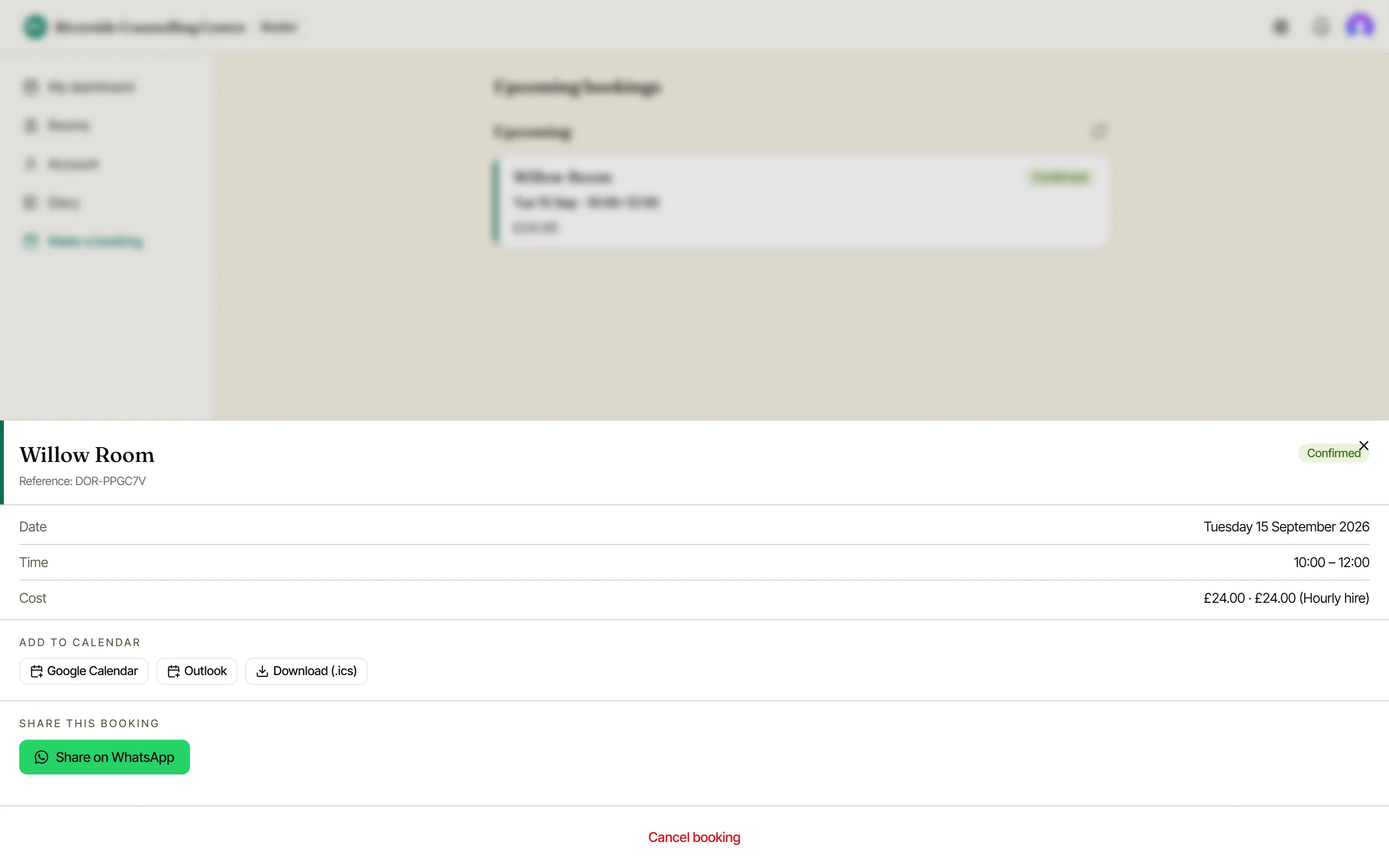
Tap any booking for its reference, date, time and cost - plus add-to-calendar links, WhatsApp sharing, and cancellation.
Booking something regular?
For a weekly class or a fortnightly meeting, choose Recurring booking at the first step instead.
Tell Doris the day, time, frequency and how many sessions, and it offers the rooms and times that are free on every date, and says plainly when your first choice is not.
Booking for someone who isn’t a member
A one-off hire: a birthday party, a wake, a meeting for a group you won’t see again. Admins can take those as a Guest booking, the third door on that first screen.
You take the hirer’s name and contact details as part of the booking, and Doris deletes them automatically a set number of months after the date. Switch it on in Settings, Booking rules. The booking itself is on every plan, Free included; the deposit and balance, the hirer’s confirmation with your payment details, your own questions and the day sheet are part of Diary & Billing.
For anyone who books regularly, add them as a member instead.