First, the plan
Room prices, statements, prices on extras and membership plans all belong to Diary & Billing. On the Diary plan the Pricing screen is still there and any prices you already have still show, but the rows are there to read, not to edit.
A trial runs on Diary & Billing, so you can set all of this up and see how it behaves before you decide. If the words rate card, group and plan are new to you, read How pricing works first; it is one page.
Where prices live
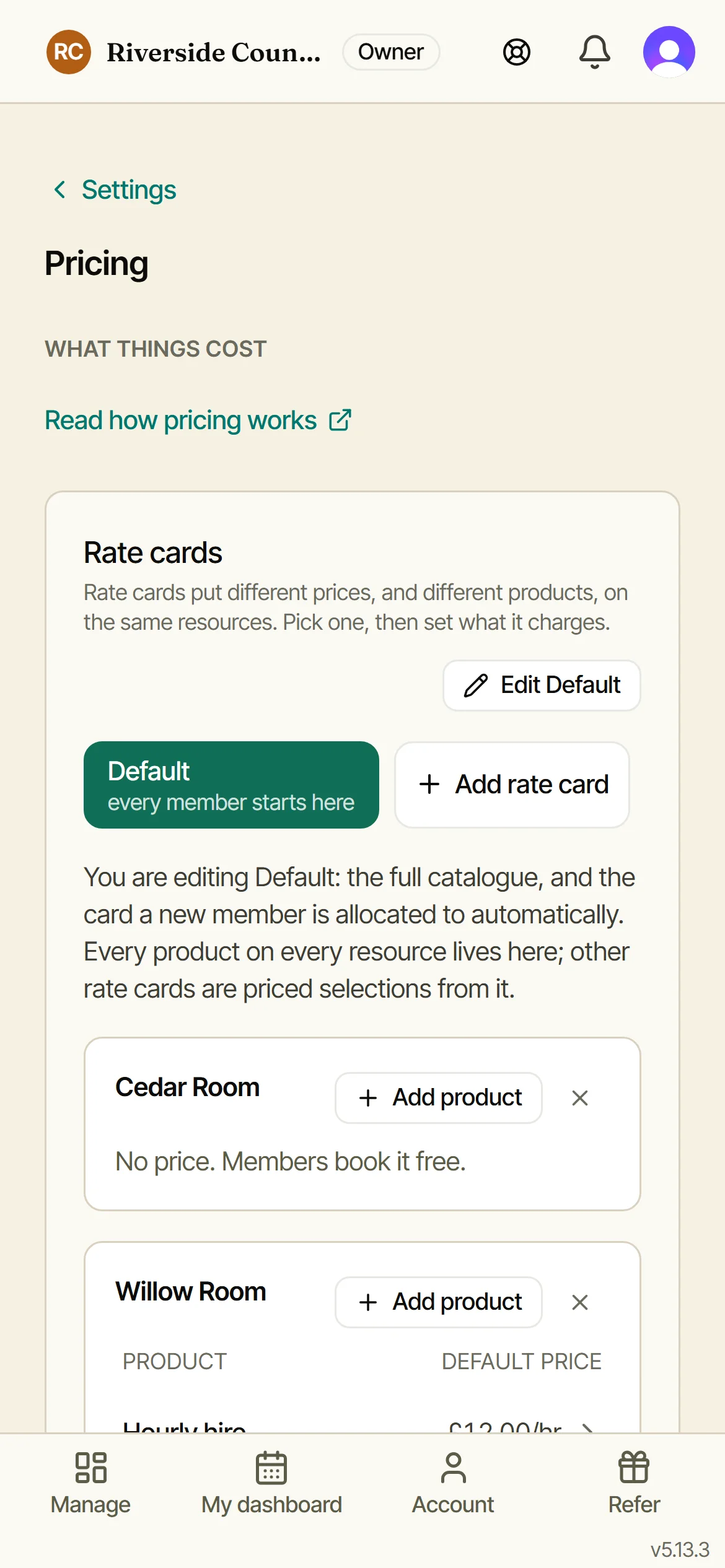
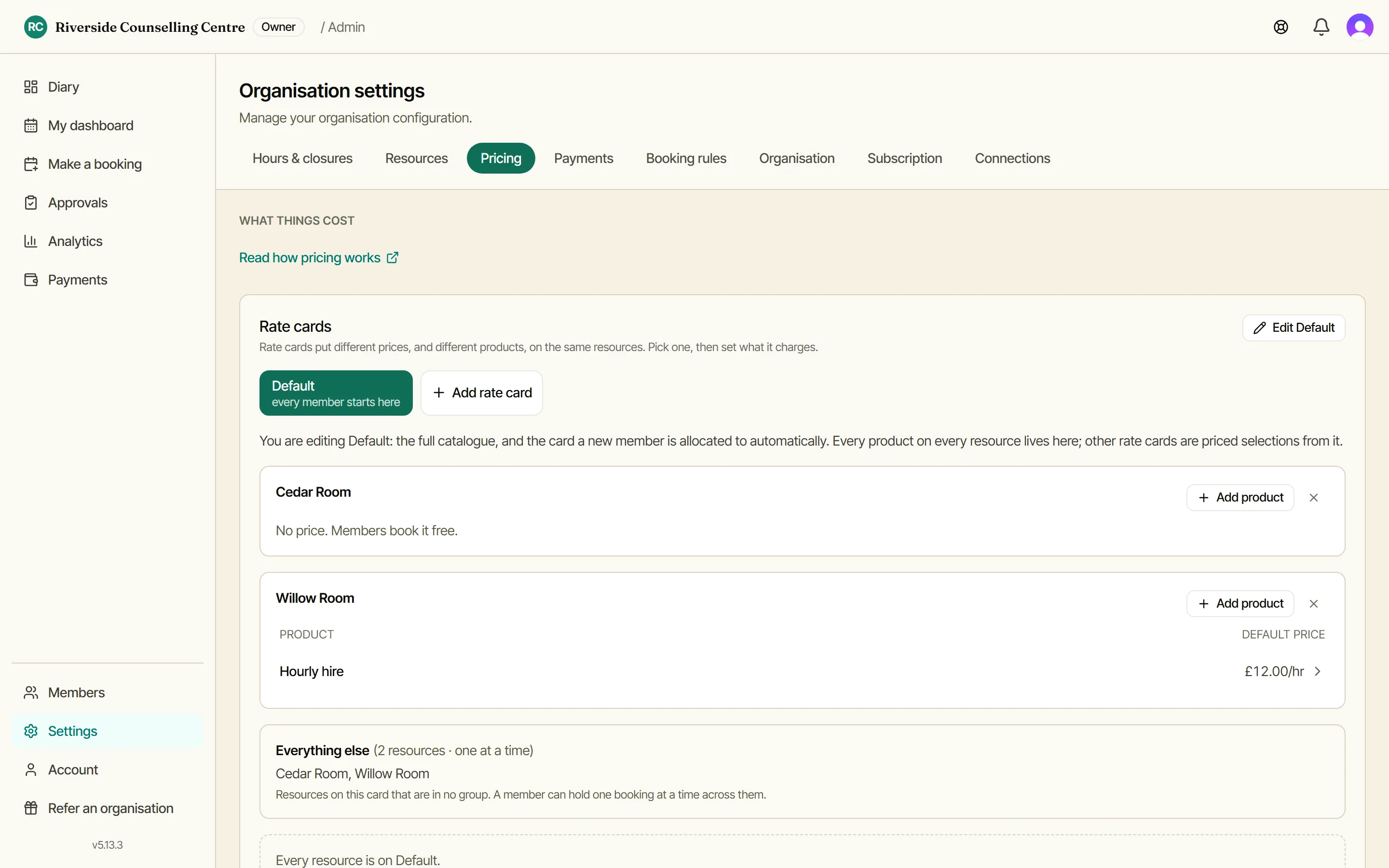
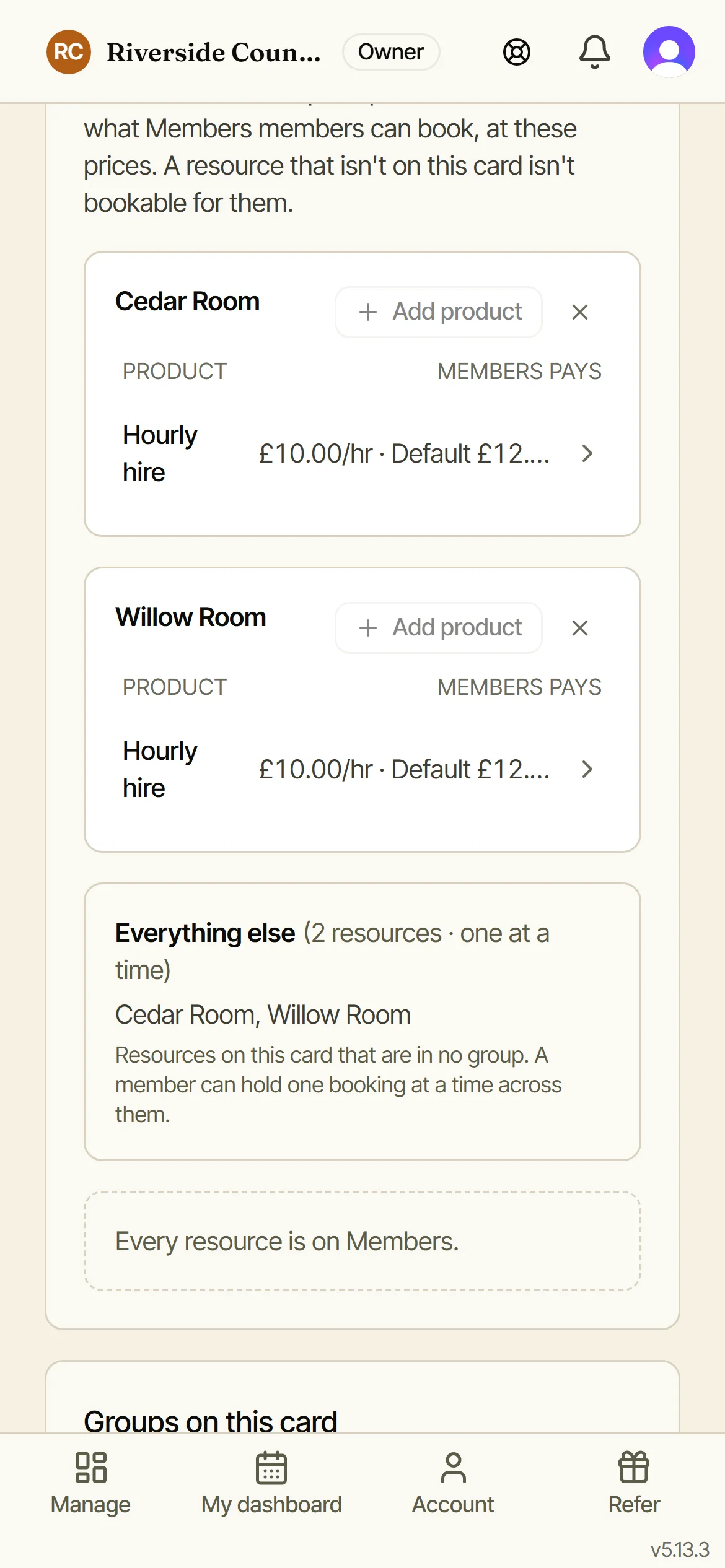
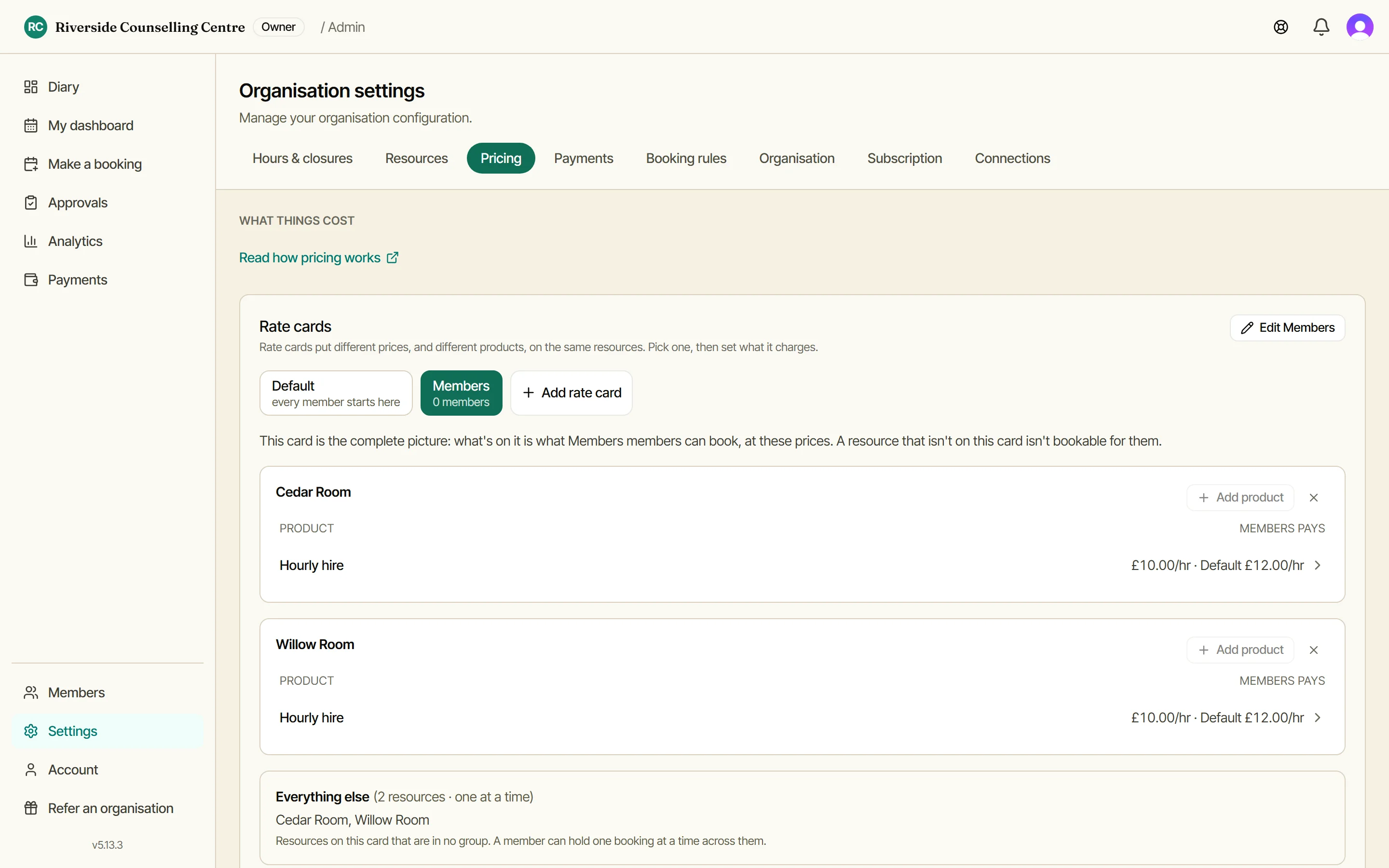
Settings, then Pricing. Your rate cards, Default first: it lists every room and what each costs, and it is the card every member starts on. A room with no price stays free to book. Add product on a room is where a price begins.
Set a room’s price
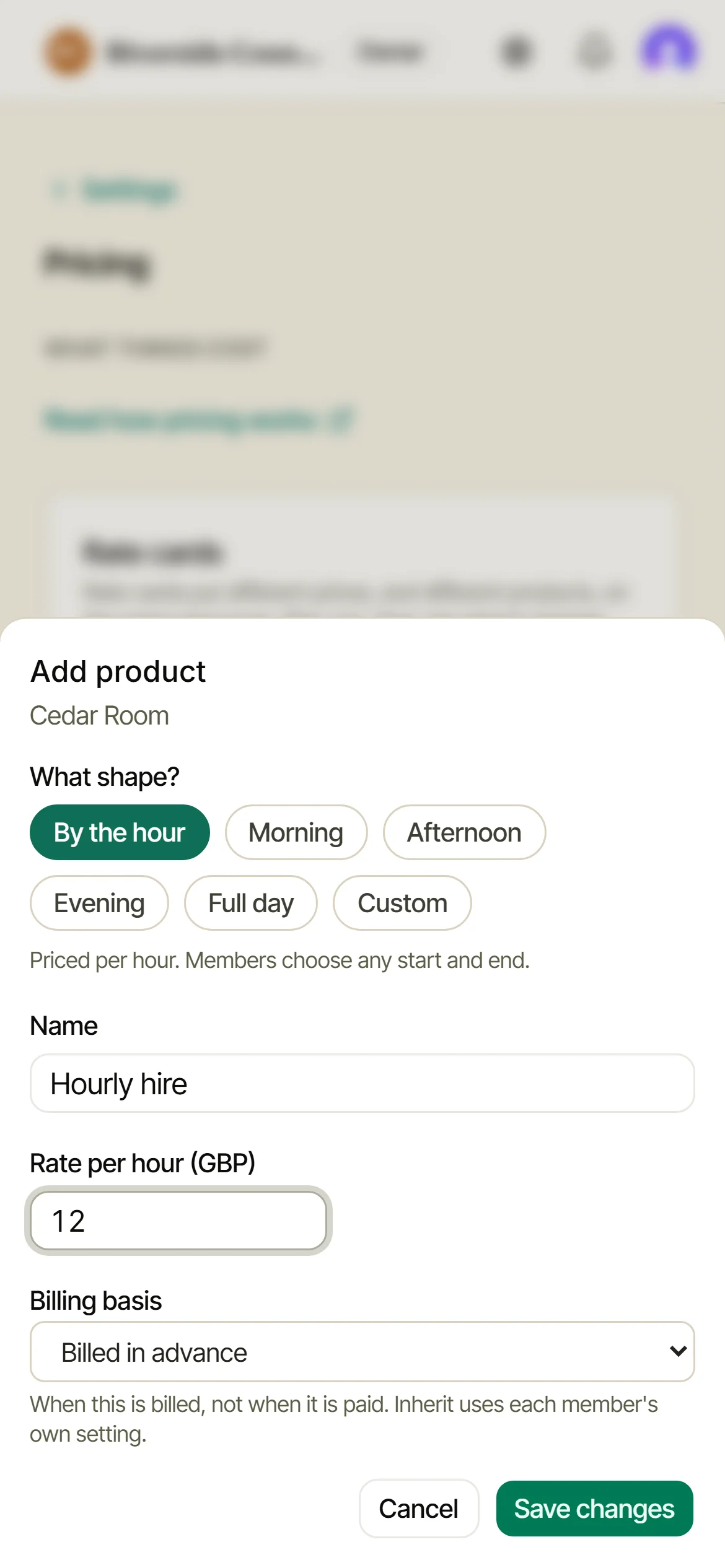
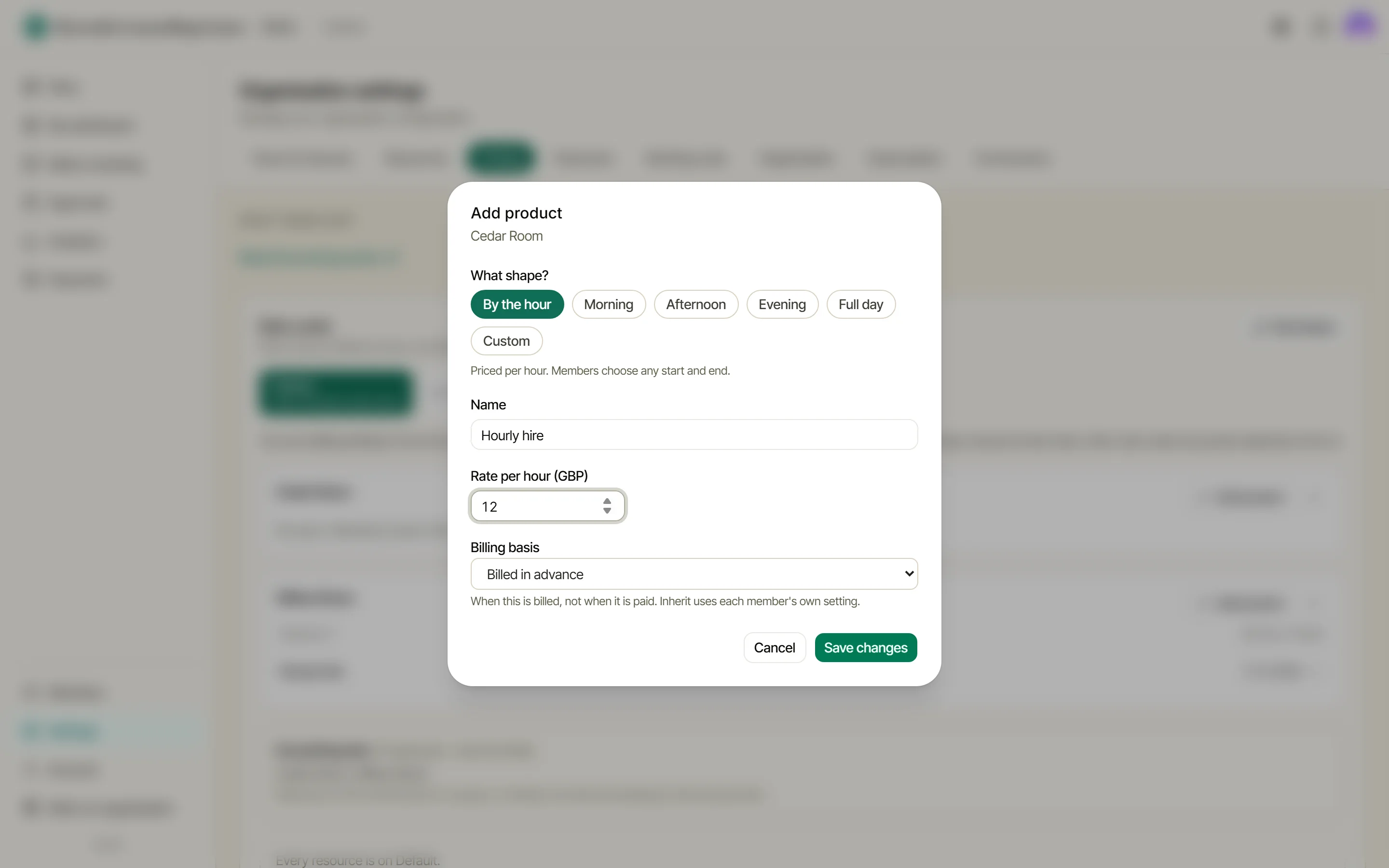
Pick the shape: by the hour, a morning, an afternoon, a full day, or per session on a fixed-slot organisation. Name it and set the price. Billing basis decides when it lands on a statement: with the member’s own default, in advance, or in arrears. A room can carry more than one product.
Different people, different prices
Add a rate card, start it from Default, then change what you like. Here a Members card pays £10 an hour where Default pays £12, and it could offer fewer rooms too. Move people onto it from the Members page. If everyone pays the same, you never need this.
Your money, straight into your own account
Members can settle a statement by card, and guests can pay a hire deposit the same way, through a link that needs no login. You connect a free Stripe account under Settings, Payments, and from then on the money lands in your account. You are the one taking the payment.
Doris takes no cut of it and never holds a penny. Bank transfer and cash carry on working exactly as they do now, and nobody is ever asked for a card at the moment they book a room.
What members see
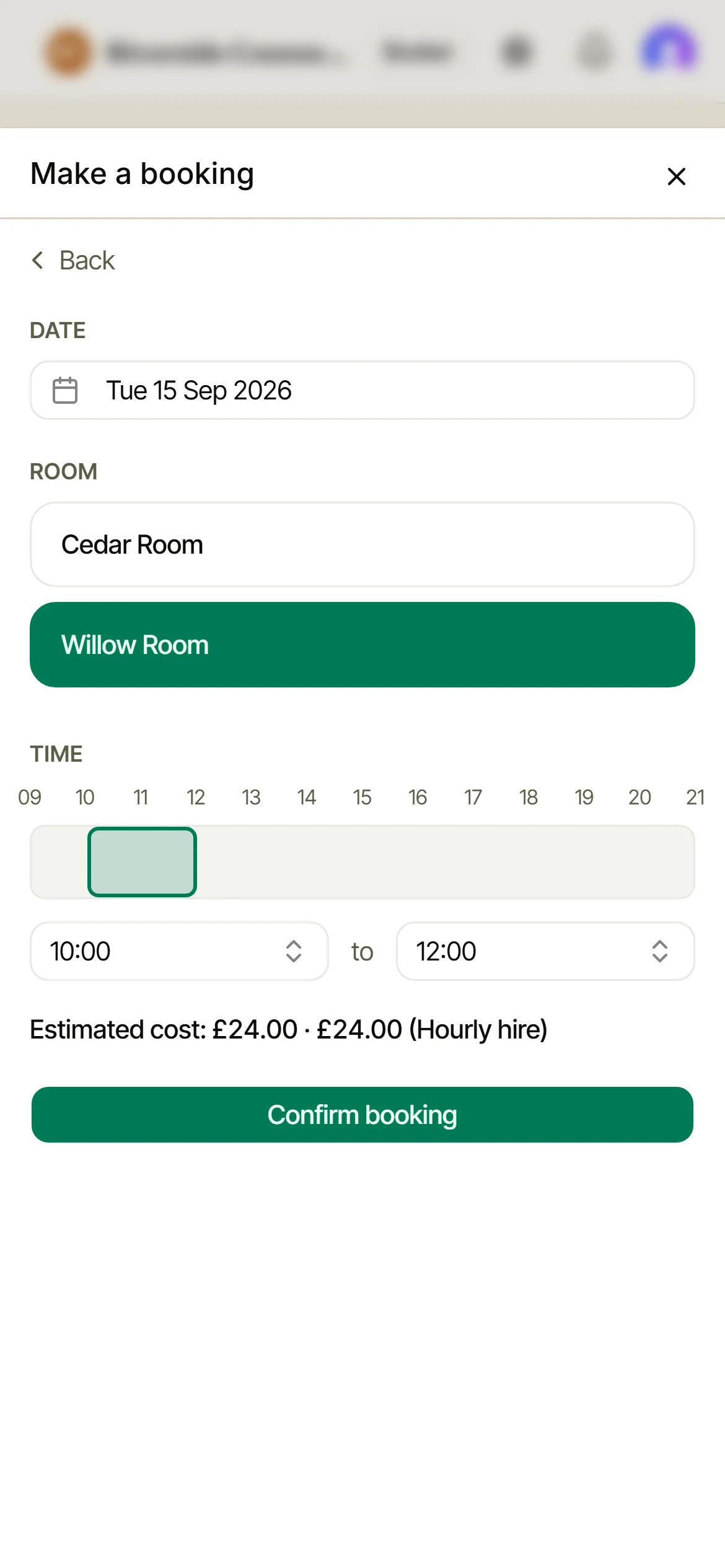
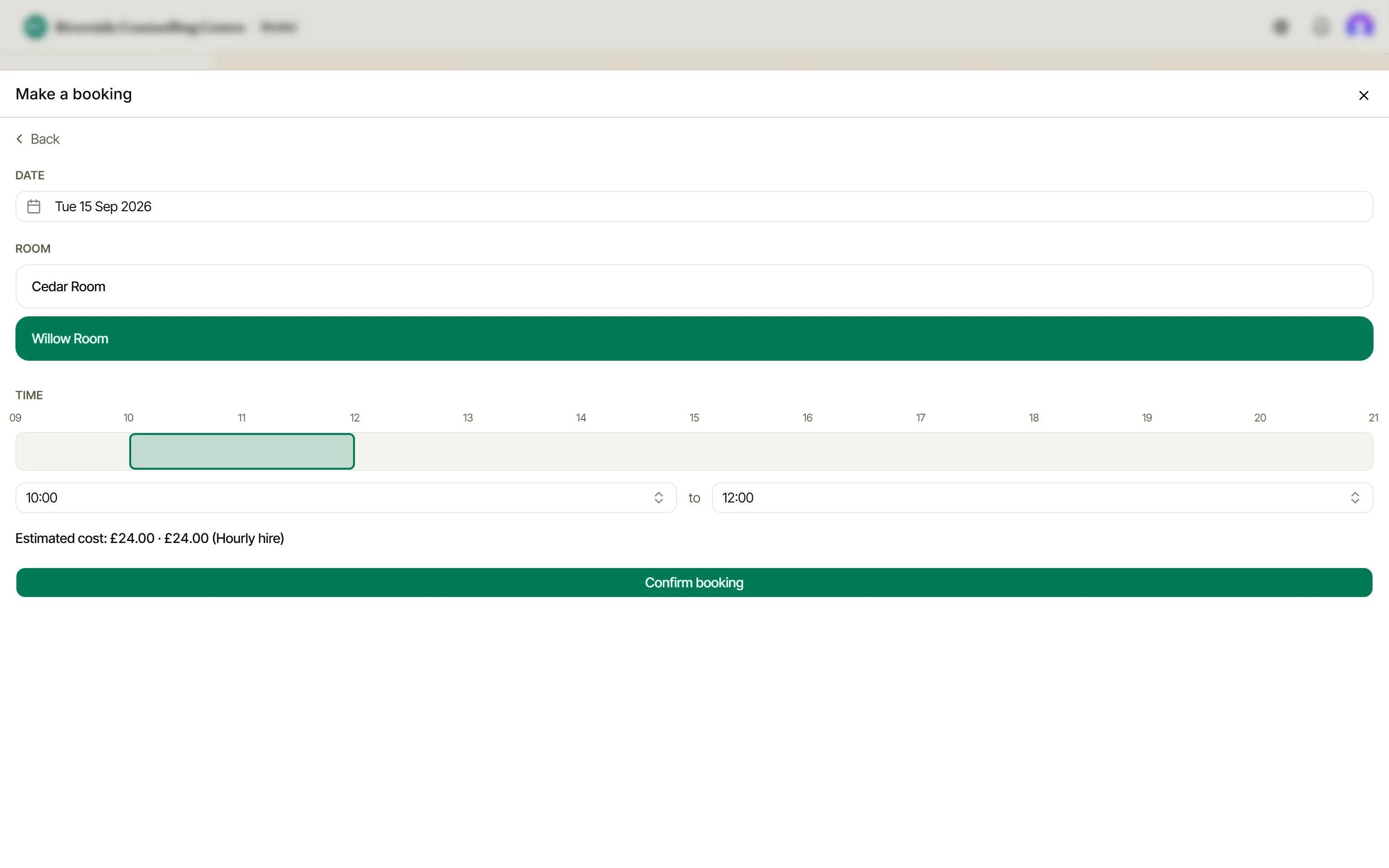
Once a room has a price, members see the estimated cost before they confirm - no surprises at statement time.
Group rooms that are interchangeable
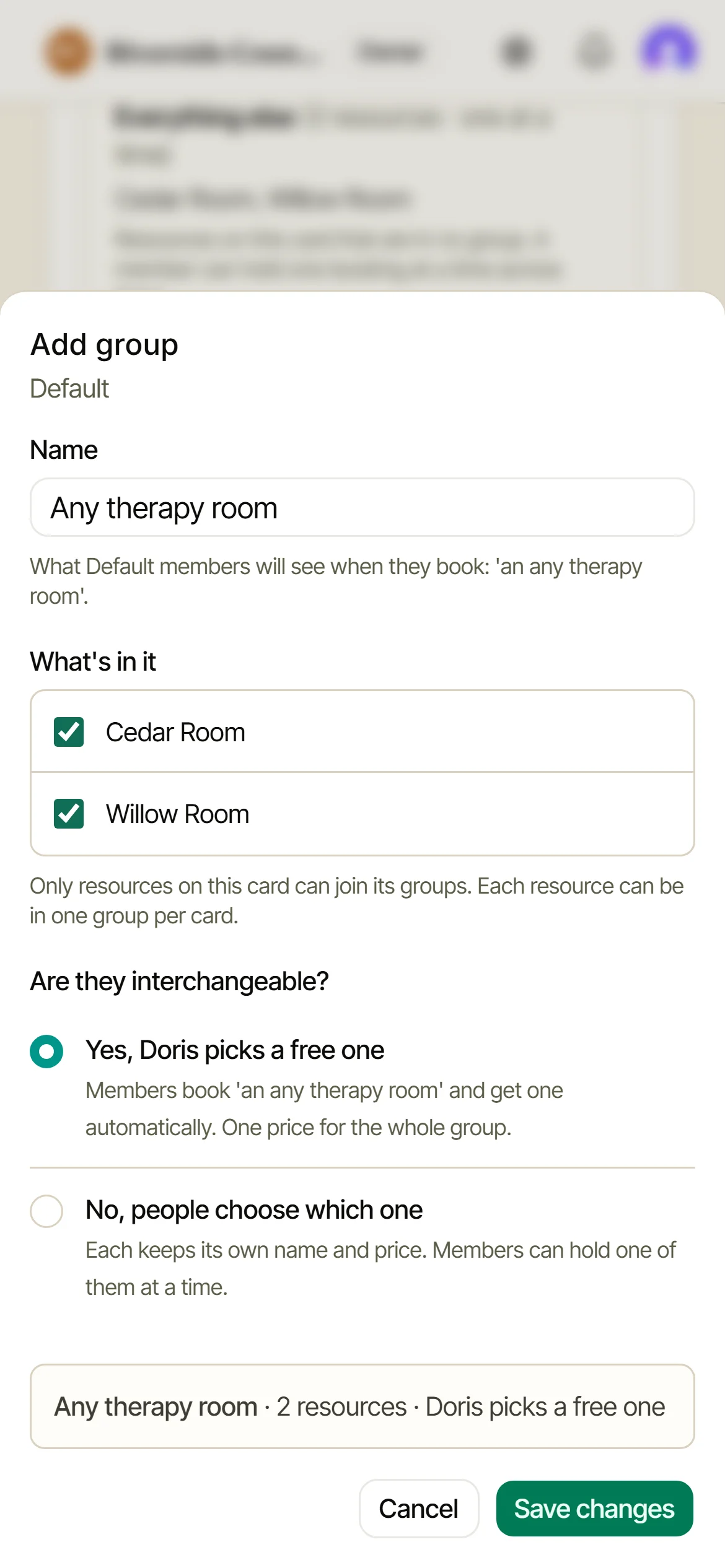
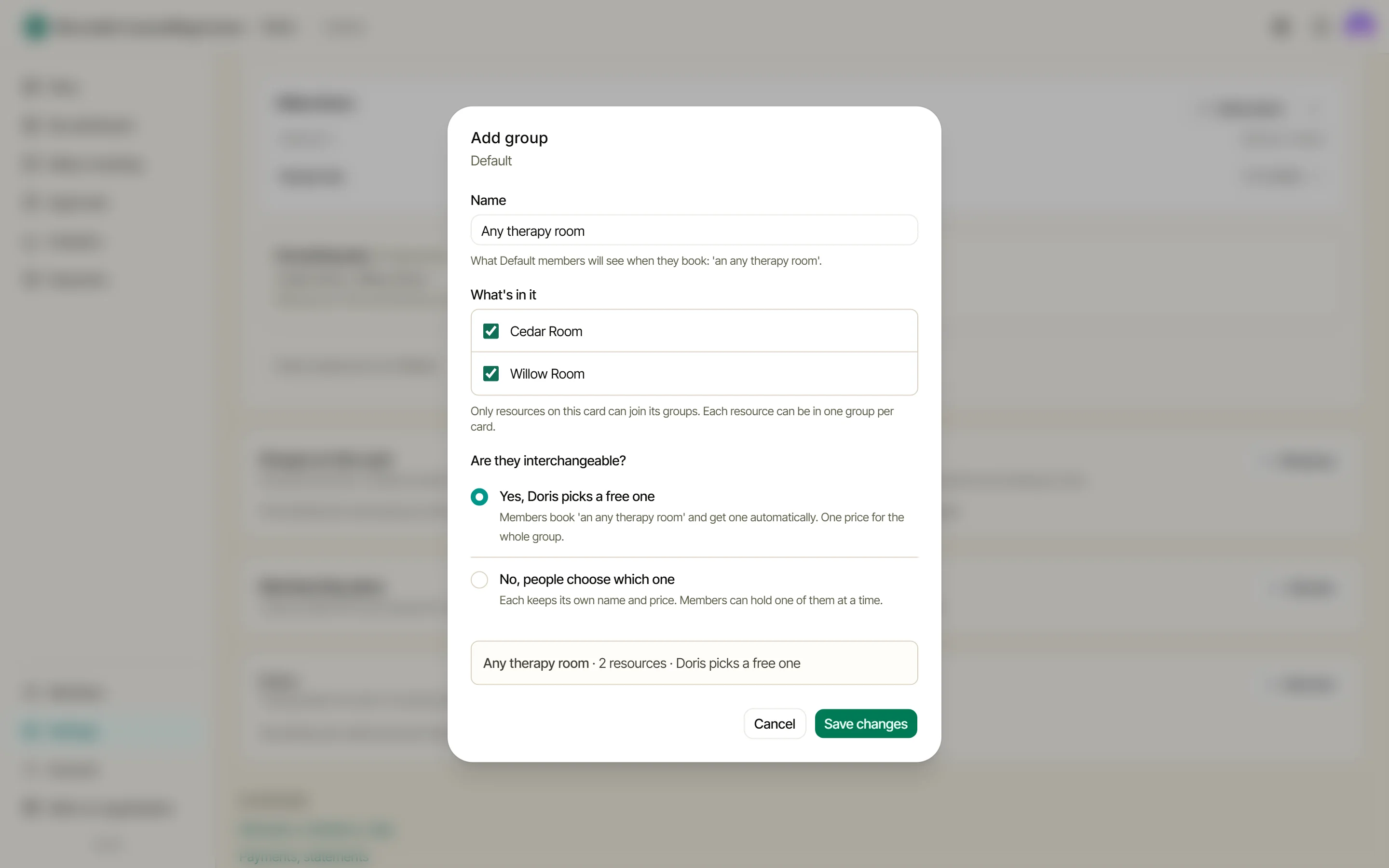
Doris normally stops a member double-booking themselves. Groups are how you say which things can be held together: a member can hold one booking at a time in each group, so the hall and the kitchen as two groups can both be held at once. Mark a group interchangeable and members book “a therapy room” or “a desk” while Doris picks a free one. Groups carry no prices of their own, so the rooms in an interchangeable group must cost the same.
Bundle regular use into a plan
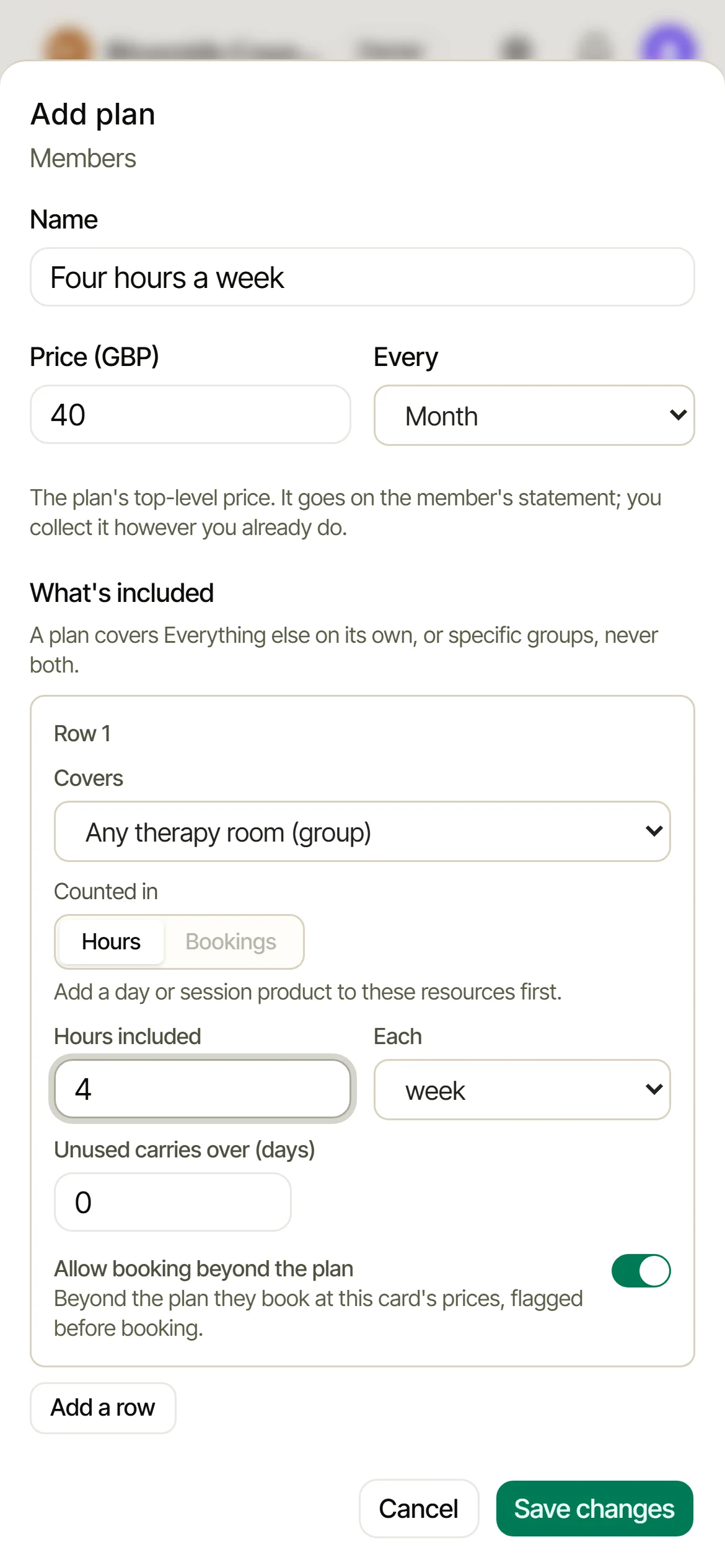
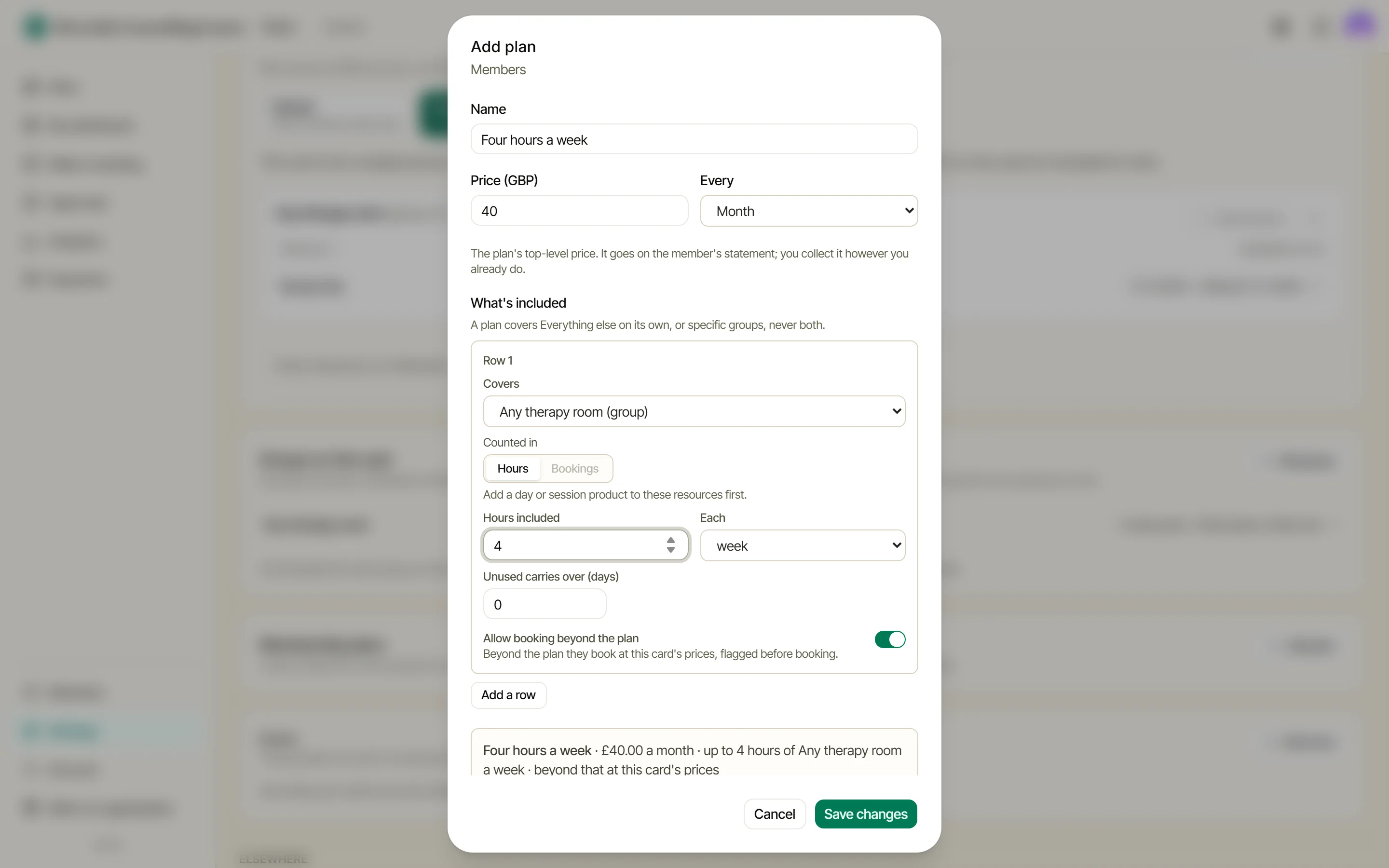
A membership plan lives on a card: so many hours or bookings each week or month, for a fixed fee. Bookings inside the plan cost nothing extra; beyond it, the product price applies, unless you switch that off. The fee goes on the statement. Doris records it and never collects it.
Tell members how to pay
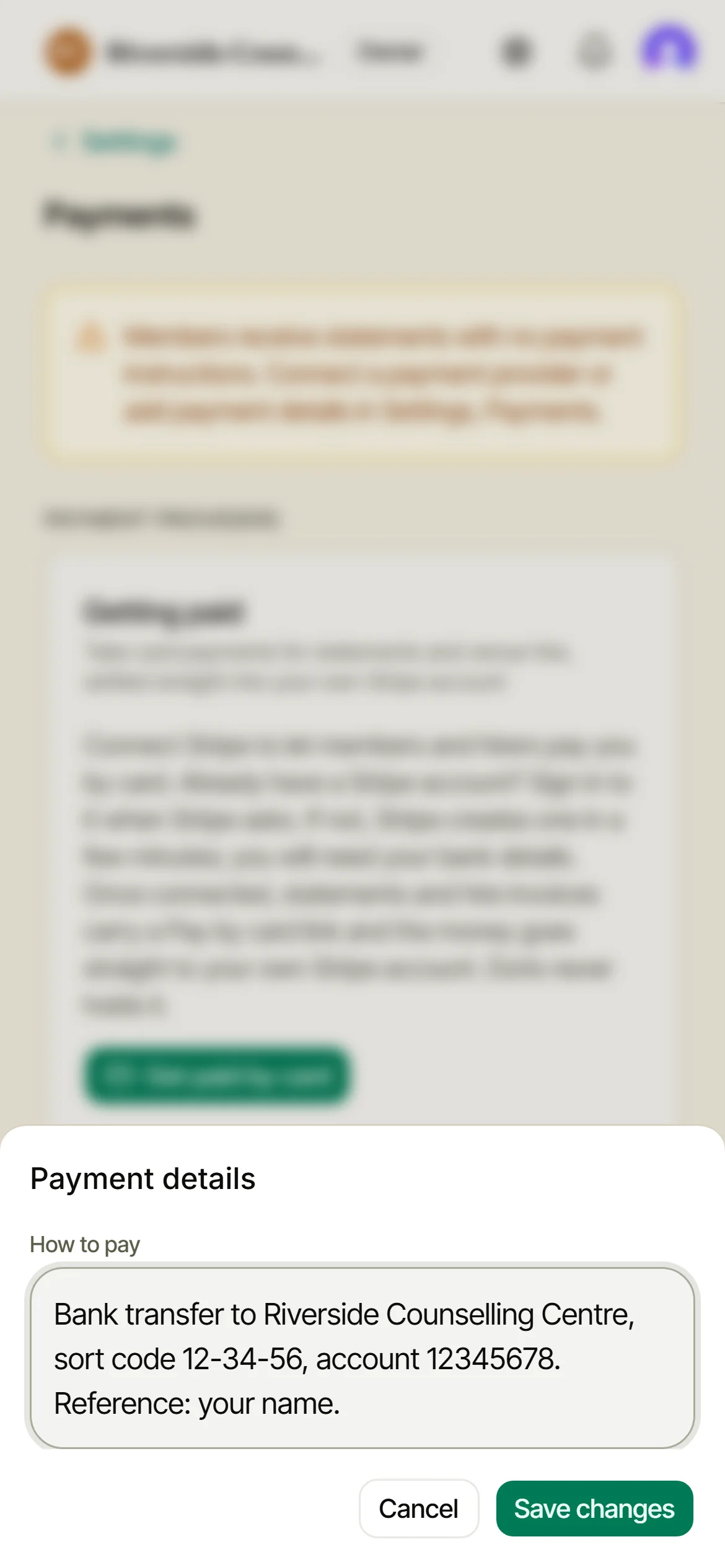
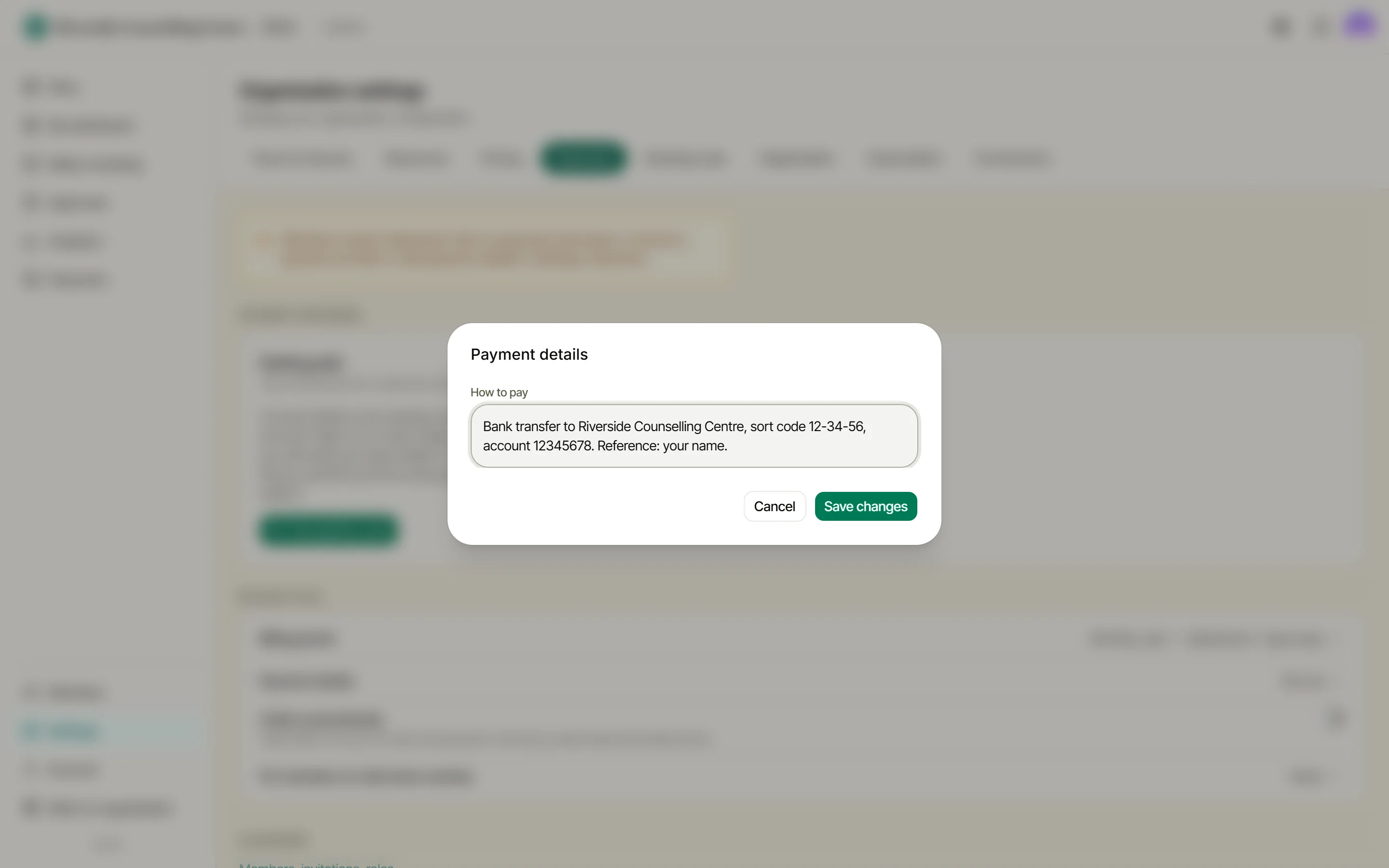
In Settings, then Payments, under Billing cycle, open Payment details and write your bank details or instructions once under How to pay. They print on every statement. This section is owner-only and part of Diary & Billing: an admin sees a note that the owner manages it, and on the Diary plan there’s an upgrade prompt in its place.
Going further
Extras (a projector, refreshments) can be added to a booking and, on Diary & Billing, priced on top. They live under Settings, then Resources, on every plan; on Free and Diary they are counted but carry no price.
Guest hires pick up a rate card too, so a community tariff and a commercial tariff are two cards, not two spreadsheets. And if any of this needs the why as well as the how, How pricing works explains the whole model on one page.