My CV
One app. Three ways I work.
I don't force your organisation into a box. I simply keep the diary running the way your people actually use your spaces.
I keep slots tidy for appointments & clinics
Best for therapy practices, wellness clinics, and counselling charities.
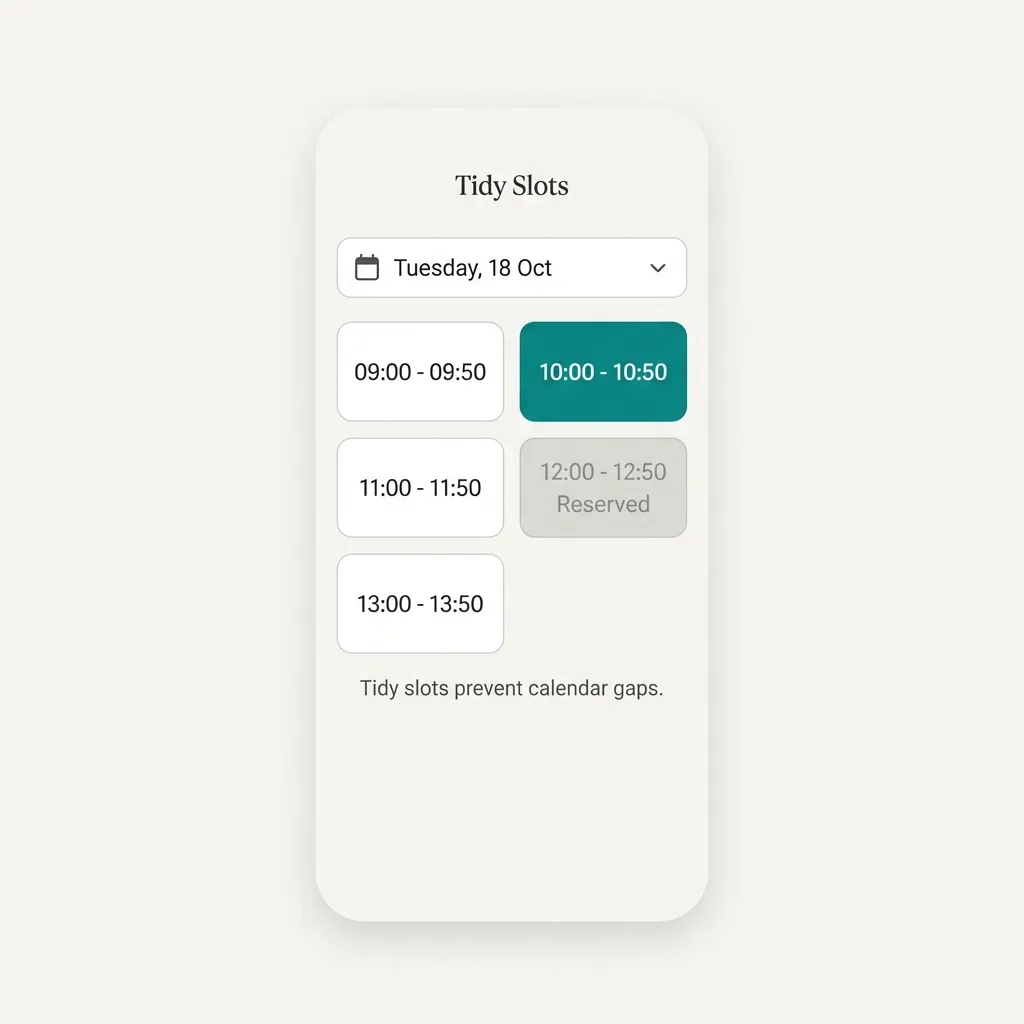
If you let people book whatever times they want, you end up with fragmented calendars: awkward 15-minute gaps throughout the day that nobody else can use. I prevent that.
- Automatic Slots Tell me how long your sessions are (e.g., 20 or 50 minutes) and when your day starts. I'll automatically partition your opening hours into clean, back-to-back slots.
- Zero Schedule Gaps Bookers choose from the pre-populated slots I generate. The schedule stays aligned and your room utilisation stays high.
- Clash Lock The millisecond a therapist claims a slot, I lock it. No double-bookings, ever.
- Private Diaries Your bookers only see what they need to see (their own bookings), keeping client schedules confidential.

I manage block bookings for community halls & clubs
Best for community venues, churches, and local sports clubs.
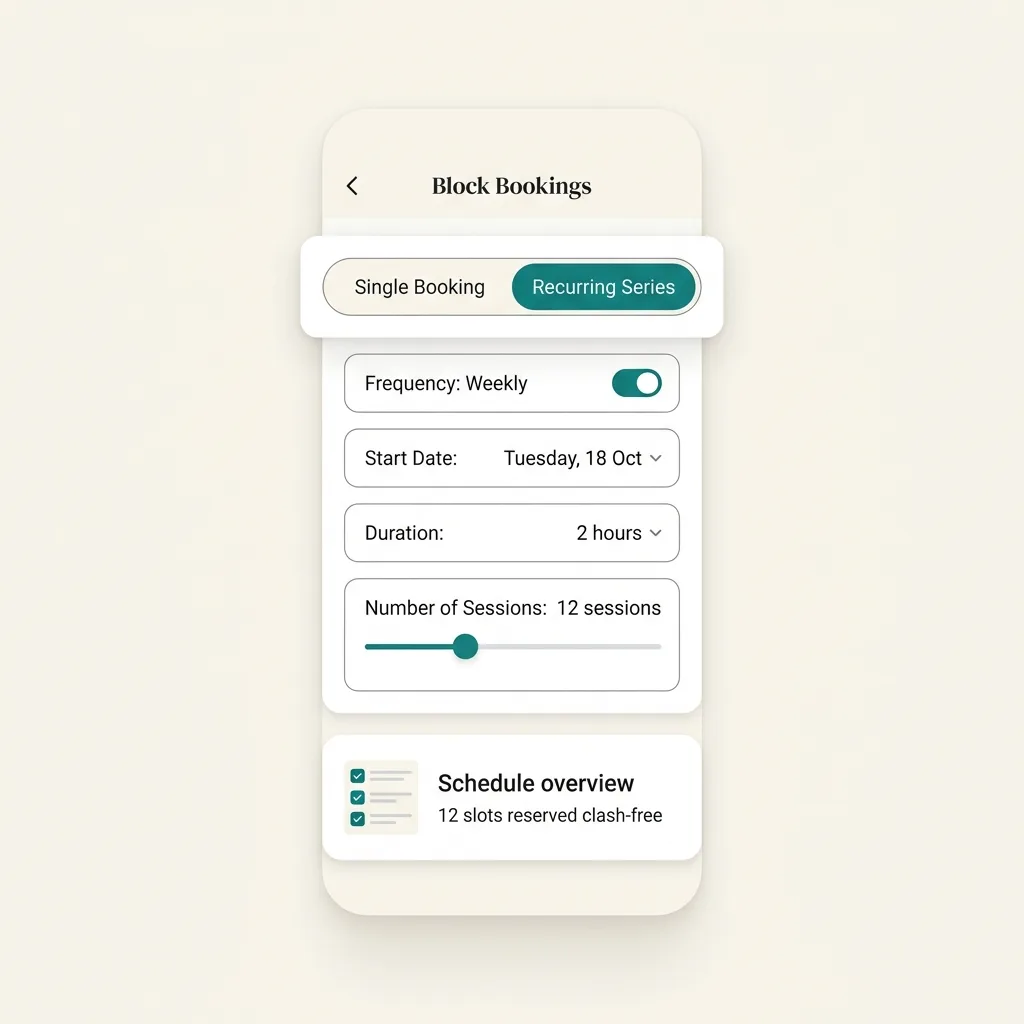
Weekly yoga classes, monthly committee meetings, and weekend hires are a headache to track in a notebook or spreadsheet. I take the admin off your hands.
- 24-Week Block Series Book recurring classes or monthly meetings in a single flow. I'll write the entire series into the diary for you.
- Clash Catcher If one week in a 12-week block has a conflict, I won't just reject the booking. I'll flag the clash and suggest the closest open slot.
- Approval Queue Let members request dates. I'll hold the room as pending and drop a notice on your admin dashboard until you give me the nod.

I share desks for workspaces & hubs
Best for hot-desking offices, shared workspaces, and charity centres.
Traditional room calendars fail when multiple people need to work in the same room. I treat shared spaces differently by managing capacity, not just doors.
- Shared Capacities Tell me how many desks are in the hub. I'll let members book desks simultaneously and automatically turn away bookings once we are full.
- Social Office View I'll show your team who else is booked into the shared space on any given day. If they want to coordinate office days, they can check my diary first.
- Quiet Hot Desking Members book in seconds from their phones, meaning you never walk in to find a desk shortage.

Rates & Exports
Keep your money. I'll handle the report.
I don't get in the middle of your cash flow. I don't ask for your bank details, set up complex payment gateways, or charge processing fees. Instead, you tell me the hourly or session rates for your rooms, and I track who uses what. At the end of the month, I'll generate a clean CSV billing report. You download it, drop it straight into Xero or QuickBooks, and invoice your members. You collect the money, I keep the score.
Ready to let me run your rooms?
Try me free for 28 days, no credit card required. By week four, you'll wonder how you managed without me.
Start your free trial